Discussion
Loading...

Post

Log in
  • About
  • Code of conduct
  • Privacy
  • Users
  • Instances
  • About Bonfire
9to5Mac
9to5Mac
@9to5Mac@mastodon.online  ·  activity timestamp last week

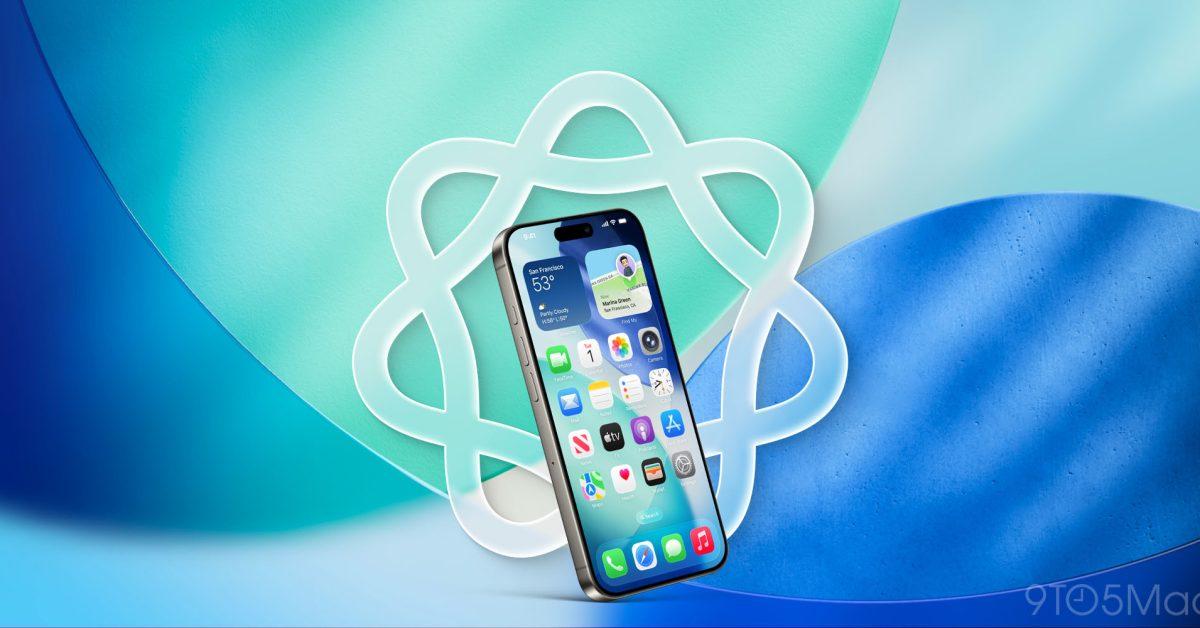
iOS 26 gave screenshots a hidden power I’ve started using a lot https://9to5mac.com/2026/01/09/ios-26-gave-screenshots-a-hidden-power-ive-started-using-a-lot/?utm_source=dlvr.it&utm_medium=mastodon

Sorry, no caption provided by author
9to5Mac

iOS 26 gave screenshots a hidden power I’ve started using a lot - 9to5Mac

iOS 26 brings visual intelligence to screenshots, enabling several new features, including a fix for plain text URLs you can’t tap to open.
  • Copy link
  • Flag this post
  • Block
Public Enemy Exposed
@pee@mastodon.online replied  ·  activity timestamp last week

@9to5Mac I prefer the old screenshot tool, which allows you to immediately use the drawing tool. The AI screen is always in the way and absolutely useless to me - a major irritation I cannot get used to, just like the rest of iOS26.

#Apple #iOS #iOS26 #iPhone

  • Copy link
  • Flag this comment
  • Block

bonfire.cafe

A space for Bonfire maintainers and contributors to communicate

bonfire.cafe: About · Code of conduct · Privacy · Users · Instances
Bonfire social · 1.0.1-beta.35 no JS en
Automatic federation enabled
Log in
  • Explore
  • About
  • Members
  • Code of Conduct