
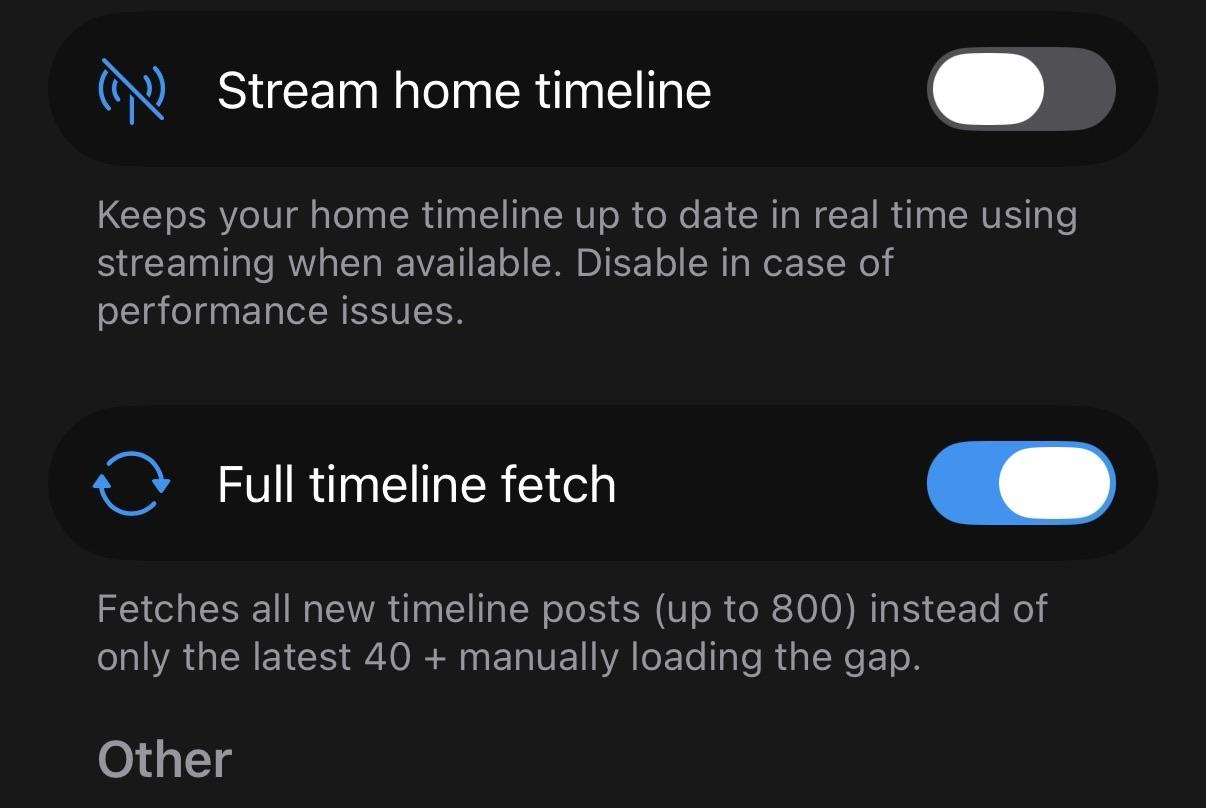
@IceCubesApp @dimillian I’m using iOS version 2.1.3 and regardless of this “Full Timeline Fetch” setting it only returns 40 posts for any tag group or list… I’m guessing this has no effect on lists/tags? So frustrating, help! #IceCubesApp
I like that #ivoryapp has the smoothest scrolling
I like that #icecubesapp supports fedi features sooner and loads custom emojis faster and MOST IMPORTANTLY supports animated emojis. But it doesn’t scroll well  maybe those things are related
At least we have a choice in apps and I get to support both, but I truly wish we got a little more cross-contamination of features.

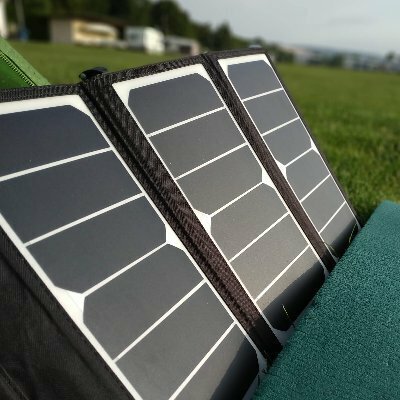
I spent last Saturday #groundhopping in Saarbrücken. In the Sunshine.
(Trying out mobile image uploads with #snac #snac2 and #IceCubes #IceCubesApp)



@jimmyd2 I have very few other reports of that and it’s hard to understand where it’s coming from

@IceCubesApp I get notifications from many apps. #IceCubes is the only one that doesn’t show the actual message. #IceCubesApp
@IceCubesApp Am I the only one that has trouble with notifications? Previews don’t work on the lock screen, there are no badges to show unread notifications. I have reinstalled multiple times. I would like to switch back from Mona full time. Please let me know if I’m doing something wrong. #IceCubes #IceCubesApp
fedicat
and 1 other
boosted

Nice: @IceCubesApp now has a statistics feature 👍

Nice: @IceCubesApp now has a statistics feature 👍

We’re entering an era where @IceCubesApp is as polished, stable, and up-to-date as ever before.
I have two updates coming that add some nice features and polish the last few rough edges.
i found 4 related #IceCubesApp issues that could be fixed together as "Filter-Notifications-Overhaul":
🔴 #2211 - Filtered notifications despite "hide completely"
🔴 #639 - Filter context not respected (since 2023!)
🔴 #2210 - Filtered Notifications persist after disabling
🔴 #2227 - UI/localization improvements
All involve filter behavior in notifications. Maybe AI could help find the root cause? 🤖
Would love to see these fixed! 💪
Thanks for the amazing app!

Das ist jetzt das zweite Mal kurz hintereinander das die #IceCubesApp hängt und da ich keine Lust habe jedes Mal wieder neu zu installieren fliegt diese jetzt erstmal runter vom iPhone.
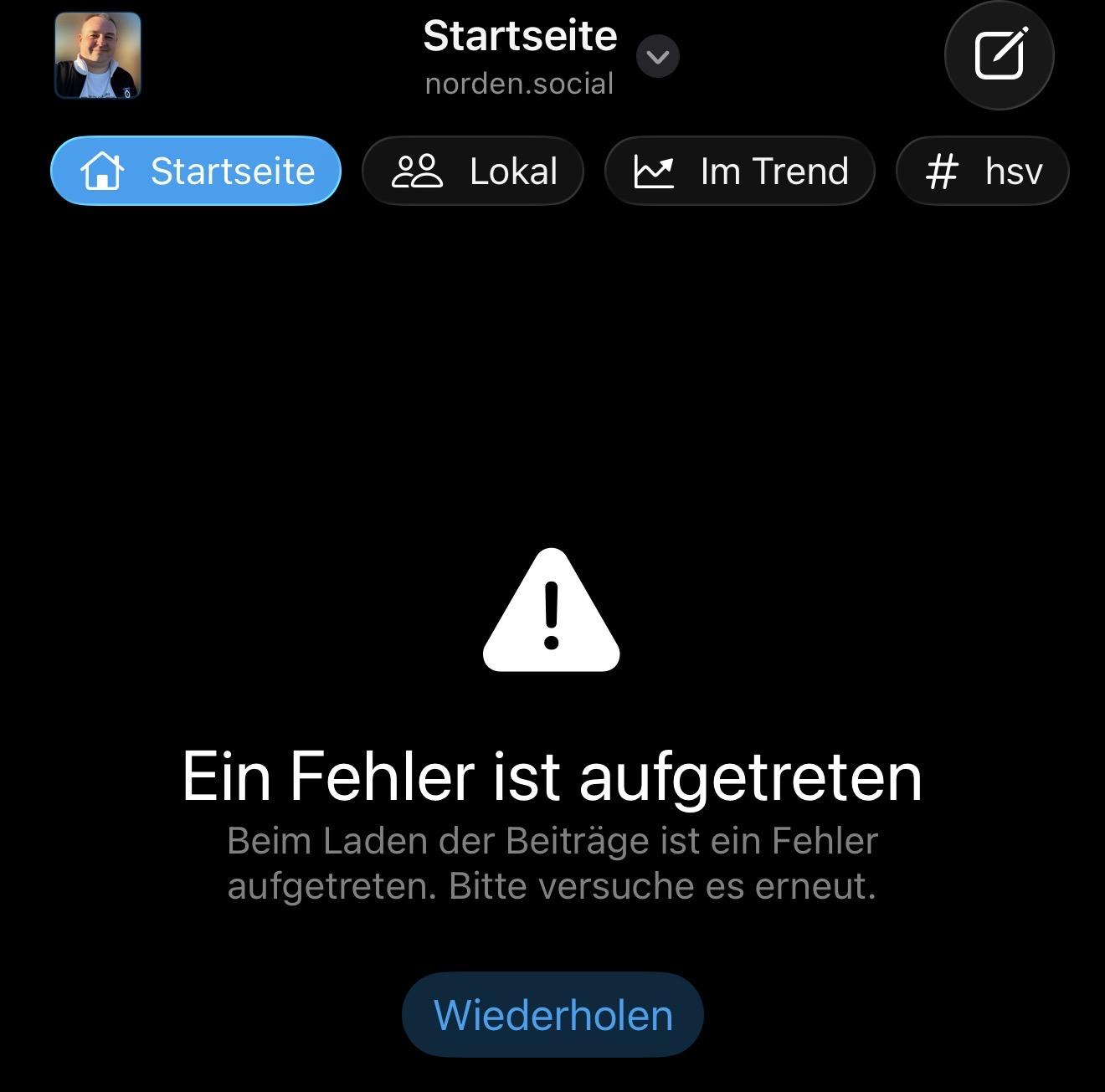
@phpmacher And there is, hitting, the top menu and refresh will clear the cache and fetch a new timeline
@dimillian ohhh, this ist another behaviour as dragging the timeline down?
With this refresh from the menu it loads 11 Posts (with or without full load) and then "continue" appears without any chance to load more.
#icecubesapp is the only client i have, with this problems. Therefore, I would dismiss the instance as a reason.

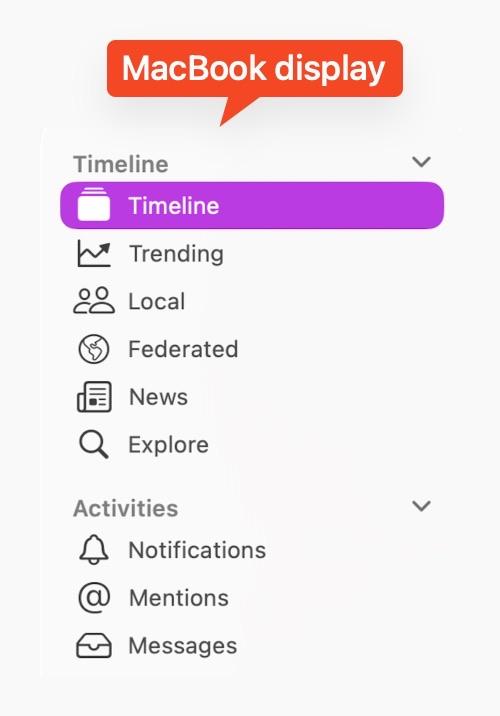
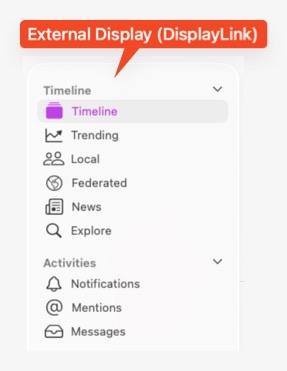
Running #IceCubesApp on #tahoe.
The font in the app is totally fine and crisp when the windows is on the local “retina”-display of the #MacBook.
But on the external display, connected via DisplayLink (hardware-adapter), the font is blurred or unsharp.
Moving the app window back to the internal display: navigation is re-rendered and everything is crisp again.
ref: https://github.com/Dimillian/IceCubesApp/issues/2323
/cc @IceCubesApp
2 media
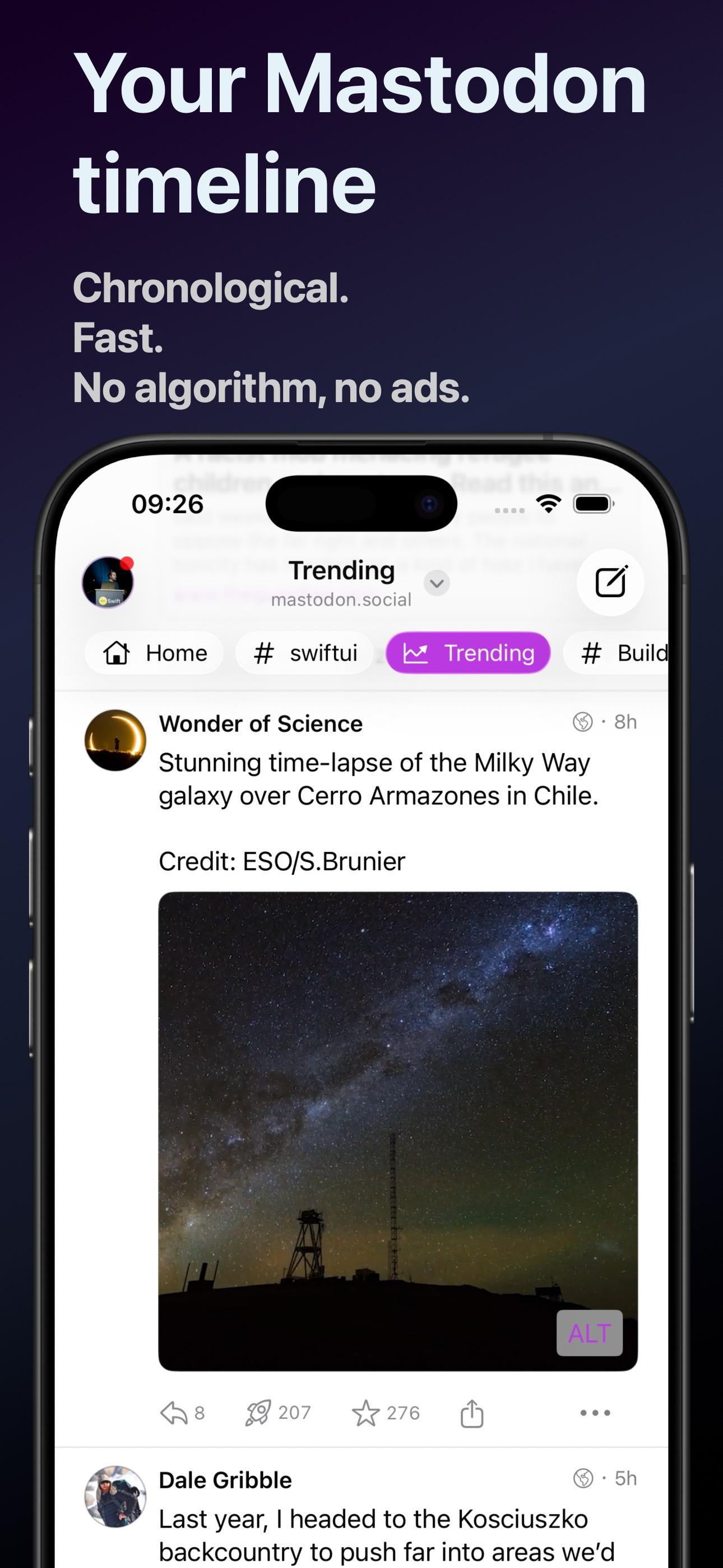
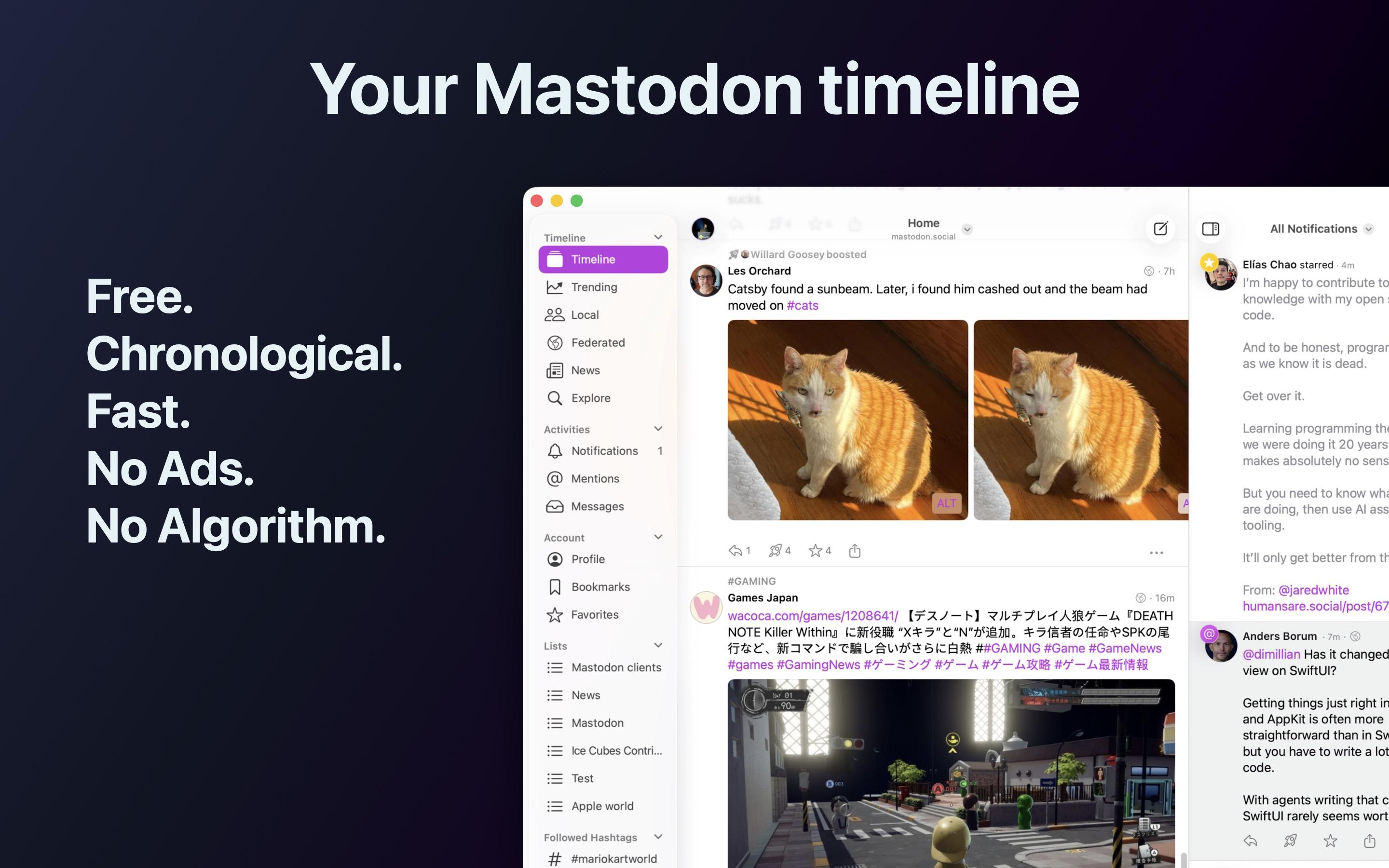
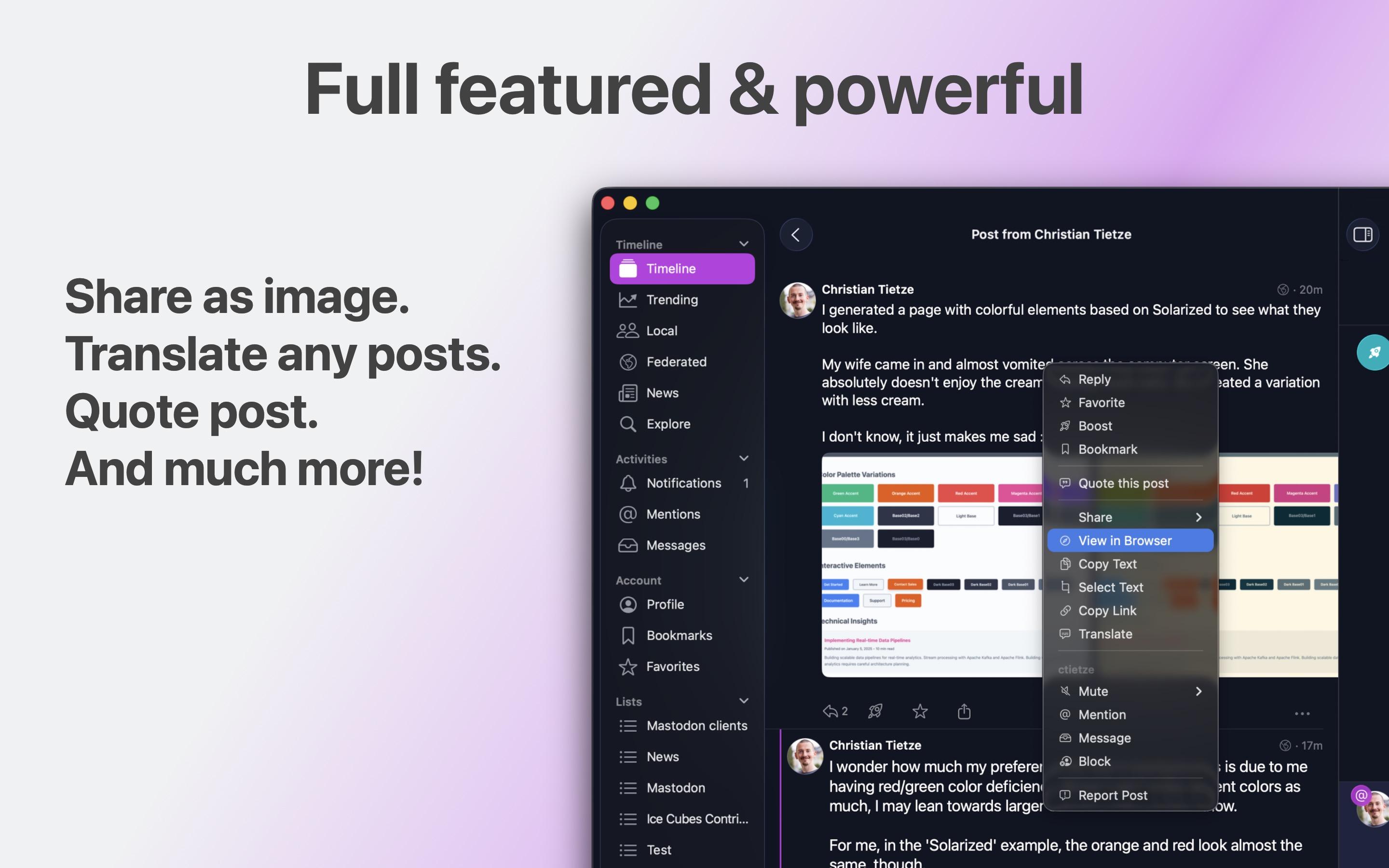
Ice Cubes 2.0 is out, and in time for the iOS 26 release later today!
It's a considerable app refinement, even faster and better than before, especially on iOS 26.
The iOS, macOS, and iPadOS are now all unified behind the same interface, and all-new Liquid Glass controls are used where appropriate.
And like before, you can tweak basically everything, from the font used to display posts to haptic feedback and sound effects!
Download it on the App Store!
https://apps.apple.com/fr/app/ice-cubes-for-mastodon/id6444915884
4 media

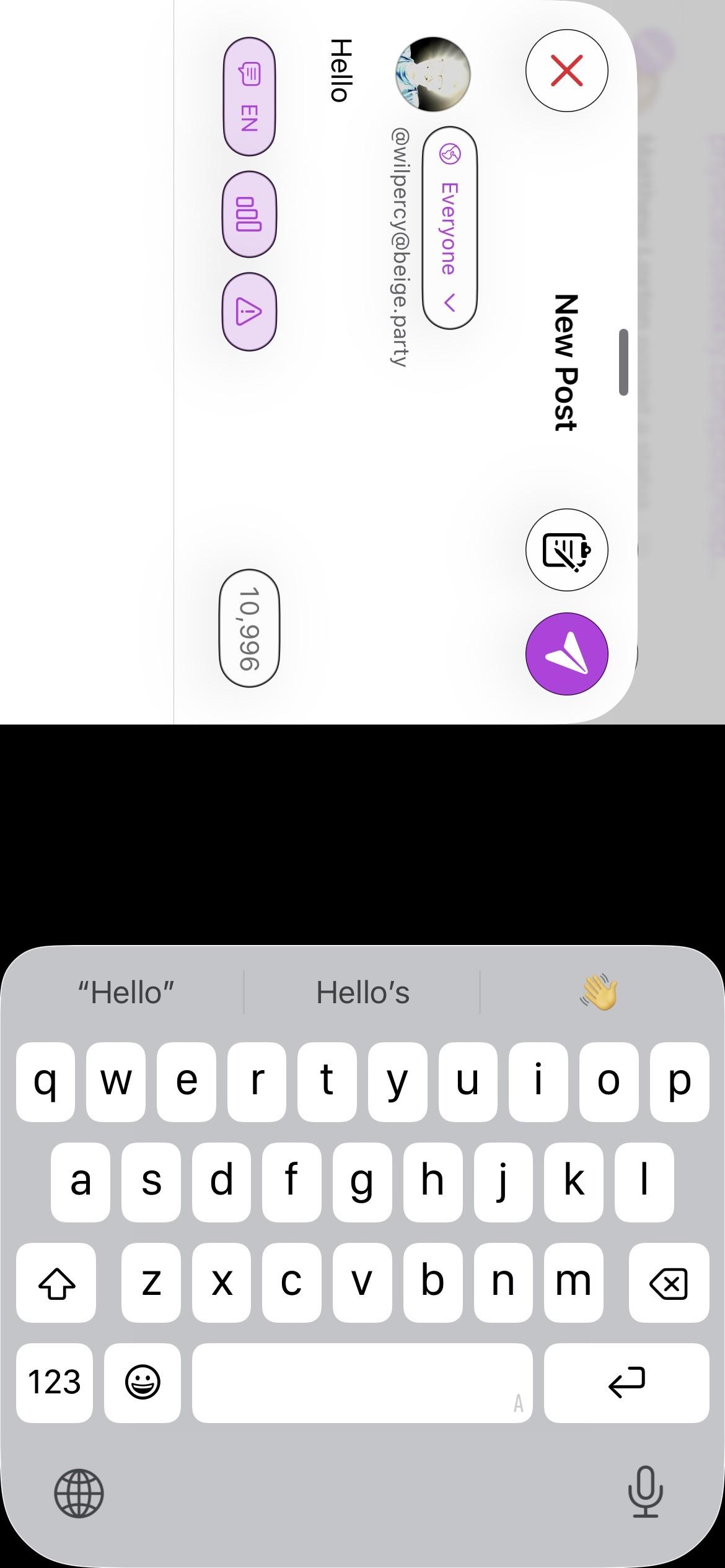
@IceCubesApp I really like the App and use it on an iPhone, iPad and iMac. (All 26 operating systems) Thank you for all your hard work. I’m not sure if this is the place to notify you of problems but:
1. when composing a toot on the iPhone if I change posture and the screen shifts from portrait to landscape the whole thing freezes and I have to do a hard quit to get out of it. (See screenshot.)
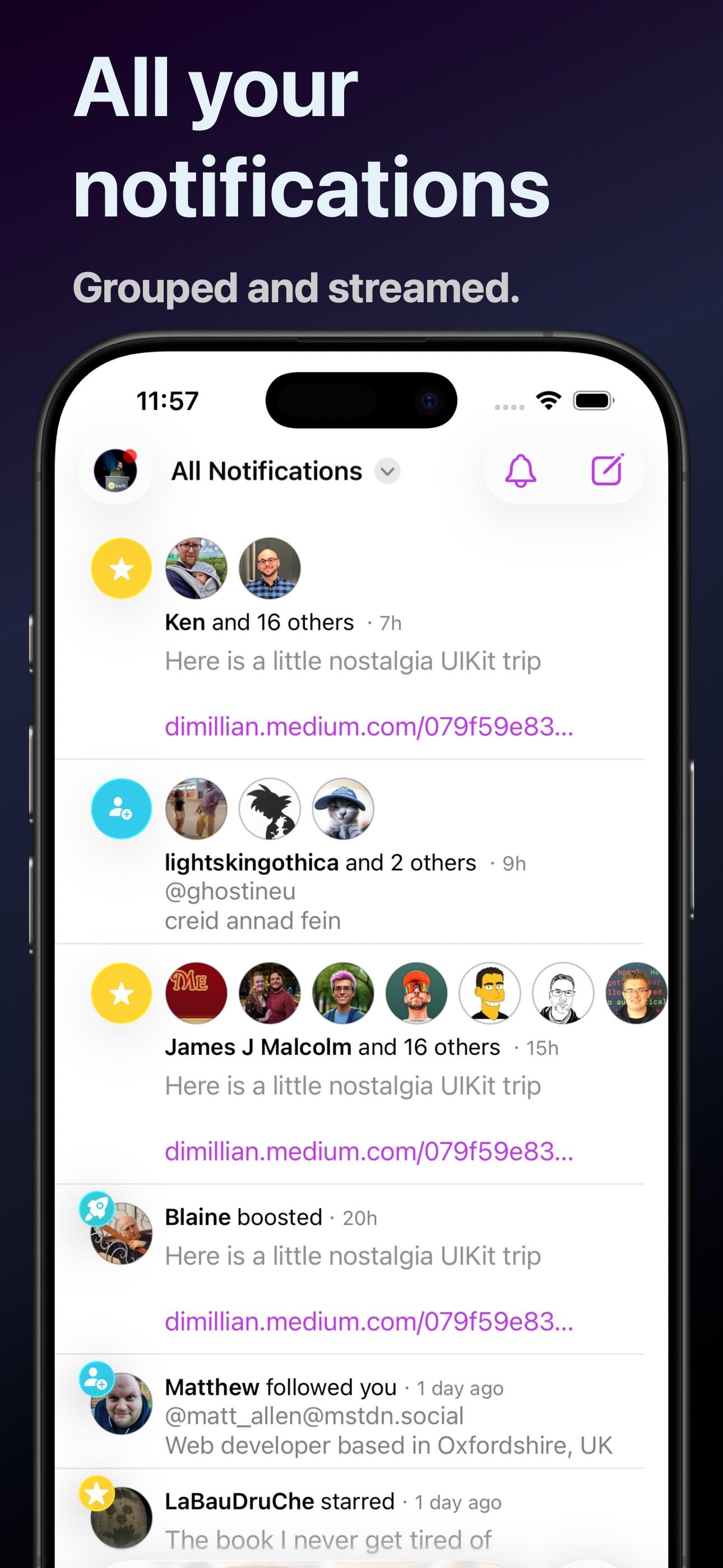
2. In Notifications if I select the Mentions, Favorites or Boost filters I get the same list as presented by All Notifications.
3. iPhone All Notifications seem to be unlimited in length whereas the iMac app is limited to 40. (?) I don’t see a ‘load more’ button.
4. Could you ensure that Camel typing for hashtags shows the the same once the toot is published? I see all lower case but a friend said it looked as I intended to him. I don’t think he uses an iPhone.
Thank you. FYI.

Testing, it seems like the icecubes app update is removing capital letters from hashtags, making them harder to parse.

On iOS26 the #IceCubesApp there is no compose button?!?! Am I missing something?

Huh? Where is the edit function in IceCubes app? #IceCubesApp

The option to display the tab bar with icons only has quietly disappeared. I wonder since when. I really dislike having the labels shown.
IceCubesApp
boosted

@span IceCubesApp just wanted to say I really like the hashtag bubbles on the new design.
@span IceCubesApp just wanted to say I really like the hashtag bubbles on the new design.

I can't figure out how to access my filters anymore. It used to be easy. I'm using the IceCubes app. Anyone know where I can add/change filters? Thanks!