
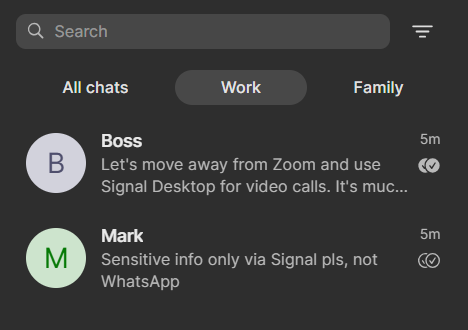
4/ Folders: On of the greatest new #Signal features IMHO are #folders into which you can sort your conversations. Folders appear as tabs on top of the message screen, and most importantly: each folder can be muted with two clicks. An absolute lifesaver for folks like me who need to silence the dozens of cross-timezone work chat groups after office hours!
Post
Replies:
4
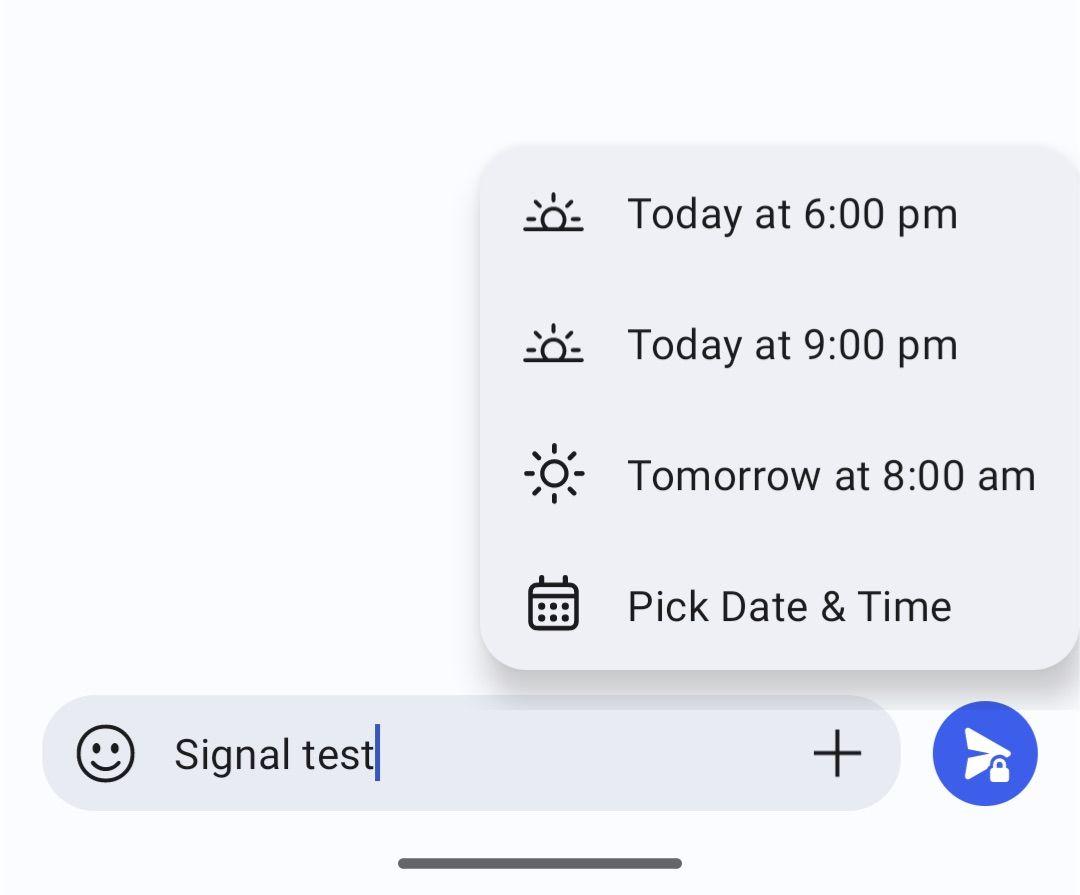
3/ Scheduled messages: With a long tap on the send icon, #Signal allows you to schedule messages for future sending. You can exactly define at what date and minute a message should go out. Super useful when you often draft stuff late at night but don't want to bother recipients before the morning. :)
4/ Folders: On of the greatest new #Signal features IMHO are #folders into which you can sort your conversations. Folders appear as tabs on top of the message screen, and most importantly: each folder can be muted with two clicks. An absolute lifesaver for folks like me who need to silence the dozens of cross-timezone work chat groups after office hours!
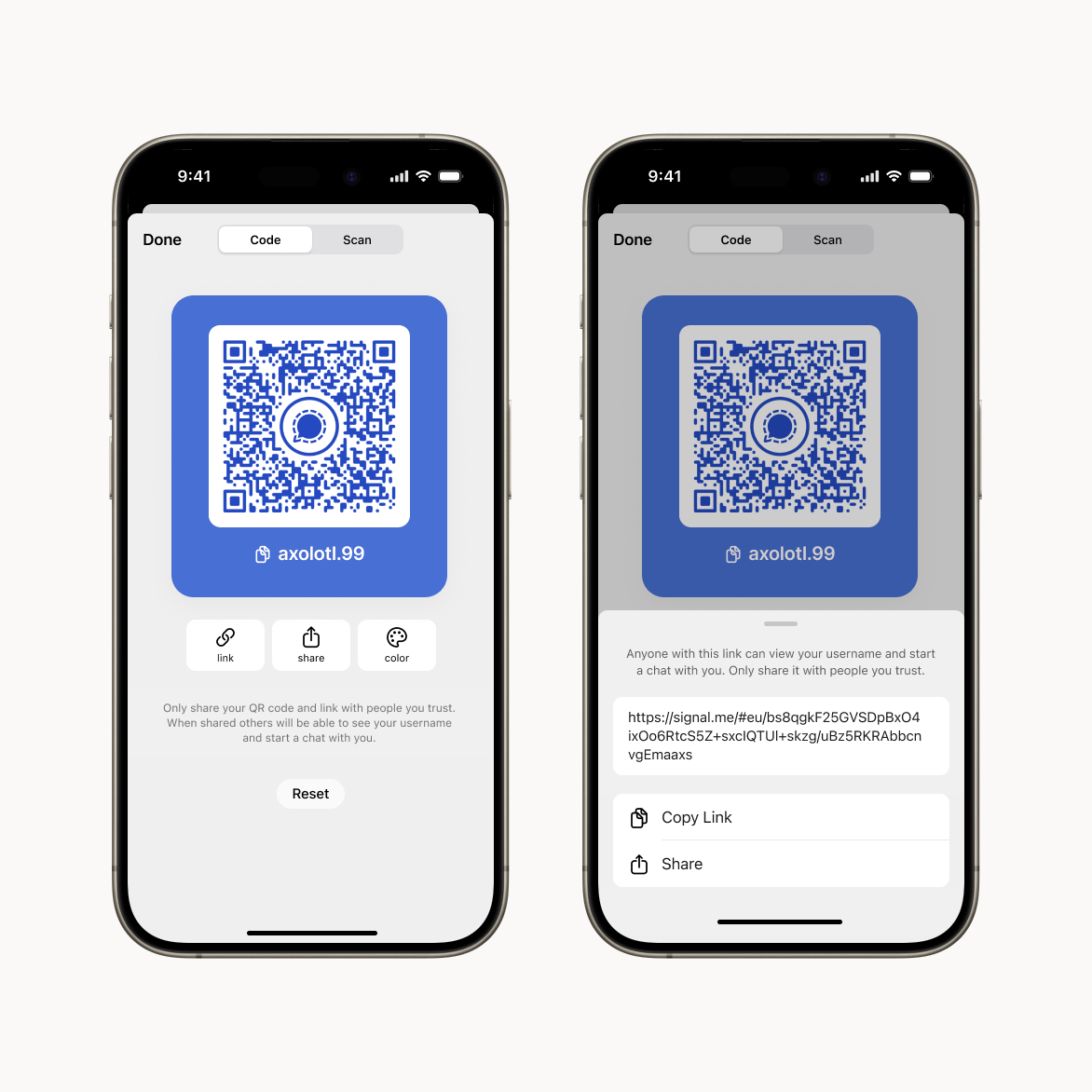
5/ QR codes and usernames: This one's a bit old but I still meet people who are unaware: there's no need any more to share your phone number with people you'd like to connect with on Signal. You've got a (recyclable) Signal #username and can show people a #QRcode to make the connection and start chatting.