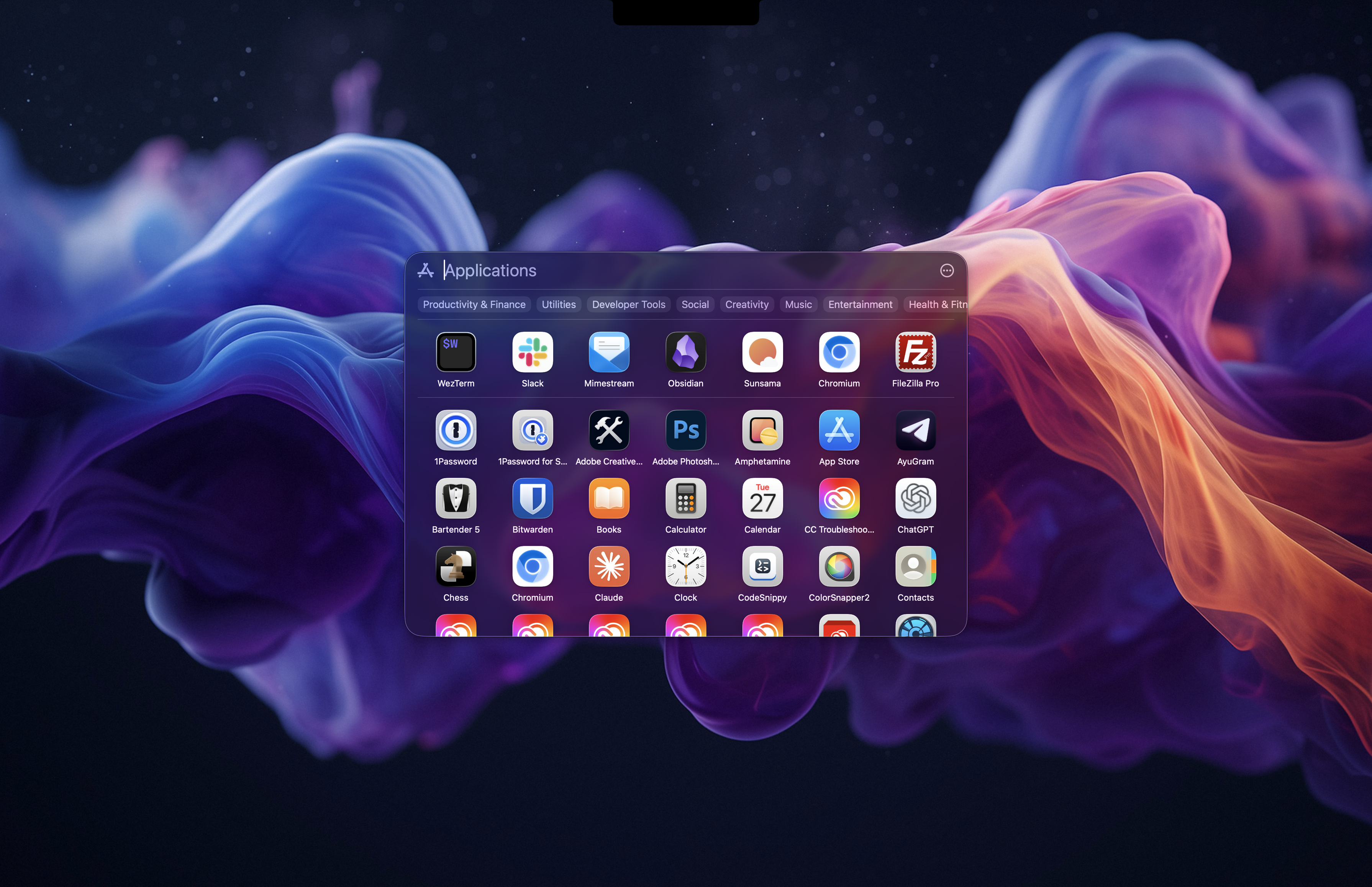

MacOS Tahoe got rid of the full screen launchpad. LaunchBack is a free and open-source re-implementation of the "classic" macOS Launchpad.
https://github.com/trey-a-12/LaunchBack
Discussion
Loading...
Post
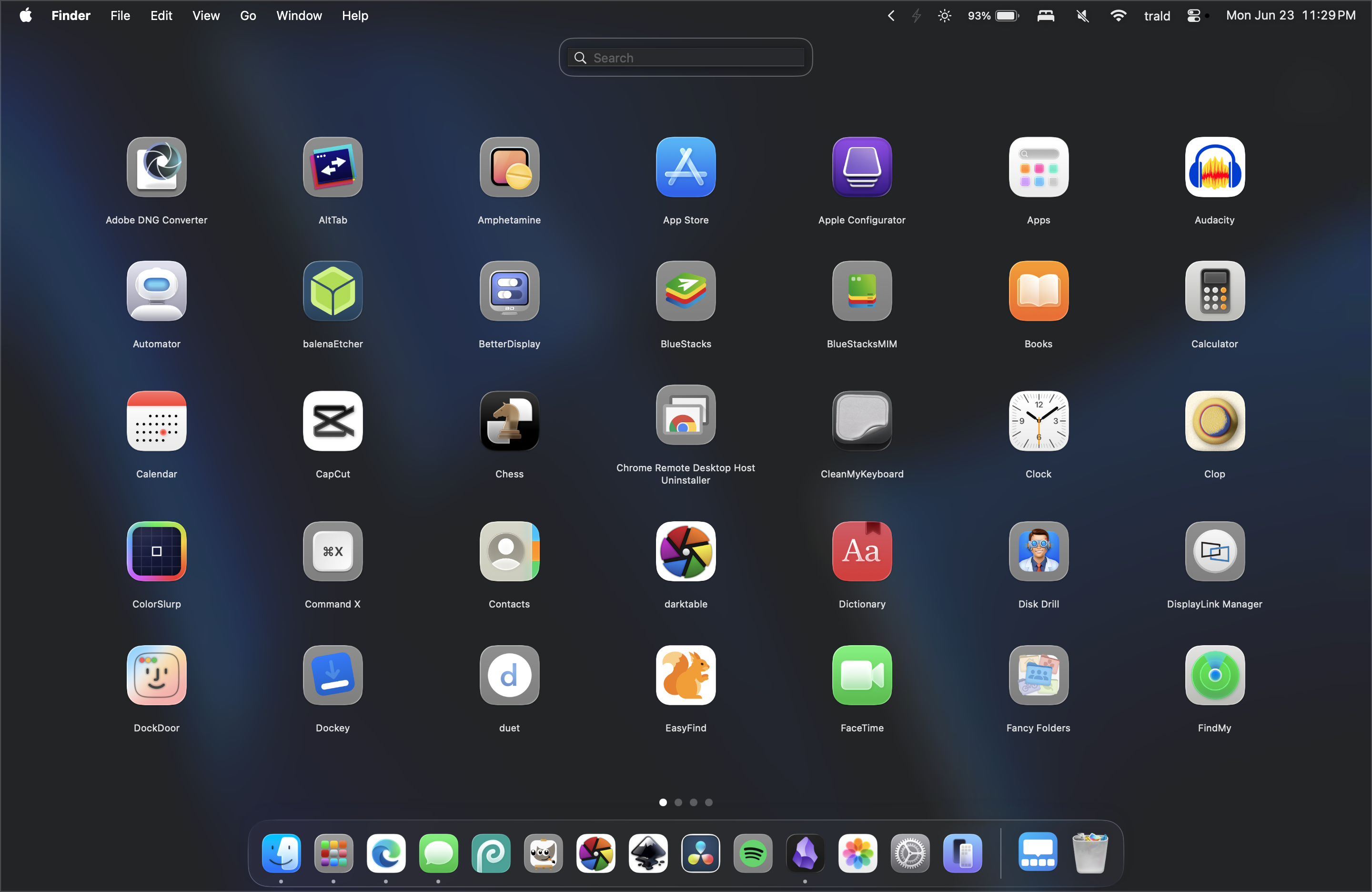


@rolle Interesting. Remember how universally hated the full-screen start menu in Windows 8 was, so much so that consumers forced Microsoft to implement a setting that would put it back?
Or how the default Windows 11 task bar sits at the centre of the screen, but everyone I've ever known who's ever installed Windows 11 spends the first 30 minutes in the operating system trying to put it back to the left?
It just goes to show how diametrically opposed Windows users are from Mac users. :-D
@GrahamDowns The full-screen Launchpad was announced on October 20, 2010, alongside Mac OS X Lion, so it's been the default for about 26 years. The full screen app navigation has also been the default on GNOME and many Linux distributions for a long time.
I'm don't use Windows that much, but for me, full-screen app navigation is essential. I don't use Spotlight or any search bars, so this new design feels off. I also trigger Launchpad from the corner of my large screen, so I often miss it because it's too subtle.