Discussion
Loading...

Post

Log in
  • About
  • Code of conduct
  • Privacy
  • Users
  • Instances
  • About Bonfire
Kerrick Long (code)
Kerrick Long (code)
@kerrick@ruby.social  ·  activity timestamp 2 weeks ago

Rooibos has a website! https://rooibos.run

#MVU #TheElmArchitecture #TEA #RatatuiRuby #TUI #TerminalUI #TerminalApps #Ruby #Programming #FunctionalProgramming #ModelViewUpdate #Software #SoftwareEngineering

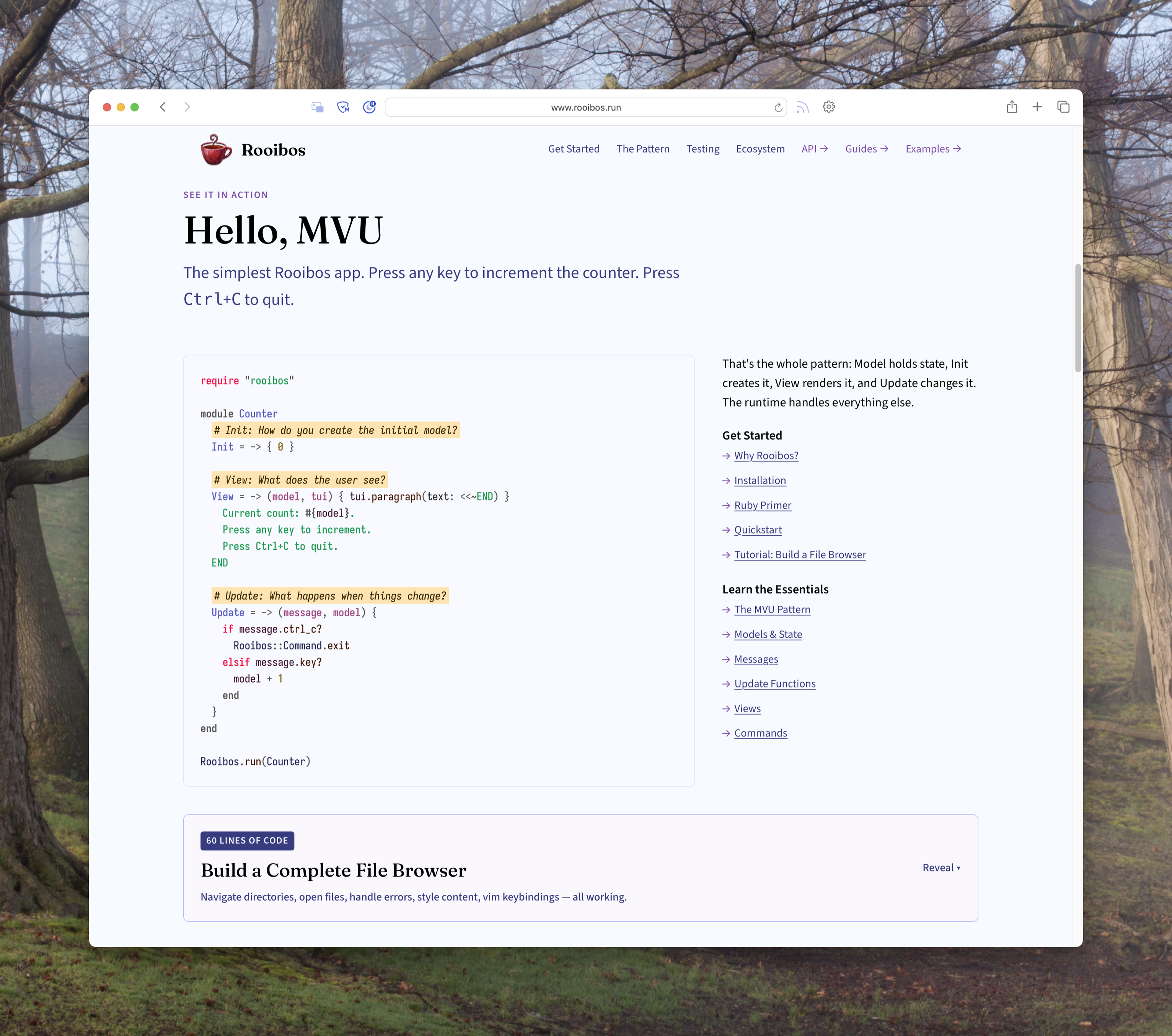
A screenshot of the Rooibos website. The header has a red cup of tea as a logo, with Rooibos and a navigation bar including "Get Started," "The Pattern," "Testing," "Ecosystem," "API ->," "Guides ->," and "Examples ->." The visible part of the webpage says:


See it in action

## Hello, MVU

The simplest Rooibos app. Press any key to increment the counter. Press Ctrl+C to quit.

    require "rooibos"
    
    module Counter
      # Init: How do you create the initial model?
      Init = -> { 0 }
    
      # View: What does the user see?
      View = -> (model, tui) { tui.paragraph(text: <<~END) }
        Current count: #{model}.
        Press any key to increment.
        Press Ctrl+C to quit.
      END
    
      # Update: What happens when things change?
      Update = -> (message, model) {
        if message.ctrl_c?
          Rooibos::Command.exit
        elsif message.key?
          model + 1
        end
      }
    end
    
    Rooibos.run(Counter)

That's the whole pattern: Model holds state, Init creates it, View renders it, and Update changes it. The runtime handles everything else.

#### Get Started

*   Why Rooibos?
*   Installation
*   Ruby Primer
*   Quickstart
*   Tutorial: Build a File Browser

#### Learn the Essentials

*   The MVU Pattern
*   Models & State
*   Messages
*   Update Functions
*   Views
*   Commands

> 60 lines of code Build a Complete File Browser Navigate directories, open files, handle errors, style content, vim keybindings — all working.

A screenshot of the Rooibos website. The header has a red cup of tea as a logo, with Rooibos and a navigation bar including "Get Started," "The Pattern," "Testing," "Ecosystem," "API ->," "Guides ->," and "Examples ->." The visible part of the webpage says: See it in action ## Hello, MVU The simplest Rooibos app. Press any key to increment the counter. Press Ctrl+C to quit. require "rooibos" module Counter # Init: How do you create the initial model? Init = -> { 0 } # View: What does the user see? View = -> (model, tui) { tui.paragraph(text: <<~END) } Current count: #{model}. Press any key to increment. Press Ctrl+C to quit. END # Update: What happens when things change? Update = -> (message, model) { if message.ctrl_c? Rooibos::Command.exit elsif message.key? model + 1 end } end Rooibos.run(Counter) That's the whole pattern: Model holds state, Init creates it, View renders it, and Update changes it. The runtime handles everything else. #### Get Started * Why Rooibos? * Installation * Ruby Primer * Quickstart * Tutorial: Build a File Browser #### Learn the Essentials * The MVU Pattern * Models & State * Messages * Update Functions * Views * Commands > 60 lines of code Build a Complete File Browser Navigate directories, open files, handle errors, style content, vim keybindings — all working.
  • Copy link
  • Flag this post
  • Block

bonfire.cafe

A space for Bonfire maintainers and contributors to communicate

bonfire.cafe: About · Code of conduct · Privacy · Users · Instances
Bonfire social · 1.0.2-alpha.7 no JS en
Automatic federation enabled
Log in
  • Explore
  • About
  • Members
  • Code of Conduct