

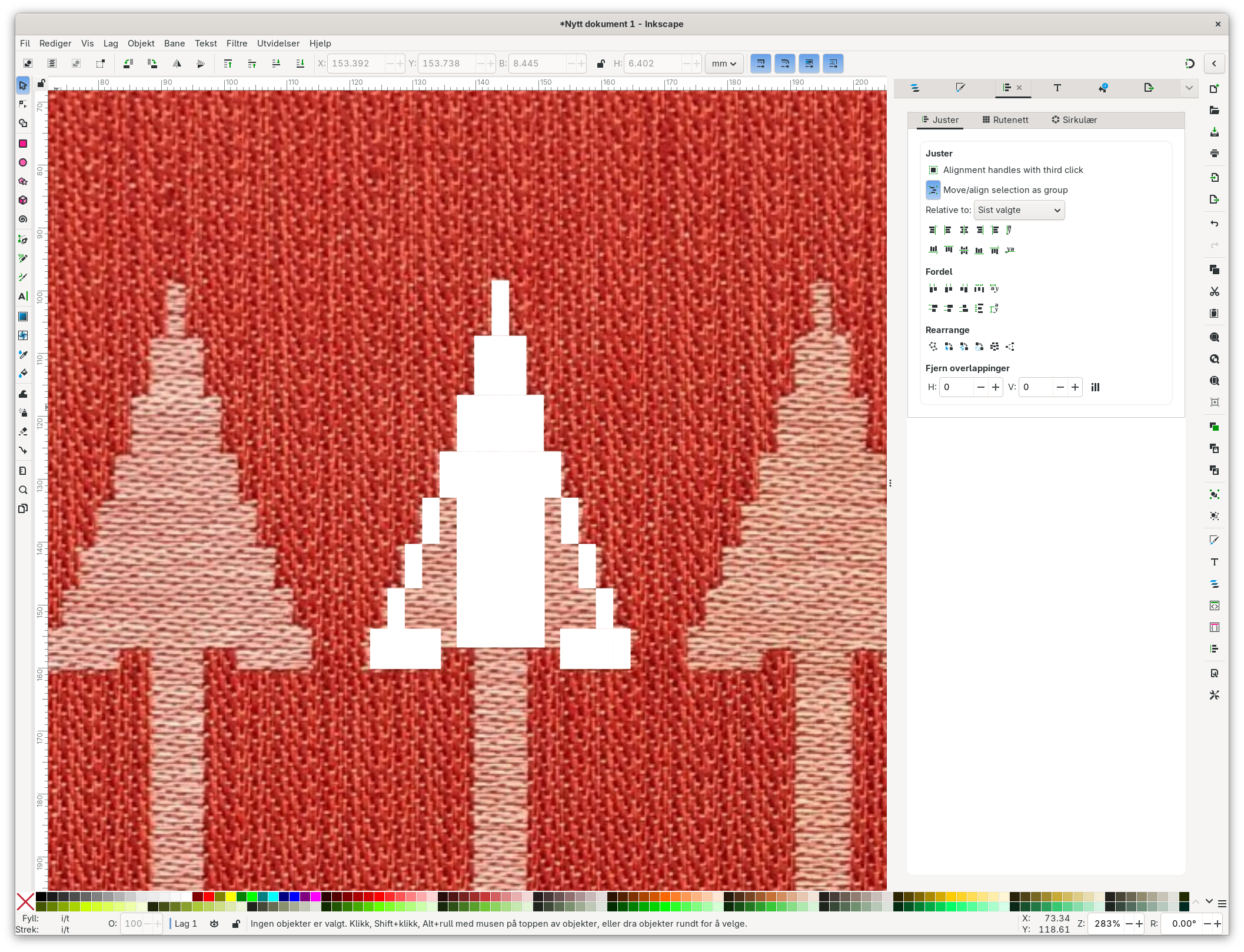
Tell me there's an easier/faster way to make a solid svg object out of an element in a photograph, that is not in one solid color?
Discussion
Loading...
Post


@forteller i run it rough and shabby, using "trace bitmap" iirc, and using the multicolor submenu. Often looks dashing on laser cuts and 3D prints, where tiny details are lost anyways. Tends to get 'the gist' of an object, but also tends to get various small anomalies.


This is a pixel image, so this is a multi-step process.
1. Bring it into gimp, not inkscape
2. Rotate and skew it until pixel edges align well with all 4 sides and there are no half-pixels
3. Resize the image to the count of the number of pixels. 43 wide in this example (can't see what's off screen) and DO NOT use any subsampling, so change Cubic to None.
4. Now use the pixel brush with a 1px size to just blip over the pattern to clean it up with a solid fill.