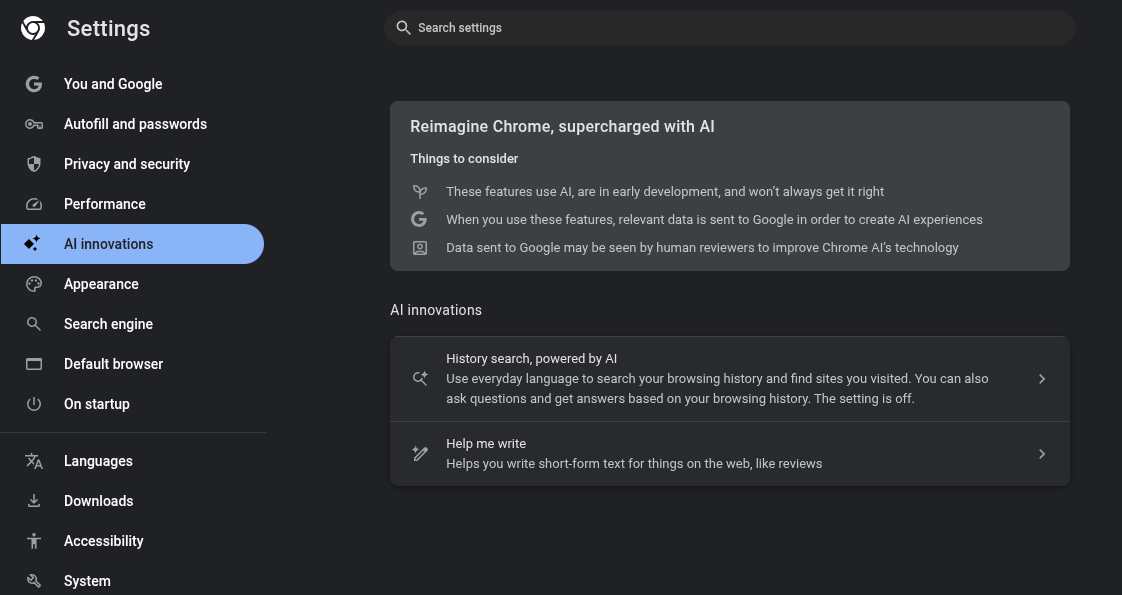
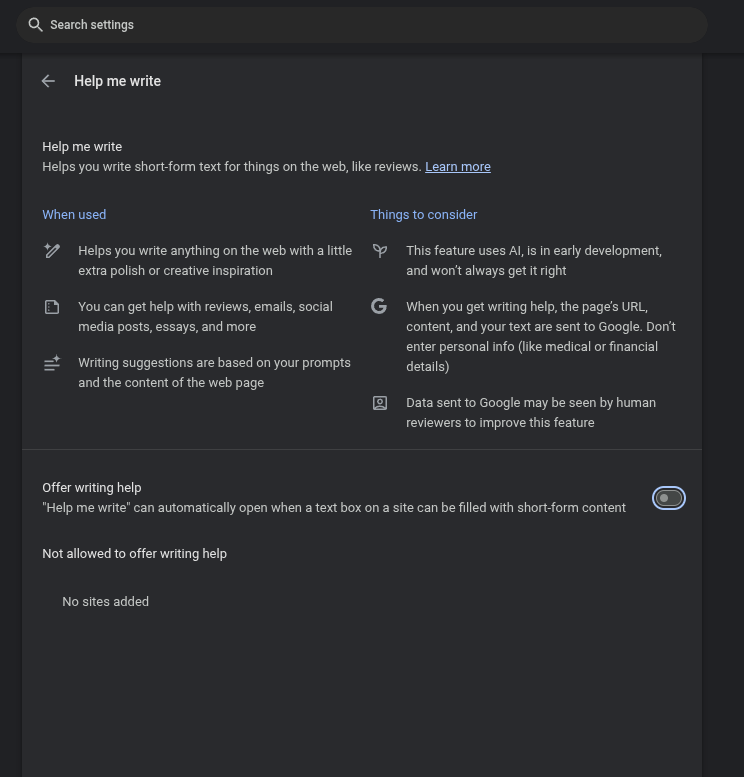
Chrome Settings ->Ai Innovations
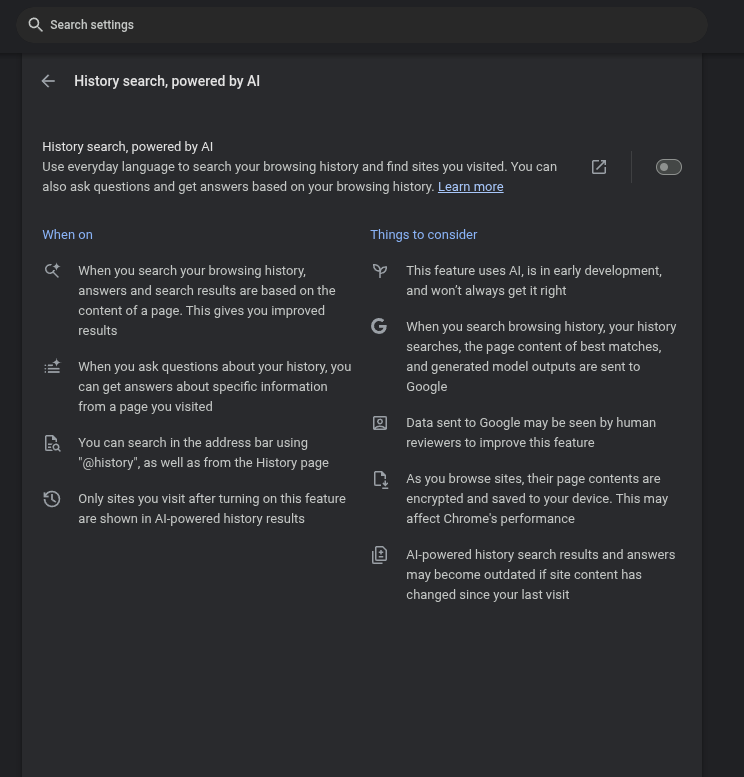
History search, powered by AI Set To OFF
Use everyday language to search your browsing history and find sites you visited. You can also ask questions and get answers based on your browsing history. Learn more
When on
When you search your browsing history, answers and search results are based on the content of a page. This gives you improved results
When you ask questions about your history, you can get answers about specific information from a page you visited
You can search in the address bar using "@history", as well as from the History page
Only sites you visit after turning on this feature are shown in AI-powered history results
Things to consider
This feature uses AI, is in early development, and won’t always get it right
When you search browsing history, your history searches, the page content of best matches, and generated model outputs are sent to Google
Data sent to Google may be seen by human reviewers to improve this feature
As you browse sites, their page contents are encrypted and saved to your device. This may affect Chrome's performance
AI-powered history search results and answers may become outdated if site content has changed since your last visit


 PSA
PSA