
Discussion
Loading...

#Tag

Log in
  • About
  • Code of conduct
  • Privacy
  • Users
  • Instances
  • About Bonfire
Eugene :freebsd: :emacslogo:
@evgandr@mastodon.bsd.cafe  ·  activity timestamp 3 days ago

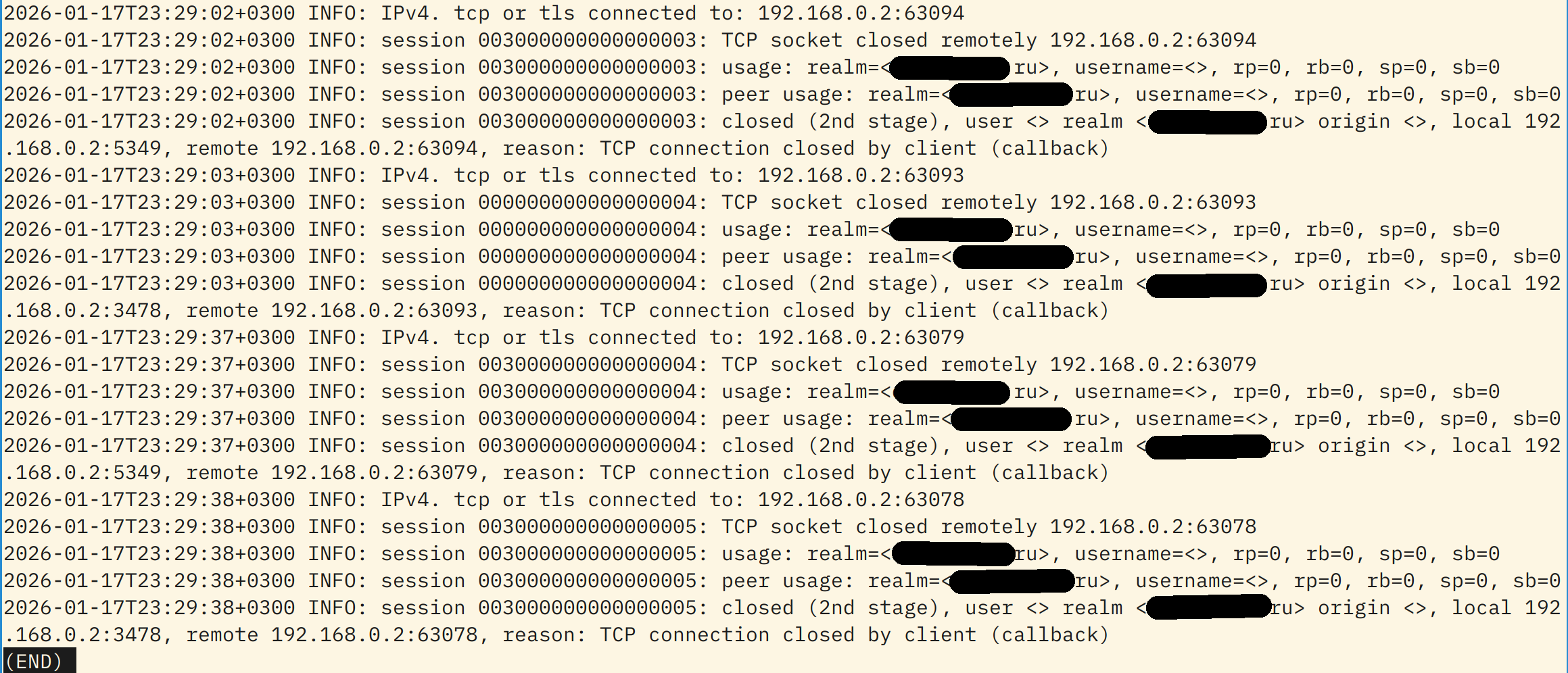
Few days ago I successfully configured #coturn to have a TURN/STUN server for in-family calls. But … looks like bots or some bad guys constantly trying to connect to my TURN server to use it for something 😒

Of course, it is impossible, since anonymous access or any other access without right key is impossible. But, there are no IPs of attackers in the log file, even wth "Verbose" directive — only my local and public IPs and my server's hostname drgn_cry

Maybe, there is some way to force coturn to display IP addresses of connected clients, so I could ban them all with fail2ban?
#TURN #STUN #selfhosting #networking #AskFedi

Screenshot of turn.log with lines of unsuccessful attempts to connect to my TURN server. Sadly, there are only my IPs and hostname, no IPs of attackers.
  • Copy link
  • Flag this post
  • Block

bonfire.cafe

A space for Bonfire maintainers and contributors to communicate

bonfire.cafe: About · Code of conduct · Privacy · Users · Instances
Bonfire social · 1.0.1 no JS en
Automatic federation enabled
Log in
  • Explore
  • About
  • Members
  • Code of Conduct