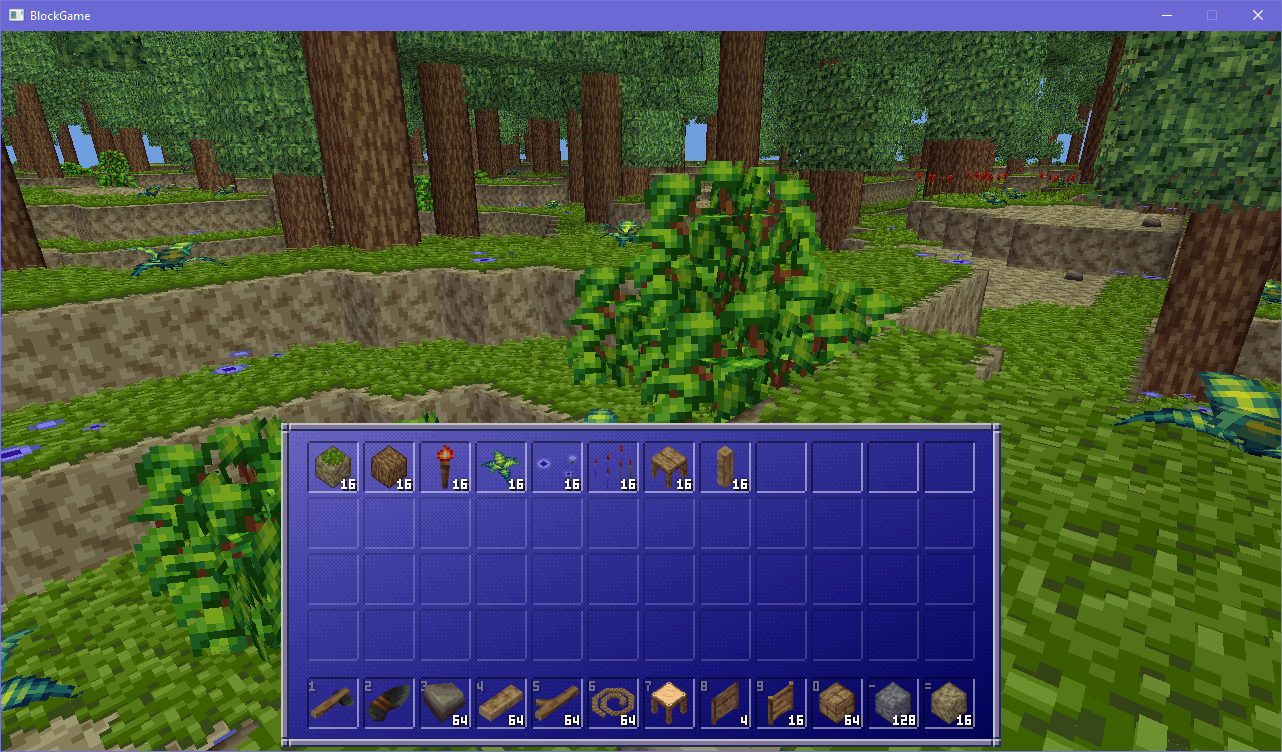
for no particular reason i decided to put all the items you can currently obtain in block game into my inventory and wow, it's quite a lot already!
need to start specifying custom collision boxes for blocks and i'm sitting here wondering whether i want to embed that information in the 3d models using object groups (which aren't rendered,) or if i wanna do it via feeding coords into the json blocks spec
my first iteration was actually tap E to open, and then if you hold it and walk through to the other side it closes it behind you
it worked but it was a little clunky. then i realized i had a spare button (alt) that was unused for doors and i could just use that instead and its way nicer, simpler, and more versatile
it's never too early to add quality of life features, so today i added a hold open/closed feature to doors in block game
if you press and hold the alt button (F by default) on a door it will toggle its state until you release the button or get too far away
very convenient for auto closing doors behind you! no pressure plates required
and if the door is already open holding F will keep it closed until you let go of the button
the fun part of fence gates is that what's going on is that the posts flanking the gate come from the gate block itself, not the fence blocks
gates connect to fence blocks, and when they do they superimpose a post onto the fence block, outside its own block space
so the posts on the sides of the gate belong to the gate block, not the actual fence block
kind of a little hack, but it works really well
figuring out how to implement fence gates in block game has taken a lot more brain power than you'd think it would given i already have doors implemented
added fence gates to block game. they really tie the front yard together, but they also manage to pull double duty as basic windows which is nice
figuring out how to implement fence gates in block game has taken a lot more brain power than you'd think it would given i already have doors implemented
hmm i think i like this one better than the old one?
for this silly sunday, i present block game but it's hot dog stand themed
added crude fence blocks to block game!
they still have a full block hitbox atm but they sure do make things look nice and cozy :3
for this silly sunday, i present block game but it's hot dog stand themed
new (bi)weekly block game thread cause doors are done! \o/
not only are doors 2 blocks tall now, there's a generic system to create up to 16x16x16 multi-block structures just by specifying the positions and blocks in json
anyway, doors make a huge difference to the game's feel. with doors and tables and such these shacks are starting to feel like real houses
edit: correction, structures can be 32x32x32 because each axis is -16 to +15
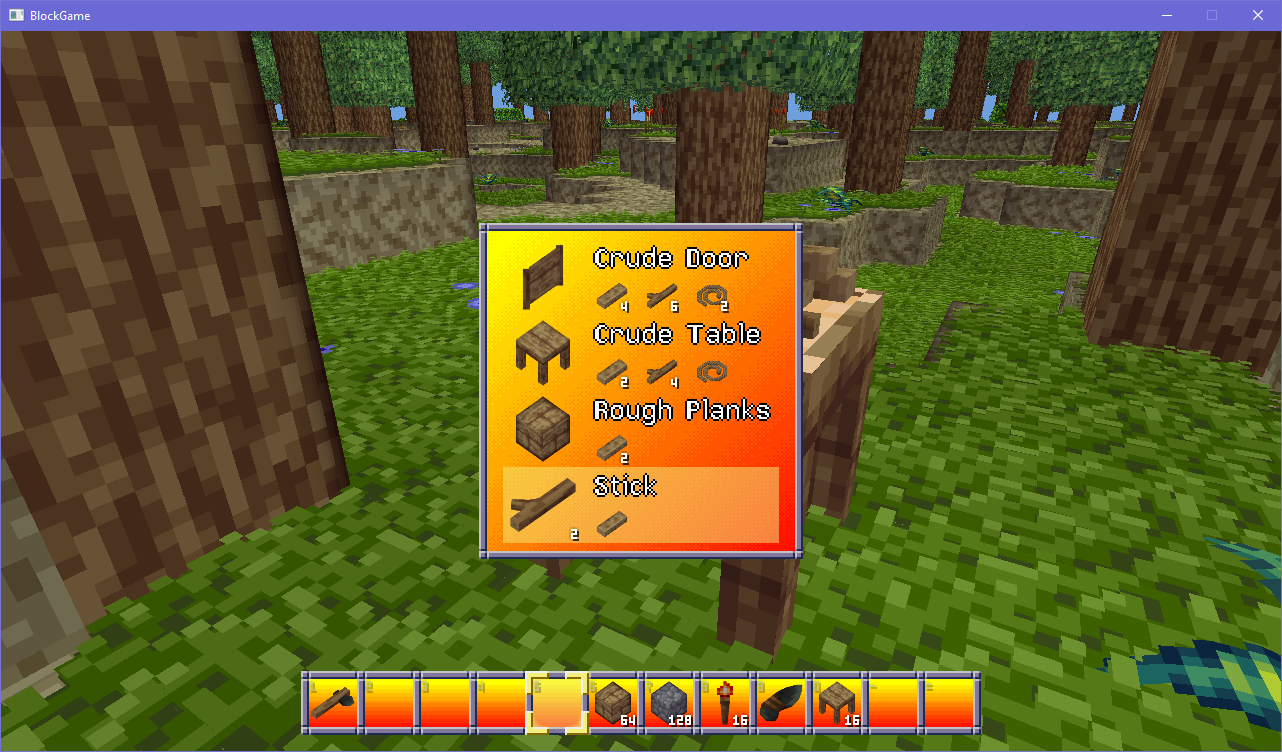
i juiced up the crude carpentry table: now it drops the items you craft, and materials involved in the crafting get a little animation. also it now shows the quantities of materials when you mouse over the crafting station for convenience
next is adding more items/recipes to the table to finish it out
i'm also gonna give splitting block game development into shorter (bi)weekly threads a shot. we'll see how that goes
it looks so simple but i had to refactor so many systems and even create an entire entity hierarchy to make it so you can mouse over, click, and pick back up crafting components from a crafting station like this
glad it's done though
ok! now when you add crafting components to the carpentry table you can see them on the table in the world! well, up to a pile of 3 anyway >_>
now i just need to add the recipe picker, pressing E to craft, and being able to pick the components back up and it'll be ready!
it looks so simple but i had to refactor so many systems and even create an entire entity hierarchy to make it so you can mouse over, click, and pick back up crafting components from a crafting station like this
glad it's done though
ok! now when you add crafting components to the carpentry table you can see them on the table in the world! well, up to a pile of 3 anyway >_>
now i just need to add the recipe picker, pressing E to craft, and being able to pick the components back up and it'll be ready!