For those of you trying out the lovely Afterglow After Dark emulator app from @halcyon - if you're trying to get the screen saver portion to work on any recent version of macOS, you may need to decouple your wallpaper choice from also being your screen saver
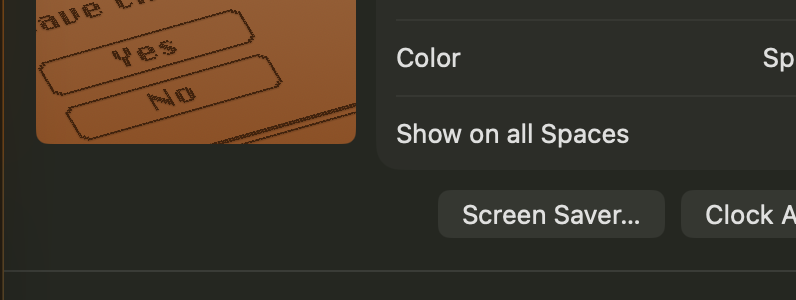
After enabling the screen saver module from Afterglow itself, you can split out screen saver configuration from: Settings -> Wallpaper -> Screen Saver ...
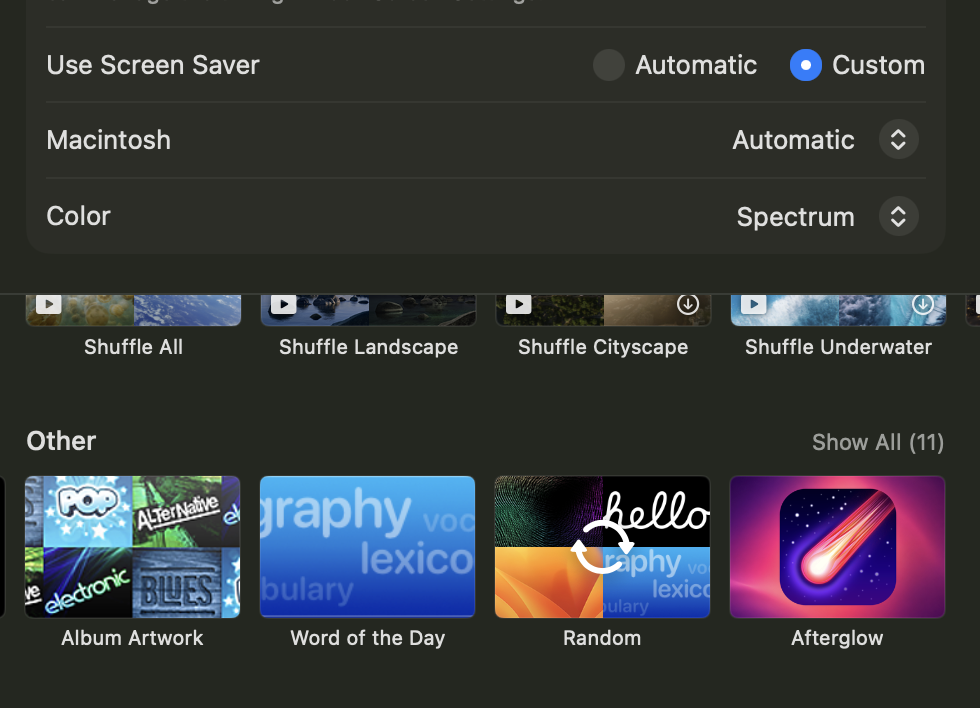
and then switch "Use Screen Saver" from Automatic to Custom
Then if you scroll all the way down, you should see Afterglow appear under "Other"
Once you've selected it, you should be able to see the "Options..." button appear letting you pick which module(s) you're running with what configurations
2 media files