

@Edent We've seen this before as an idea. It absolutely does not conform to GS1 standards. You've lost the quiet zone around the 1D and take up all the error correction in the QR. So for our purposes (POS, warehouse etc.) this is a very firm no.
Post
Replies:
28

@Edent that makes me wonder... is it possible to make a 2D barcode that is valid in several formats at once? E.g. a combined QR code and data matrix, or one of those stretched out ones that they use on boarding passes


@Edent I had to tell the camera to use Google Lens for the 2D barcode, but they both worked ok

@Edent Google lens (or Circle to Search) on Android recognized both
I think the bar code is 6781944954768
2 media
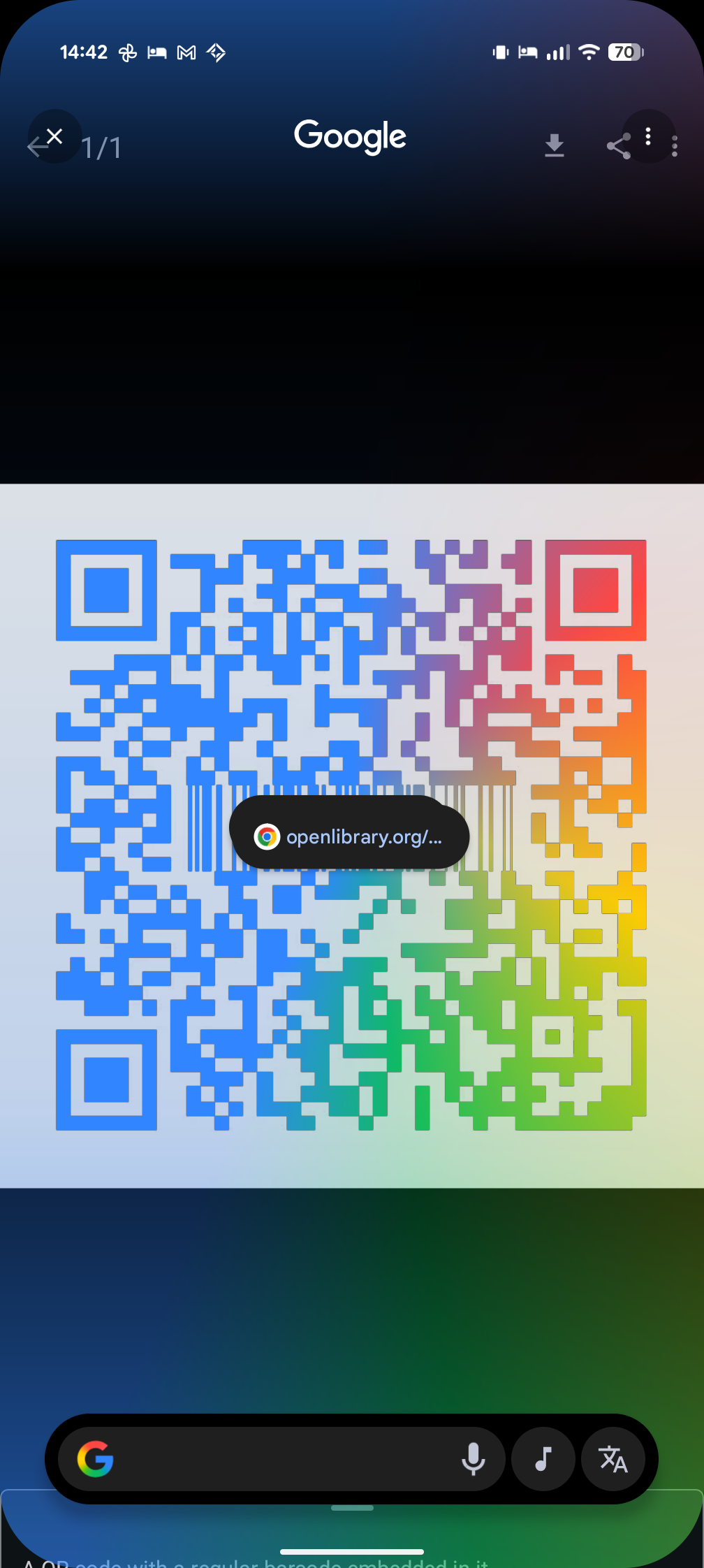
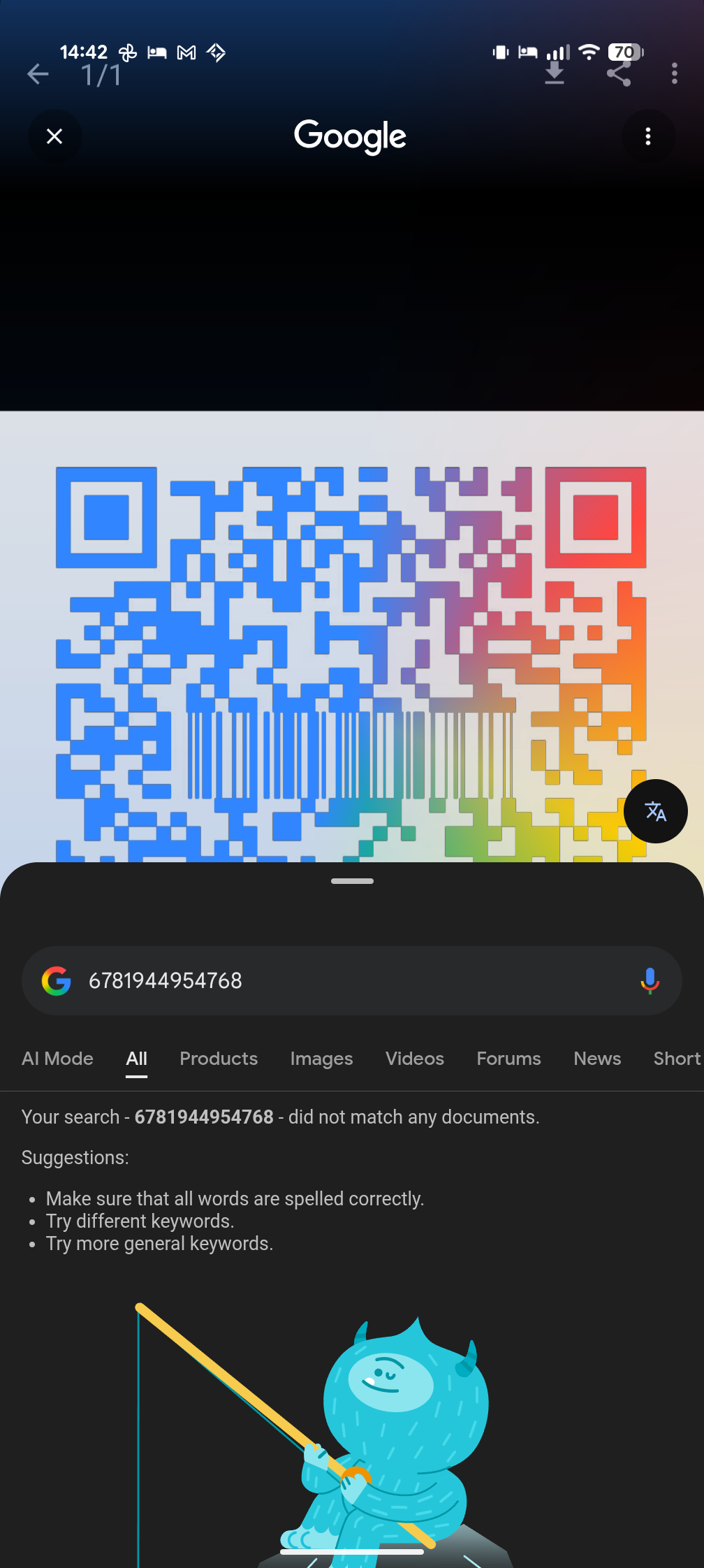


@Edent, both are scannable (using the built-in QR code scanner in Android 16) but the bar code is not reliably readable: in this particular case, the first digit is sometimes misread as 8.

@Edent I can get both at the same time


@Edent Both works, FF and some simple reader on e-OS. With pro scanners, it will depend on model and configuration. (My Datalogic and Intermec devices have dead batteries.)
Where I worked with manufacturing and logistics, it was somewhat common to use both on the same label, 1D for simpler information for customers and older internal systems, and 2D for more details. But separate Code128 and Datamatrix, not polluted marketing QR 😒.


@Edent Both work in Binary Eye but the UPC code was a bit finicky to get at first.
@Edent We've seen this before as an idea. It absolutely does not conform to GS1 standards. You've lost the quiet zone around the 1D and take up all the error correction in the QR. So for our purposes (POS, warehouse etc.) this is a very firm no.

@PhilA haha! Yup, I didn't think it would fly as an actual product idea 😆
I won't try to implement it in the real world - promise!
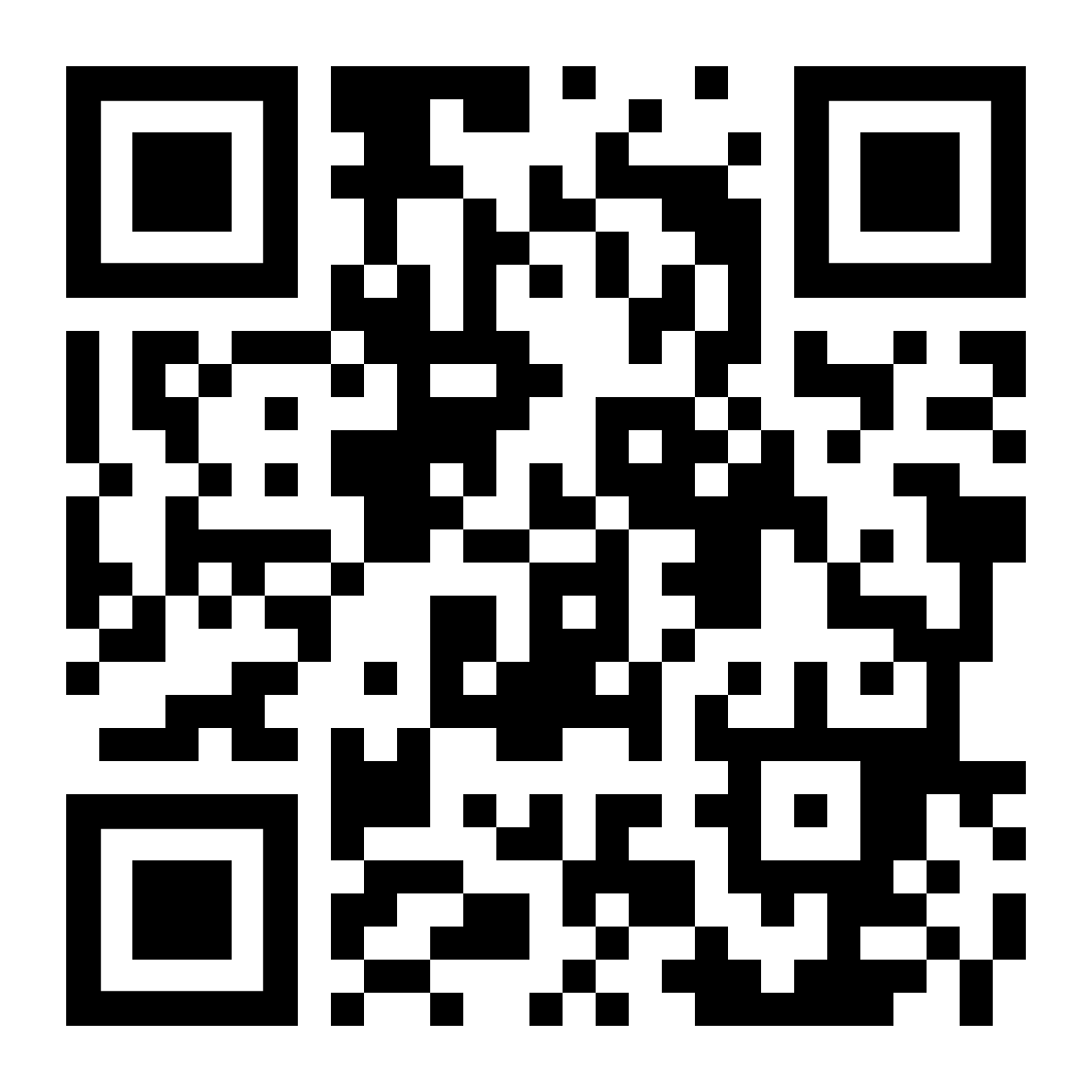
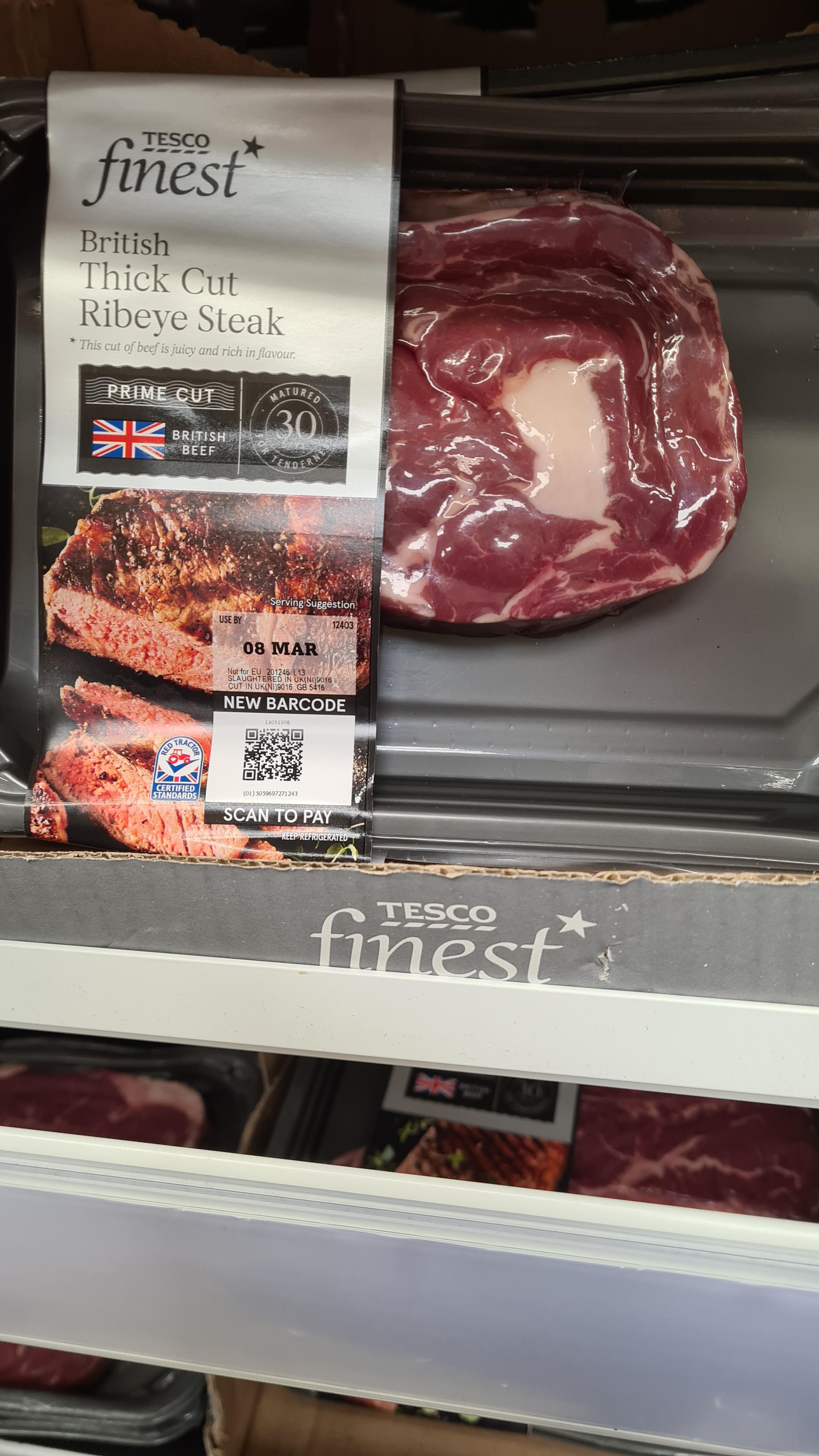
@Edent This is our solution. The GTIN (barcode number, a.k.a EAN, UPC, ISBN etc.) is encoded in the URL in a strict syntax that, for example, every POS scanner at Tesco can now read. It's a barcode, and it's a QR/URL combo.
2 media


@Edent shouldn't putting a finger on one of the corner square "disable" the qr code?
@Edent I got curious and I had both my phone and a a tablet in hand. Using https://github.com/wewewe718/QrAndBarcodeScanner from f-droid, I think it prefer the QR code but putting a finger to hide a corner does make it scan the barcode and putting the camera close to the barcode does indeed read the barcode.
Nice trick :)


@Edent This is really cool and works well!


@Edent I think the first sentence is very... You. 😝
@andypiper hey! I resemble that remark 😆
@andypiper hey! I resemble that remark 😆


@Edent is that book any good?
@Edent also does the bar code start with 6?
@xgebi All barcodes contain 666.
Well, ish, https://skeptics.stackexchange.com/questions/2507/do-bar-codes-contain-the-number-of-the-beast



@Edent I can get the QR code OK, but when I try to go closer to pick up the bar code my phone can't focus on it.


@Edent looks cool, will try later ( this is like when the scissors you buy is packaged in plastic so sealed that you need a ✂️ to release it - qr code on phone screen needs 'nother 📱 to read)

@Edent Only the QRcode activates for me (iPhone)
@iamkonstantin are you usually able to scan normal barcodes?
@Edent Indeed, EAN codes are not enabled for the default Camera app

