

#SocialCoop the instance will momentarily go down as we try to bump the character limit to 1k 😊 Thank you for your patience!
Post
Replies:
15
...and this is done! Your Mastodon clients *should* pick up the new Social.coop character limit of 1000; this might require a reload, and you *might* see 500 momentarily when you start composing a post prior to it updating to 1000, but it is our understanding that this should work for everyone no matter the client you use from this moment on.
This fulfills the community intention originally expressed in the 2024 Loomio vote: https://www.loomio.com/d/C4HKmTOa/proposal-to-revisit-extending-the-character-limit-for-posts/.
This took some time due to competing priorities and us wanting to test the solution thoroughly before trying it in our production instance. Thank you for your patience!

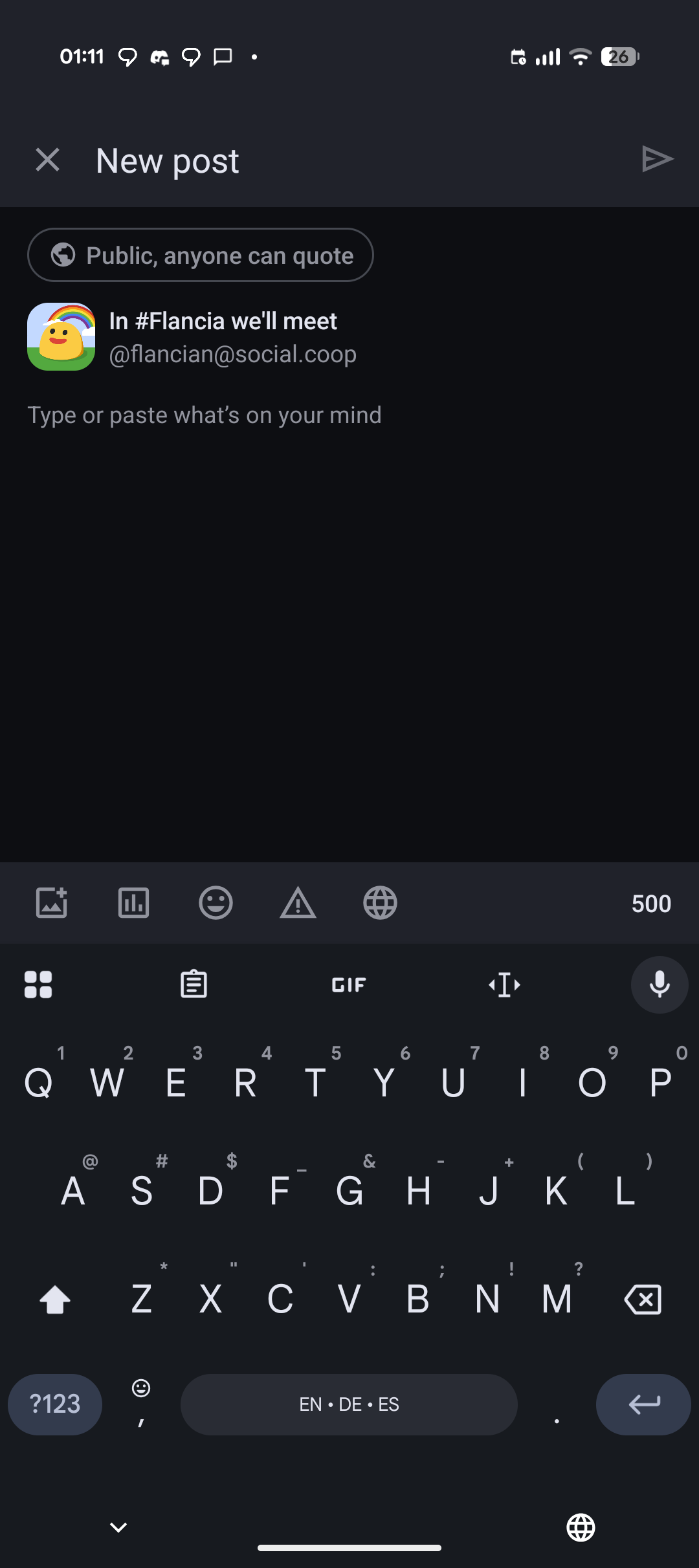
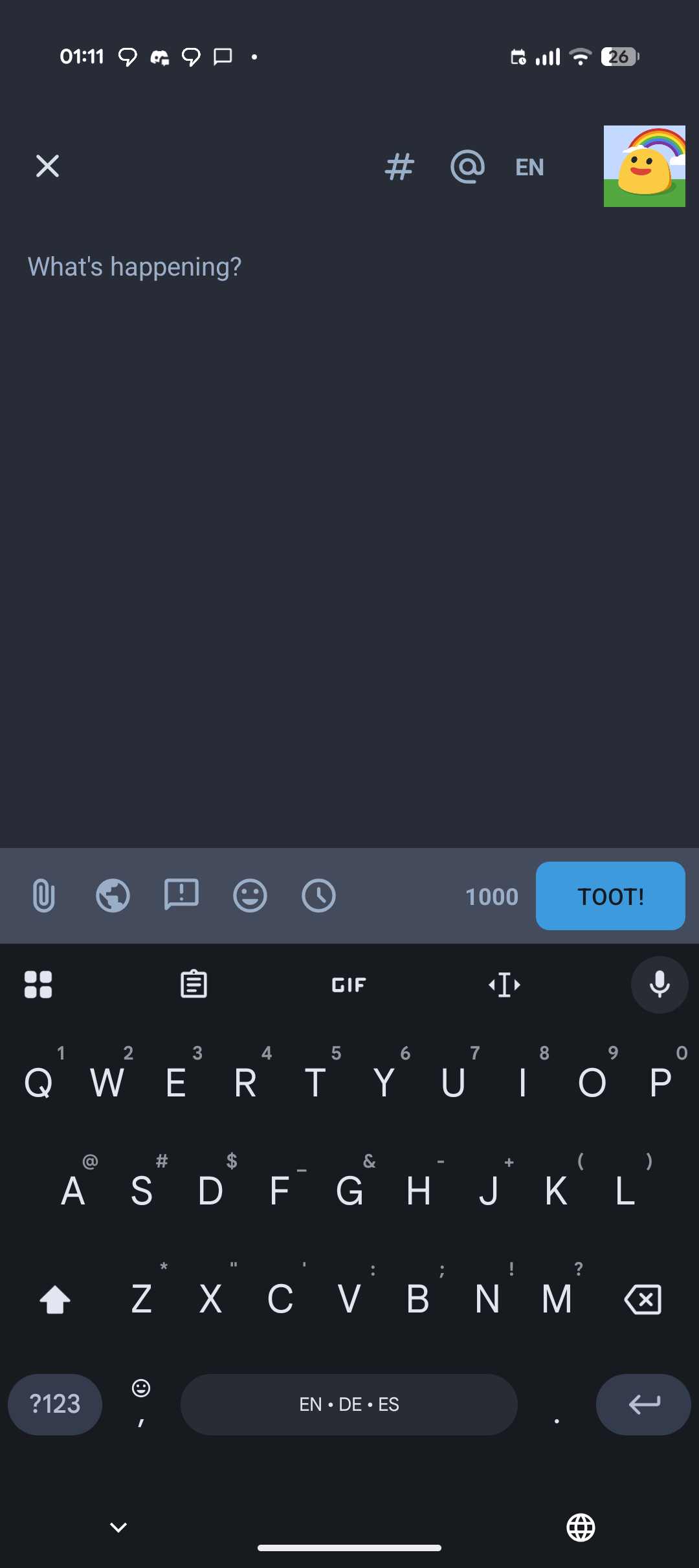
Nit: on Android, the "official" Mastodon app still shows a 500 limit. Tusky works as expected though.
2 media

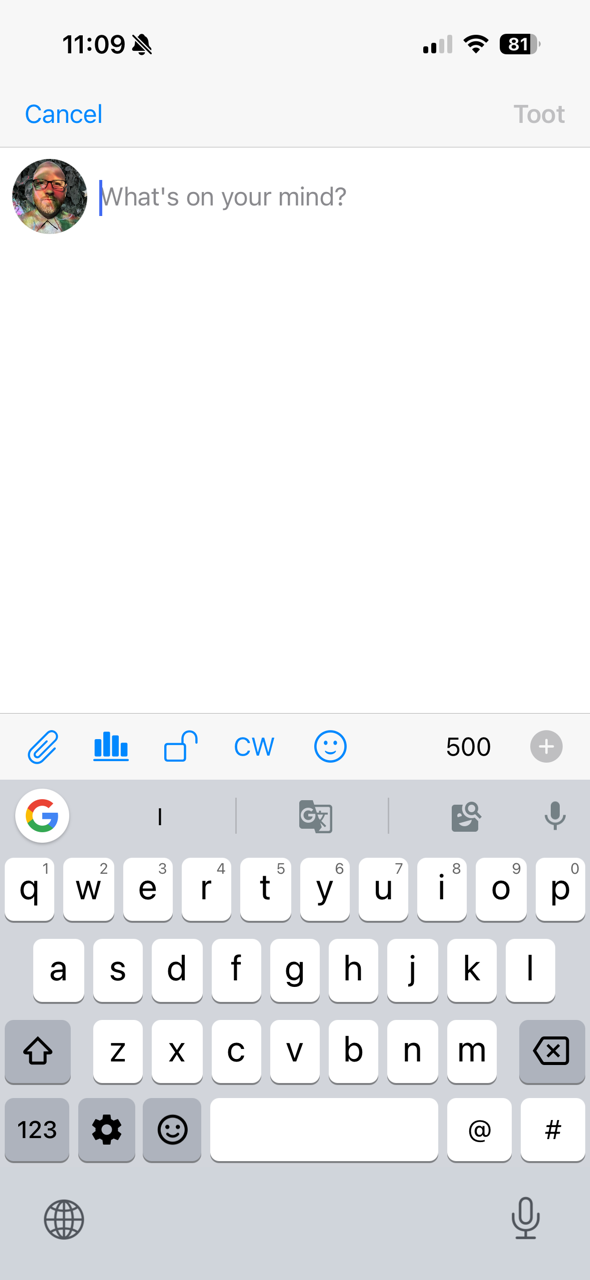
@flancian looks like Metatext on iOS doesn't recognize it either
@todrobbins yikes! Do you have a good iOS alternative?
I wonder if we could patch something further to get these apps to work or it's a limitation of the current approach (maybe some apps even hardcode this?)
@flancian Mobile app interface for creating a new post with a dark theme. At the top, the header displays “New post” with a close (X) button on the left and a send arrow on the right. Below, a rounded button reads “Public, anyone can quote,” followed by an avatar (yellow duck with a rainbow on a green background) and the text “In #Flancia we'll meet [@]flancian[@]social.coop.” Underneath, the input prompt says “Type or paste what's on your mind.” The bottom section shows a keyboard with QWERTY keys, a “500” character limit, and icons (image, charts, emoji, warning, globe) above the keyboard; the keyboard also features “EN · DE · ES” language options.
―
Mobile app screen showing a post composition interface with a text input field, keyboard, and various action buttons. At the top, the status bar displays time "01:11" and icons for notifications, battery, and connectivity. The text input field shows the placeholder text "What's happening?". Below it is a QWERTY keyboard with a "TOOT!" button on the right, and icons for attaching files, adding emojis, and other actions. In the top right corner, there's a user profile icon of a yellow duck with a rainbow, and an "EN" language selector. The keyboard includes a "GIF" button, a microphone icon for voice input, and a language selection bar at the bottom showing "EN · DE · ES".
Provided by @altbot, generated privately and locally using Qwen3-Vl:30b
🌱 Energy used: 0.394 Wh




Yeah, I was checking on my other account @homegrown and got several people giving advice 👍
@FediTips @liaizon @homegrown ahoy! The way we settled on is one that does not require forking Mastodon or adopting someone's fork: we changed command lines in docker-compose.yaml to prefix a one liner, essentially patching the code just before any container starts. Happy to share the file if you're interested in this direction!
It's a hack but it should work automatically for any upgrade and it probably won't add too much maintenance cost.

@flancian yay! I'm seeing the 1000 character limit already!
Thank you for the hard work of the team. I appreciate that time was set apart to fully test it before getting it out.
@marsiposa thank you! It took longer than it could have but we're happy the community can finally enjoy this :)

@flancian Thanks so much to our intrepid and careful tech working group!
@Matt_Noyes thank you Matt, it's a pleasure to finally ship this for the community!

