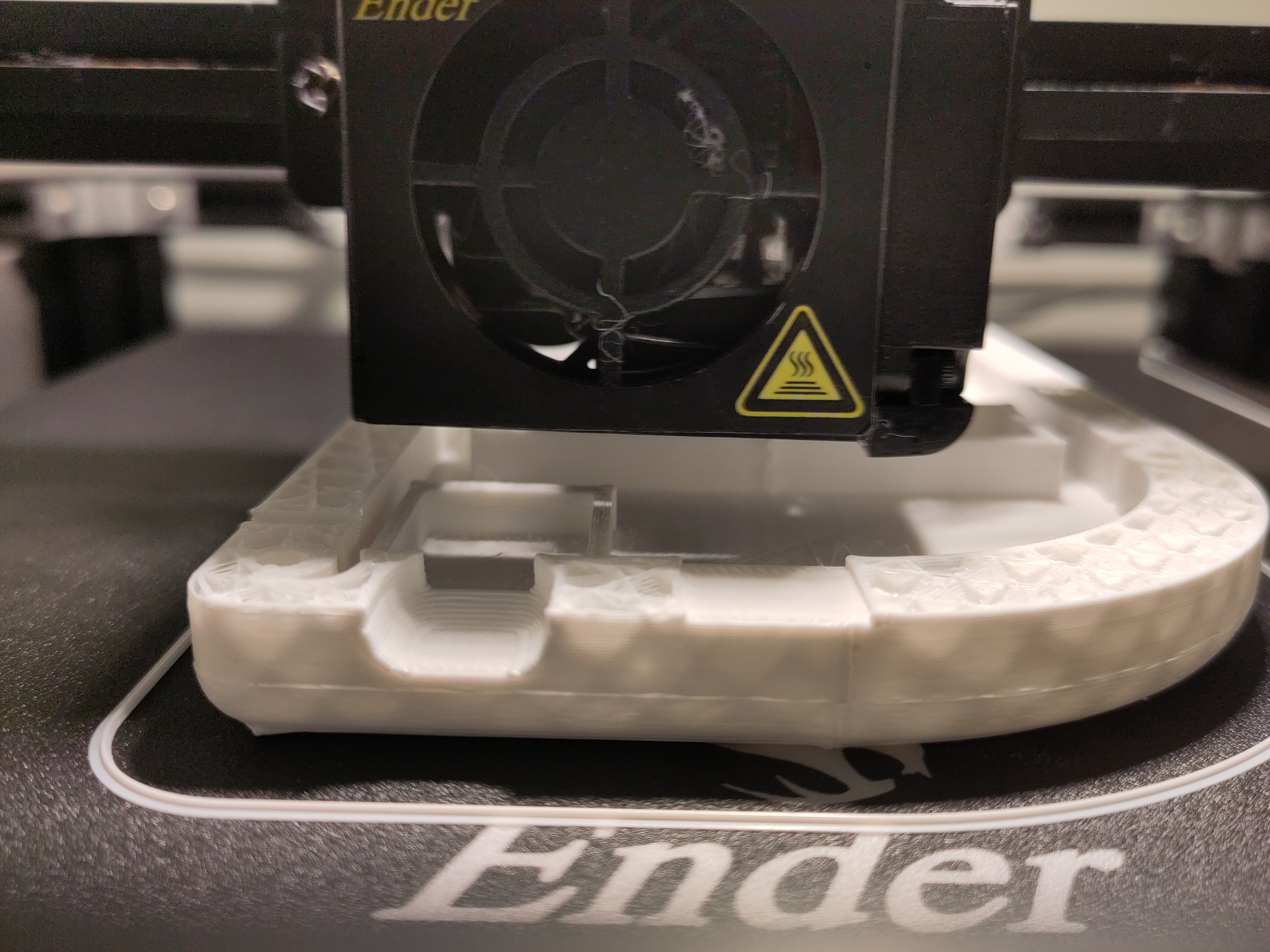
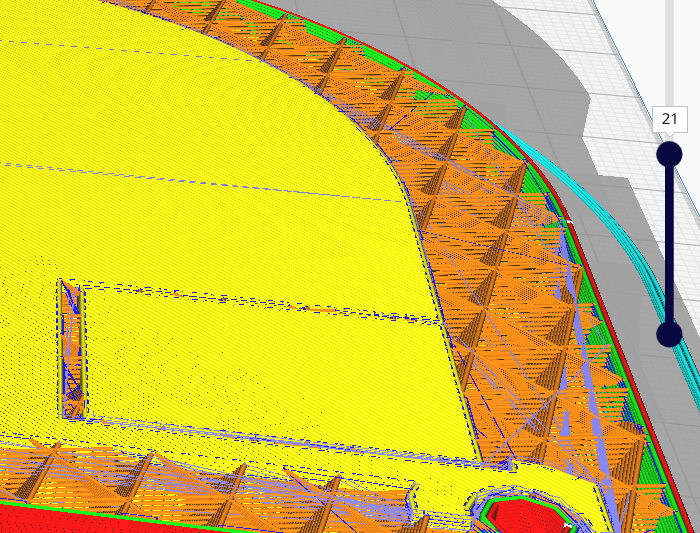
I identified the layer in #Cura , so I should now tell the printer to move to that height and then continue printing from there. I must take care that the printer is "initialized" correctly (plate and extruder temperature etc). (continues)
Post

Replies:
4
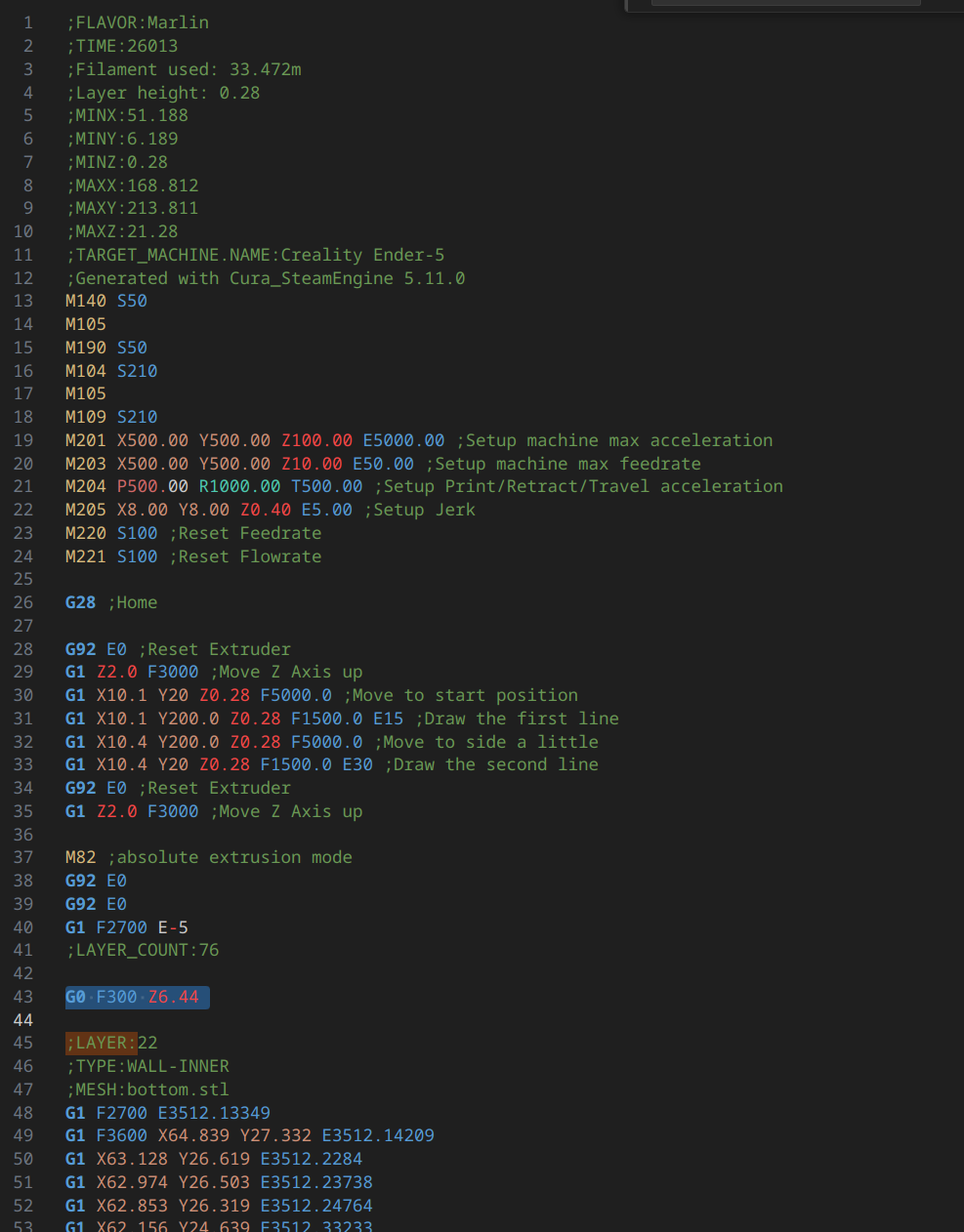
So I opened the #gcode file and identified the layers (luckily #cura comments out every layer start). I took note of the last printer layer height (checking the only instruction with a Z in it) and removed from the first layer to the 21st. I left in place all the initialization dance and added, between it and the start of the 22st layer, an instruction to move the print head to the previously discovered Z height. I saw the gcode says #Marlin #firmware, so I searched in the Marlin's documentation: https://marlinfw.org/docs/gcode/G000-G001.html
The selected instruction in the screenshot is the one I added. (Continues...)
I then copied the modified file in the sdcard, popped it in the printer and started a print.
SUSPANCE...
(Continues)
The printer happily read the file, made the usual first extrusion and then moved to the correct height, and started printing as if nothing had happened!
It worked!!!
It left a little line, I'm not sure if I had misidentified the layer or the plastic had maybe shrinked a little due to the temperature difference, but at least now I know this hack works, so I can perfect it at the next failed print...