Discussion
Loading...

Post

Log in
  • About
  • Code of conduct
  • Privacy
  • Users
  • Instances
  • About Bonfire
niconiconi
niconiconi
@niconiconi@mk.absturztau.be  ·  activity timestamp 2 weeks ago

Trying out this new Wireless AP... #OpenWrt #BananaPi

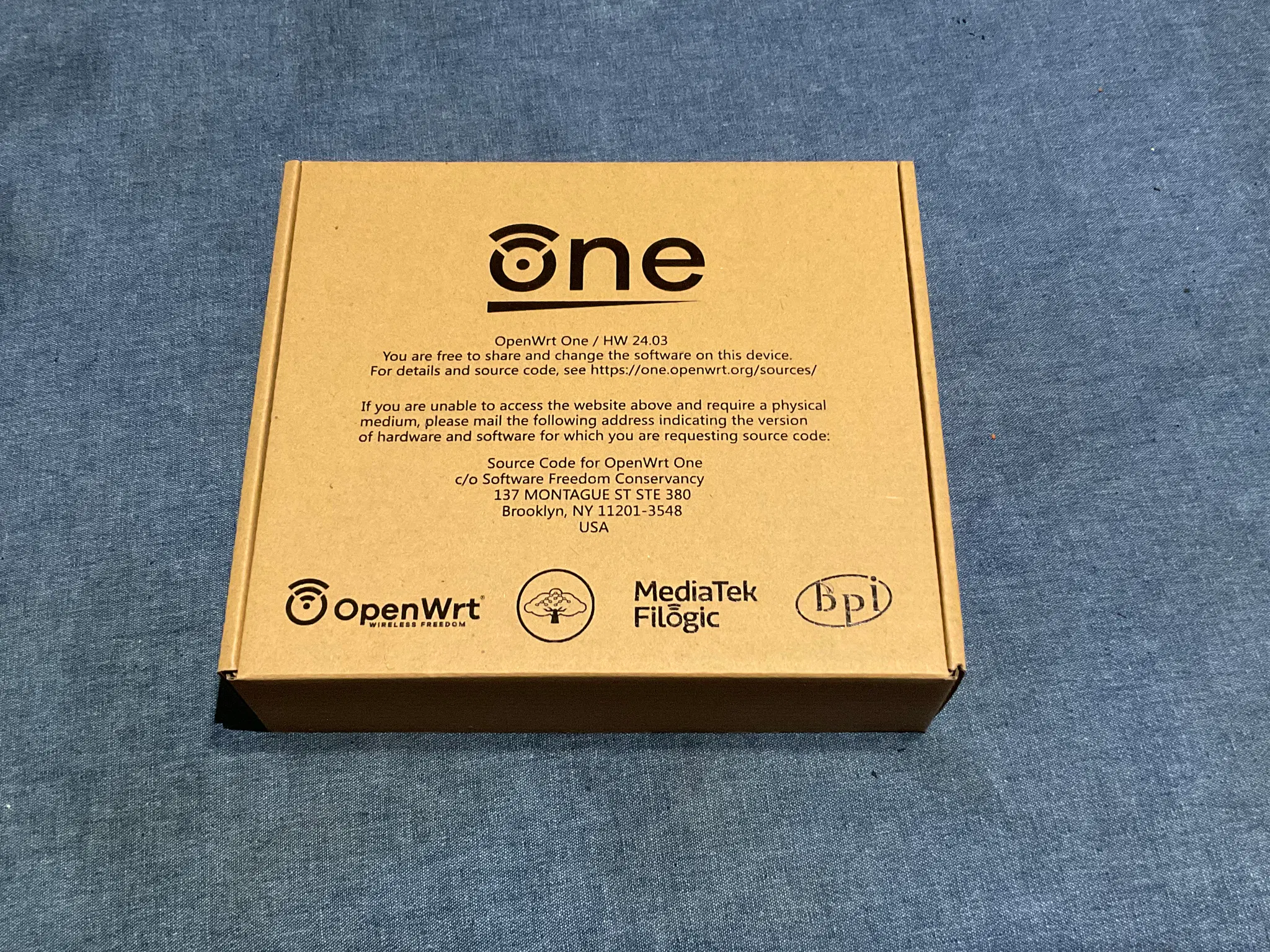
OpenWrt One Wireless AP in its original packaging

The package reads:

OpenWrt One / HW 24.03
You are free to share and change the software on this device.
For details and source code, see https://one.openwrt.org/sources/

If you are unable to access the website above and require a physical
medium, please mail the following address indicating the version
of the hardware and software for which you are requesting source code:

Source Code for OpenWrt One
c/o Software Freedom Conservancy
137 MONTAGUE ST STE 380
Brooklyn, NY 11201-3548
USA

Logos: OpenWrt, SFC, MediaTek Filogic, Banana Pi
OpenWrt One Wireless AP in its original packaging The package reads: OpenWrt One / HW 24.03 You are free to share and change the software on this device. For details and source code, see https://one.openwrt.org/sources/ If you are unable to access the website above and require a physical medium, please mail the following address indicating the version of the hardware and software for which you are requesting source code: Source Code for OpenWrt One c/o Software Freedom Conservancy 137 MONTAGUE ST STE 380 Brooklyn, NY 11201-3548 USA Logos: OpenWrt, SFC, MediaTek Filogic, Banana Pi
  • Copy link
  • Flag this post
  • Block
niconiconi
niconiconi
@niconiconi@mk.absturztau.be replied  ·  activity timestamp 2 weeks ago

Unfortunately, from my quick test, I don't see any network performance improvements in comparison to the 10-year-old ath9k AP. I guess the 300 Mbps IPv4 NAT overhead was not as large as I anticipated, and the RF front-end on my old router was not fried in contrary to my suspicion. It's just plain bad signal reception (but perhaps my tablet's antenna is defective after dropping it one time). I may or may not try tweaking some 802.11 options tomorrow. woozy_baa (Update: further testing showed a moderate improvement, see thread).

  • Copy link
  • Flag this comment
  • Block
niconiconi
niconiconi
@niconiconi@mk.absturztau.be replied  ·  activity timestamp 2 weeks ago

Update: Further testings shows a moderate performance gain. When streaming videos from my NAS, the data rate can occasionally burst to 8 MiB/s (50 Mbps+) although the baseline remains at 3 MiB/s (20 Mbps) like the old ath9k 802.11n. I guess the Wi-Fi hardware needs some warn up before it selects a higher data rate. It can now stream the 1080p Ghost in the Shell anime to the tablet used to be barely watchable. lain_sip

  • Copy link
  • Flag this comment
  • Block
niconiconi
niconiconi
@niconiconi@mk.absturztau.be replied  ·  activity timestamp 2 weeks ago

As I want to rely on 2.4/5 GHz auto-selection for most devices at home, I couldn't test 5 GHz separately using my tablet as no option exists to force-pick an AP from multiple APs with same SSID on iOS. After a Web search, I found the creative workaround: just ban its MAC address at the 2.4 GHz AP. The speed is still inconsistent, as the reception became even worse - with an RSSI of only -79 dBm. The 250 Mbps PHY rate is also not much better than 150 Mbps at 2.4 GHz. But... the baseline improved from 3 MiB/s to 5 MiB/s, with bursts to 8 MiB/s. In the end, 80 MHz is overall a net win in comparison to 20 MHz.

  • Copy link
  • Flag this comment
  • Block
Joel Michael
Joel Michael
@jpm@aus.social replied  ·  activity timestamp 2 weeks ago

@niconiconi I usually configure 5GHz APs for 40MHz channel widths, because unless you actually need the extra speed (and you don’t if your main use-case is anything less intensive than copying large files to and from local servers at full speed), the improved signal strength is worth the throughput decrease, and in environments that aren’t ideal (ie anywhere with walls) it’s usually a net win in performance and reliability.


  • Copy link
  • Flag this comment
  • Block

bonfire.cafe

A space for Bonfire maintainers and contributors to communicate

bonfire.cafe: About · Code of conduct · Privacy · Users · Instances
Bonfire social · 1.0.1-beta.35 no JS en
Automatic federation enabled
Log in
  • Explore
  • About
  • Members
  • Code of Conduct