Discussion
Loading...

Post

Log in
  • About
  • Code of conduct
  • Privacy
  • Users
  • Instances
  • About Bonfire
Cassian [main]
Cassian [main]
@cassolotl@eldritch.cafe  ·  activity timestamp 2 weeks ago

HOW TO TURN OFF AI FEATURES IN NOTION

Weirdly, you have to send an email to Notion Support...!

Email: team@makenotion.com

Text to copy-paste:
Please turn off all AI features in all workspaces that I own. I understand that this will turn off all AI features, now and in future.

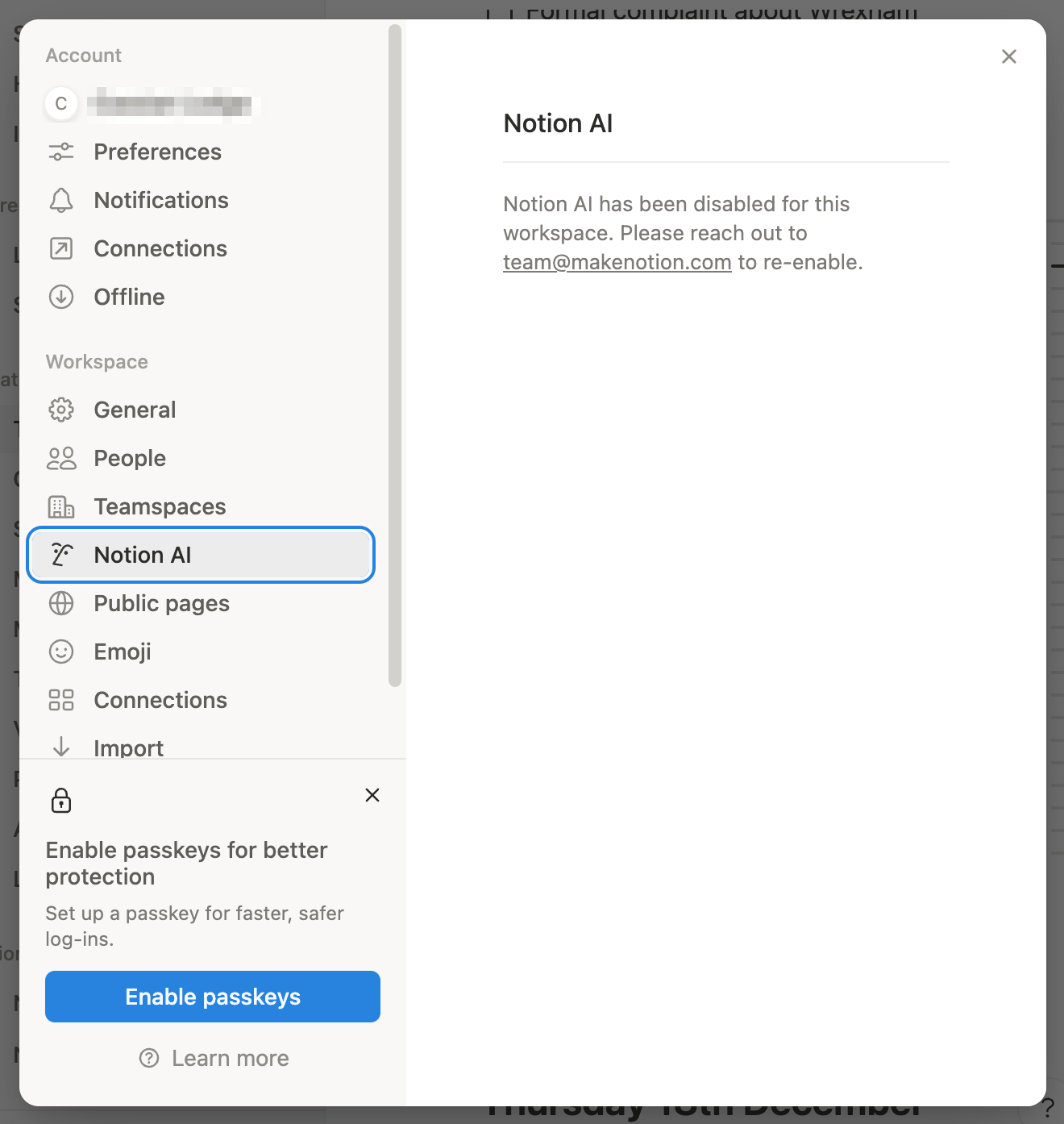
Then your AI settings page for your Notion workspace will look like this:
#antiAI #Notion

Screenshot of settings page.

Title: Notion AI

Text: Notion AI has been disabled for this workspace. Please reach out to team@makenotion.com to re-enable.
Screenshot of settings page. Title: Notion AI Text: Notion AI has been disabled for this workspace. Please reach out to team@makenotion.com to re-enable.
  • Copy link
  • Flag this post
  • Block

bonfire.cafe

A space for Bonfire maintainers and contributors to communicate

bonfire.cafe: About · Code of conduct · Privacy · Users · Instances
Bonfire social · 1.0.1-alpha.40 no JS en
Automatic federation enabled
Log in
  • Explore
  • About
  • Members
  • Code of Conduct