

Struggling with a new issue on my Prusa MINI where it seems to be depositing a blob at the layer change. It doesn’t do it on every seam, just where the layer changes. See this image where I stopped the print during the third layer—you can see a blob on the lower right object (the last one) but none of the others. Anyone know what this is about? #3DPrinting
Discussion
Loading...
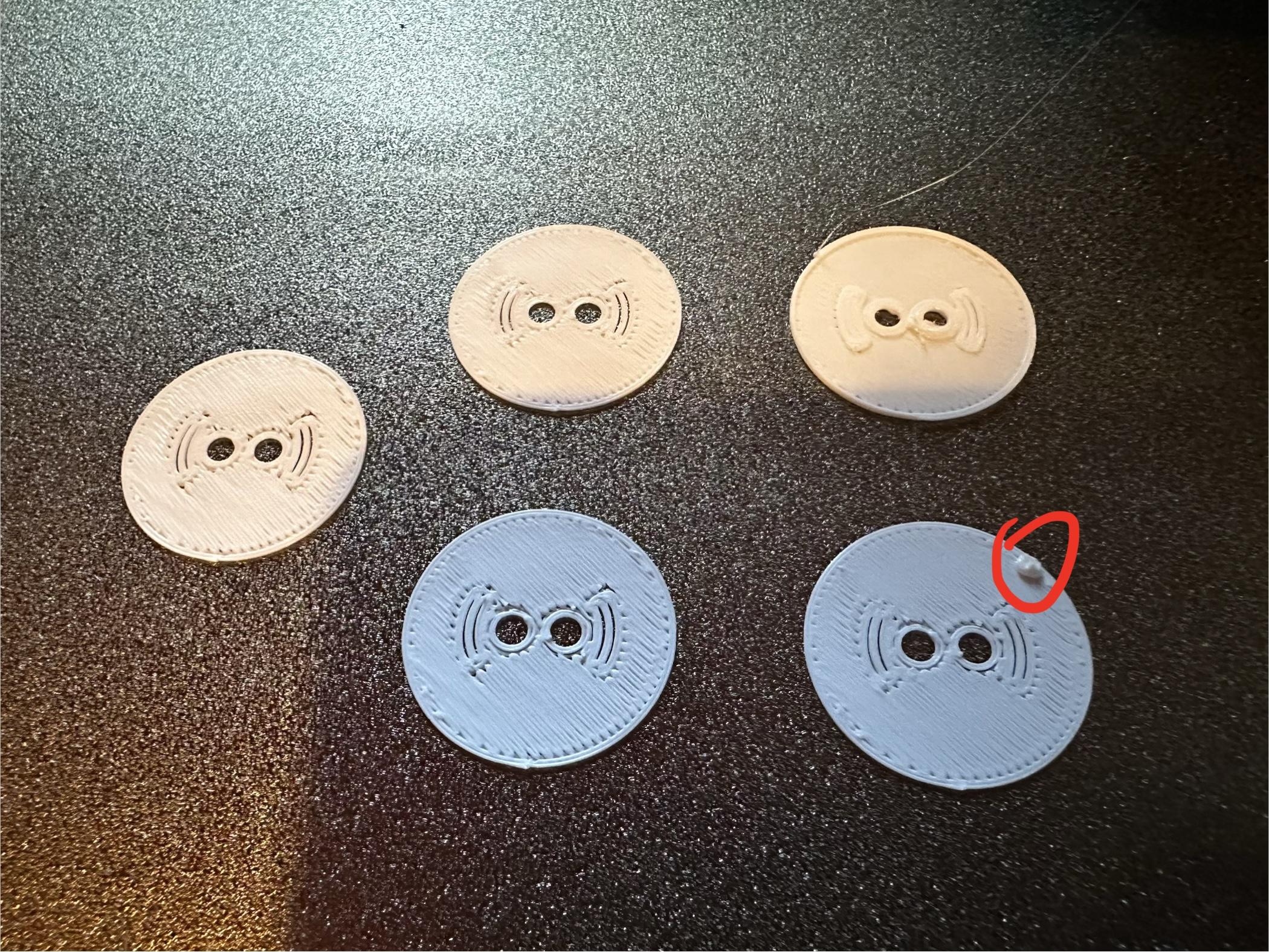
Managed to resolve this and improve print quality overall by disabling input shaping, but this really isn’t the ideal solution since I need to print things much slower now. The quality difference is so stark I feel like there must be something wrong with my input shaping profile.
I don’t think I’ve changed anything from the stock profile and the only mod on the printer is that it has a bondtech extruder.
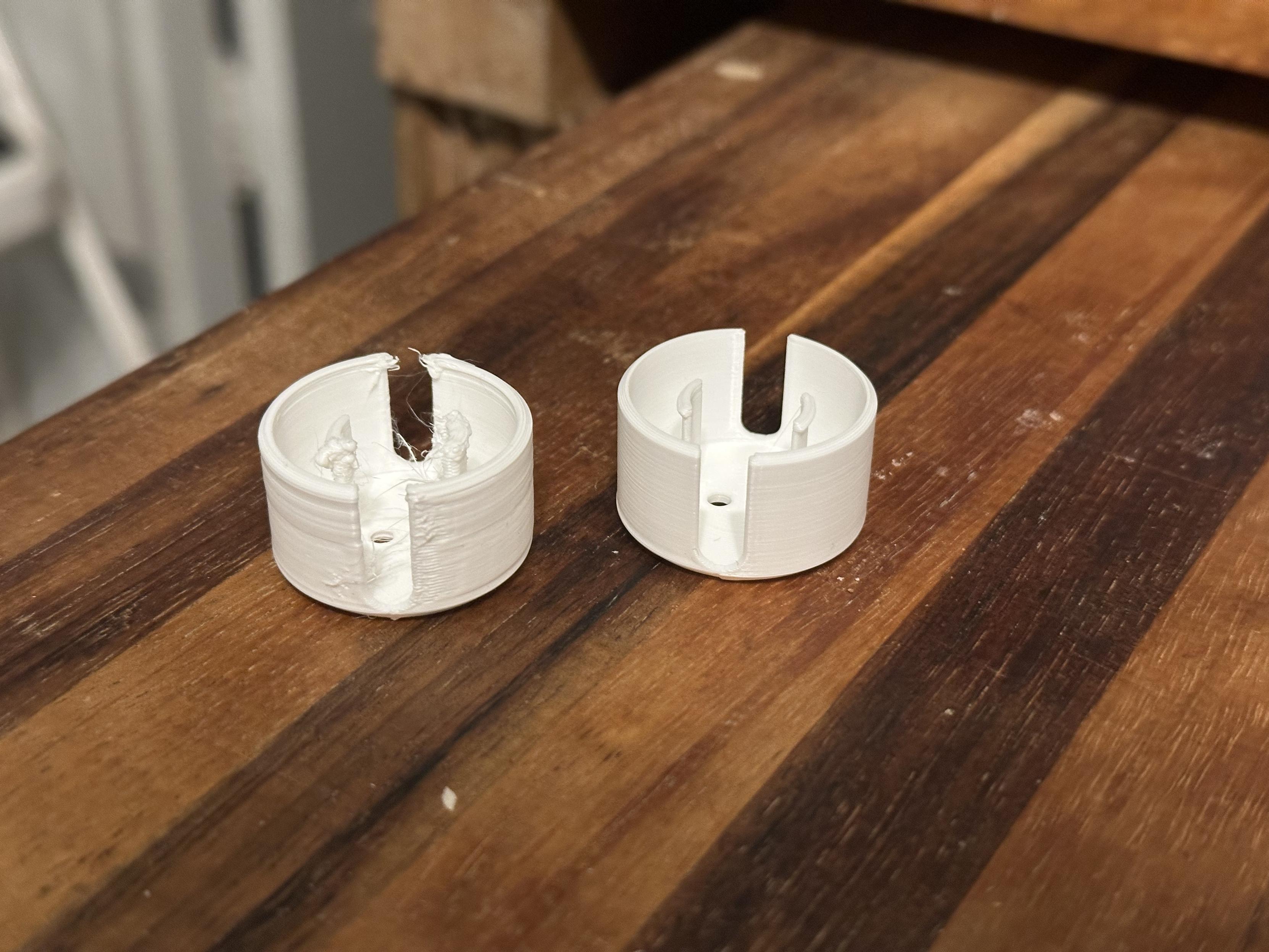
I didn’t let the print complete because I saw what I needed to, but, yes, doing a fresh slice in a new install of OrcaSlicer (instead of my usual PrusaSlicer) confirms this is indeed an issue with either PrusaSlicer or my printer profile in it.
Also, OrcaSlicer seems nice anyway. Maybe I’ll stick with it.
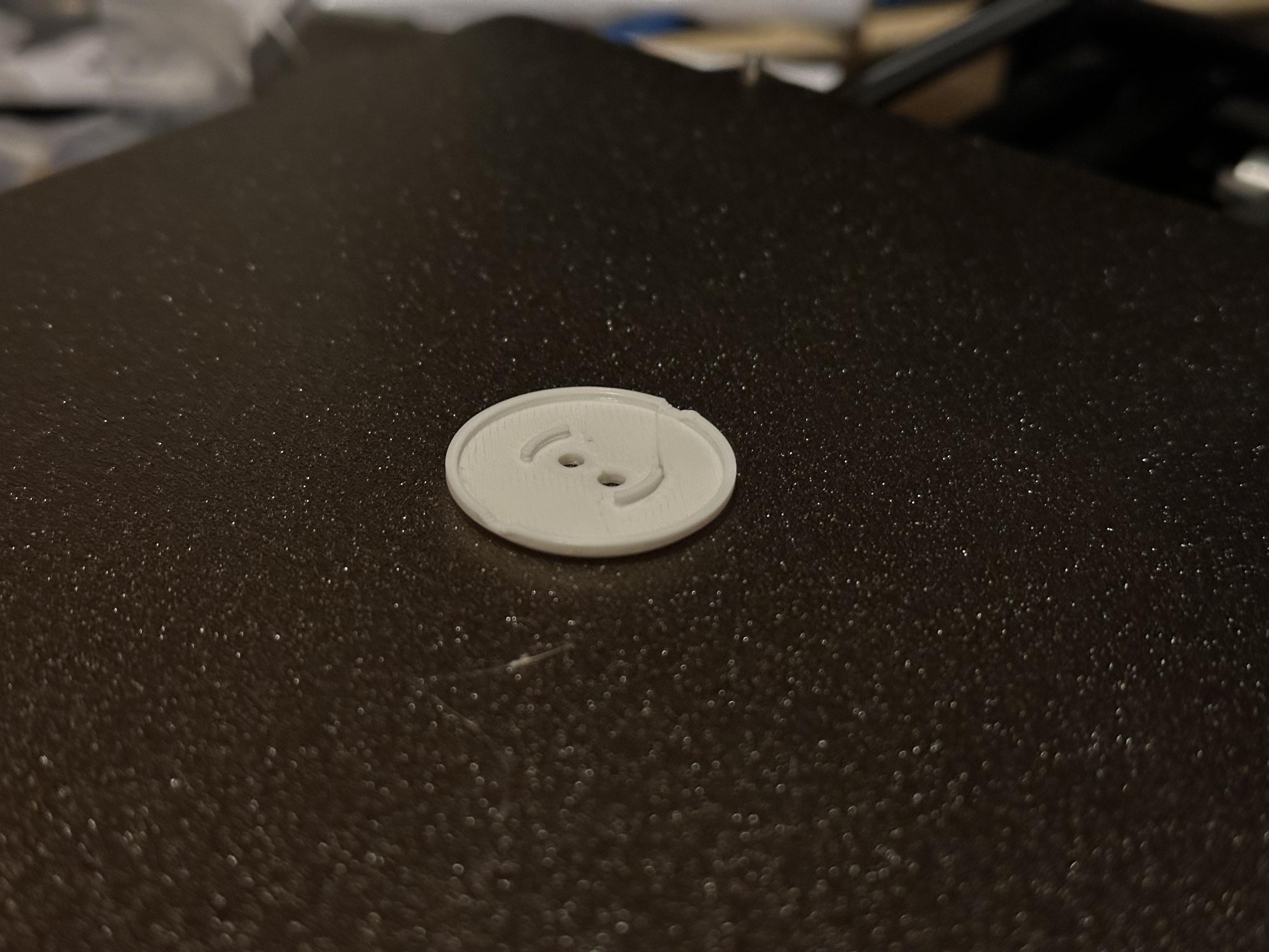
Also now that my print quality is fixed I think I got the tolerance on these too loose and I just printed a bunch of them lol


@harris That's weird, almost as if it skips the retraction during layer change and nozzle pressure causes filament to ooze. If you stopped manually this might also cause it though.
On another note: your filament looks somewhat weird, there are a lot of holes. Is it properly dried?