Discussion
Loading...

Post

Log in
  • About
  • Code of conduct
  • Privacy
  • Users
  • Instances
  • About Bonfire
David August
David August
@davidaugust@mastodon.online  ·  activity timestamp last month

In case you had not yet seen this elsewhere.

#gmail #ai #privacy #infosec

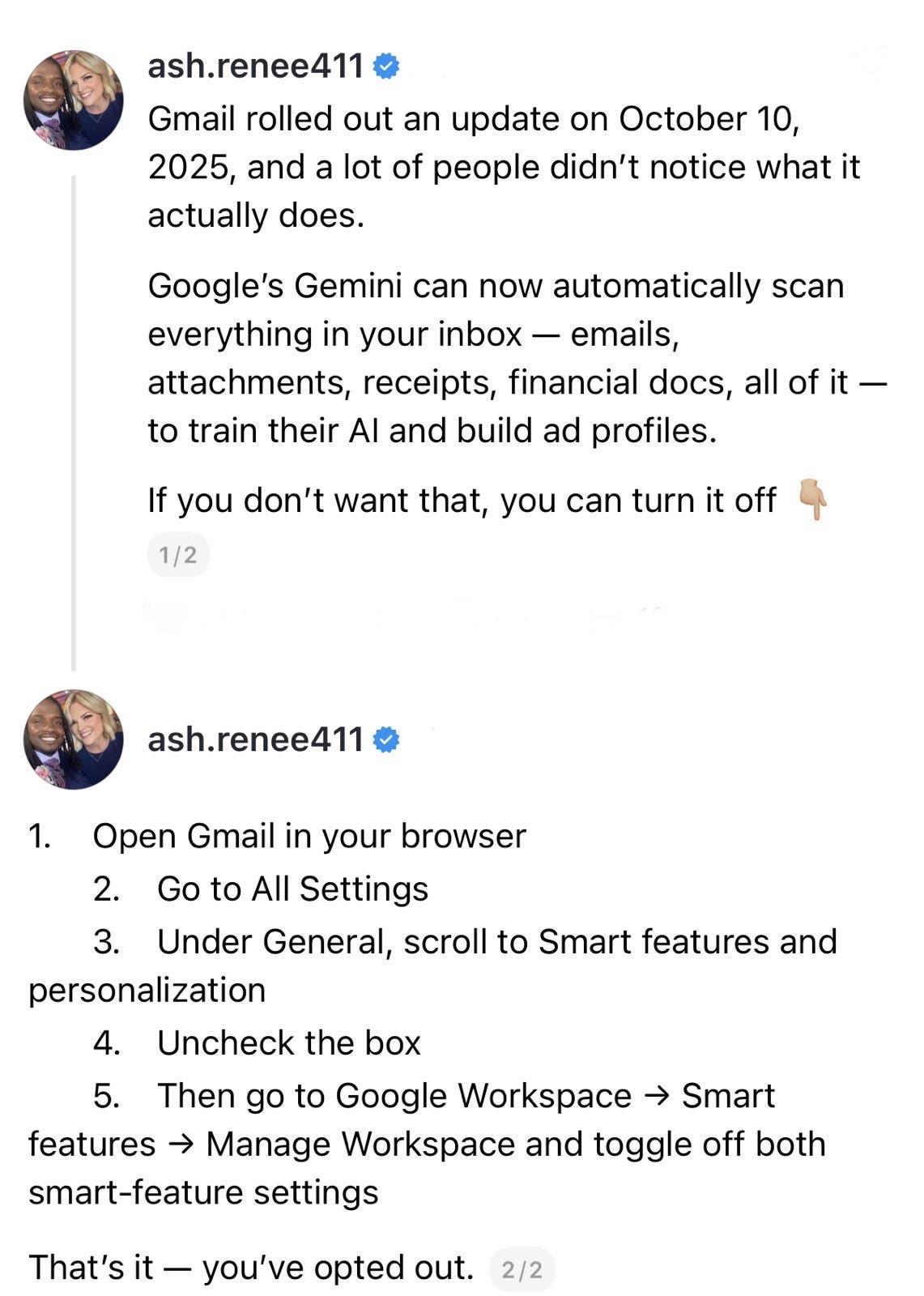
screenshot of a 2 post thread: 

@ash.renee411 

Gmail rolled out an update on October 10, 2025, and a lot of people didn't notice what it actually does. 
Google's Gemini can now automatically scan everything in your inbox - emails, attachments, receipts, financial docs, all of it - to train their Al and build ad profiles. 
If you don't want that, you can turn it off. 

1/2 

@ash.renee411 

1. Open Gmail in your browser 
2. Go to All Settings 
3. Under General, scroll to Smart features and personalization 
4. Uncheck the box 
5. Then go to Google Workspace → Smart features → Manage Workspace and toggle off both smart-feature settings. 

That's it - you've opted out. 

2/2

screenshot of a 2 post thread: @ash.renee411 Gmail rolled out an update on October 10, 2025, and a lot of people didn't notice what it actually does. Google's Gemini can now automatically scan everything in your inbox - emails, attachments, receipts, financial docs, all of it - to train their Al and build ad profiles. If you don't want that, you can turn it off. 1/2 @ash.renee411 1. Open Gmail in your browser 2. Go to All Settings 3. Under General, scroll to Smart features and personalization 4. Uncheck the box 5. Then go to Google Workspace → Smart features → Manage Workspace and toggle off both smart-feature settings. That's it - you've opted out. 2/2
  • Copy link
  • Flag this post
  • Block

bonfire.cafe

A space for Bonfire maintainers and contributors to communicate

bonfire.cafe: About · Code of conduct · Privacy · Users · Instances
Bonfire social · 1.0.1-alpha.40 no JS en
Automatic federation enabled
Log in
  • Explore
  • About
  • Members
  • Code of Conduct