

i just discovered that epson has an official scanner app for linux! this changes everything (lets see if it works)
Discussion
Loading...
and it doesn't work :(
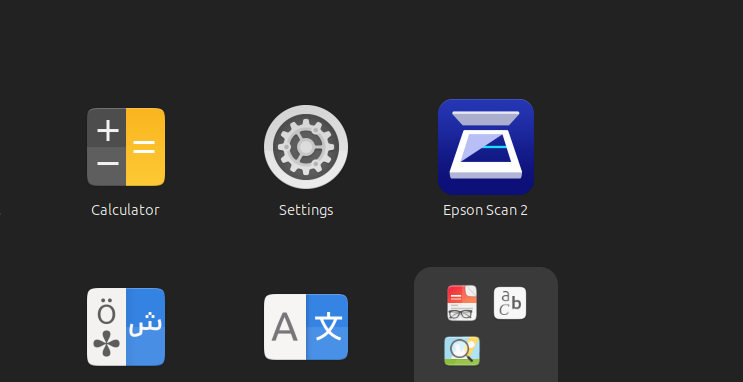
i installed it okay it seems, but when I click the Epson Scan 2 app, nothing happens - I'm using Ubuntu 25.10 and have no idea where to even start diagnosing this problem. Is there a log somewhere I can look at for some hints?
2 media
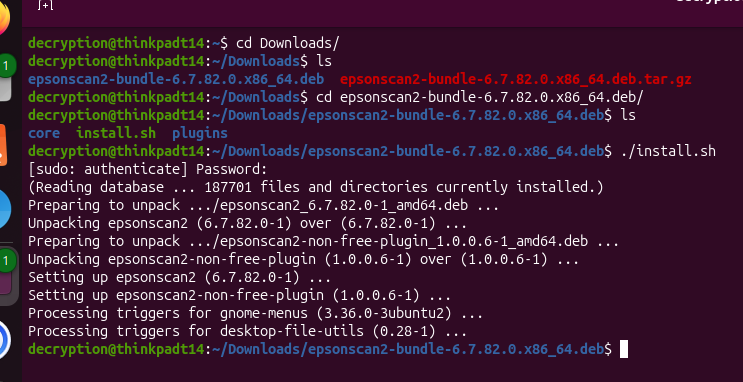
got it working! i ran "epsonscan2" in terminal and an error popped up:
"epsonscan2: error while loading shared libraries: libQt5Widgets.so.5: cannot open shared object file: No such file or directory"
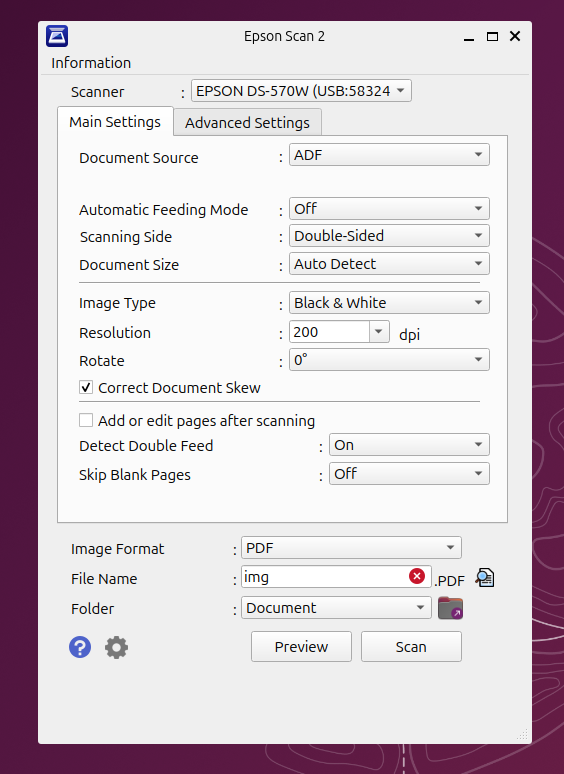
I installed qtbase5-dev and ran epsonscan2 again and now it opens - i am a computer wizard

@decryption You probably didn't need qtbase5-dev, since that is the development package. It would pull in the package containing the library in question though.
It looks like the deb packages they built have no dependencies. If they had, this would have been handled automatically.
@jamesh I hate it when deb files don’t do dependencies properly
so far it seems to be the exact same as the windows version - that's a pleasant change from the usual linux vs windows apps for scanners
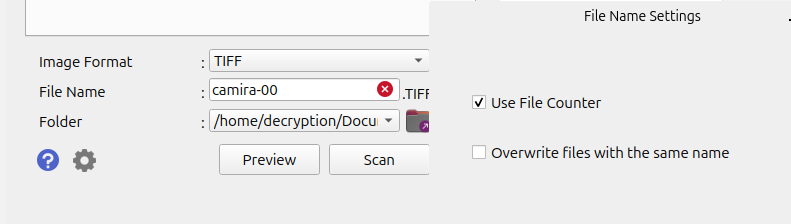
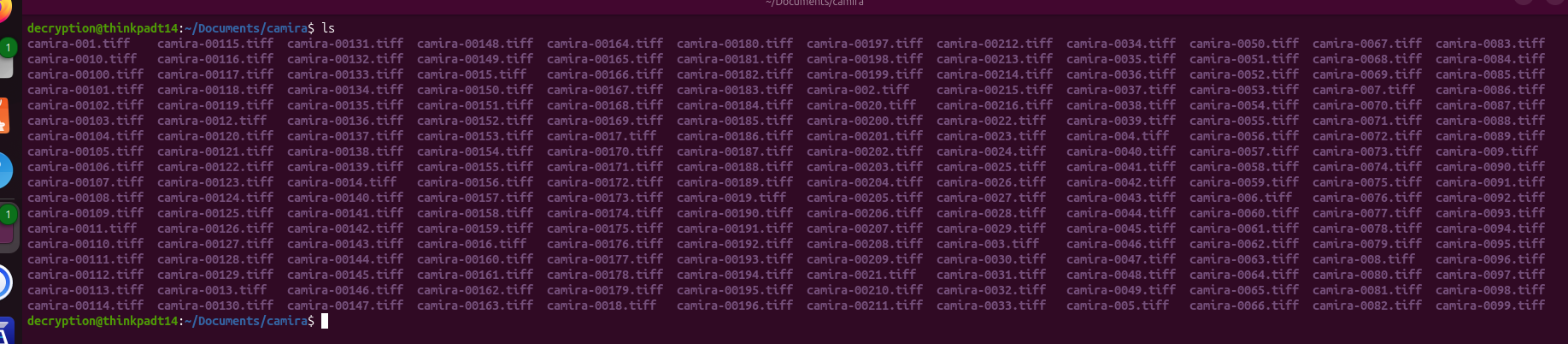
hmmm, there is one difference - the file naming system doesn't let you specify how many digits, so I end up with the file names out of order. I wonder if there's a variable I can use that isn't documented
2 media


@decryption I've been using VueScan for Mac for years with a few different scanners and MFDs. They have a Linux version allegedly. https://www.hamrick.com


@decryption i do recall the “offical” epson scanner app for the mac back in the olden says being so bad that I simply used an app based upon whatever that open source protocol was called.