@johntimaeus - Biggest thing is to not worry about perfection at first. Do an initial go and then learn as you go.
That said, for an initial go you want:
- A solid waiver and release form. Something like this (though other templates exist): (Edit to fix dead link and add new example:
Example 1: https://tldp.org/HOWTO/Installfest-HOWTO/legalprotection.html
Example 2: https://web.archive.org/web/20190725063027/https://www.angelfire.com/linux/linuxitna/InstallFest_Waiver.html )
- USBs loaded with the ISO you are installing
- Some USBs that dont have anything installed but are ready to load with another distro (eg a 32bit ISO for a 32bit system)
- Some cheap low storage USBs to let people make backups who forgot to
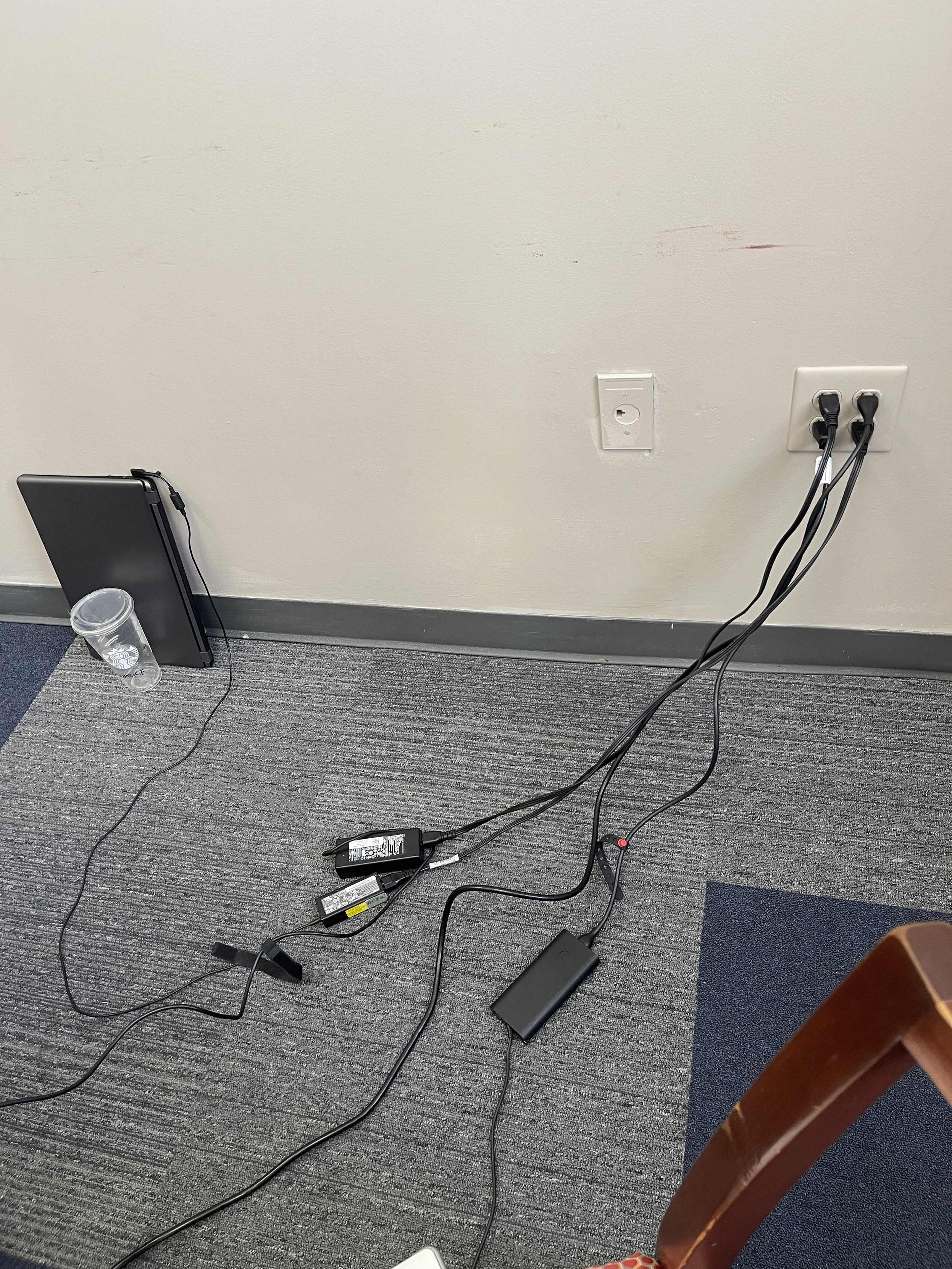
- Some laptops (with extension cables or surge protectors to plug them in) to load fresh ISOs on or look up manuals for neighbor's laptops
- Some demo laptops loaded with the ISO that you're installing for people to play with
Explain to folks that you all will do your best to install Linux but it might not work. Explain that the attempt will wipe all the software and files and photos that were on it originally.
Last thing is gear this experience towards non technical people. To folks that just want their machine to work. They can know the limitations (it wont run some programs that are native to Windows or Macs for example). But dont approach them as if they have to bend to the tool. Do everything to make the tool bend to them.






































![Futuristic Robert [KJ5ELX] :donor:](https://media.infosec.exchange/infosec.exchange/accounts/avatars/109/274/877/044/169/710/original/2c6d869795b79b1f.gif "Futuristic Robert [KJ5ELX] :donor:")