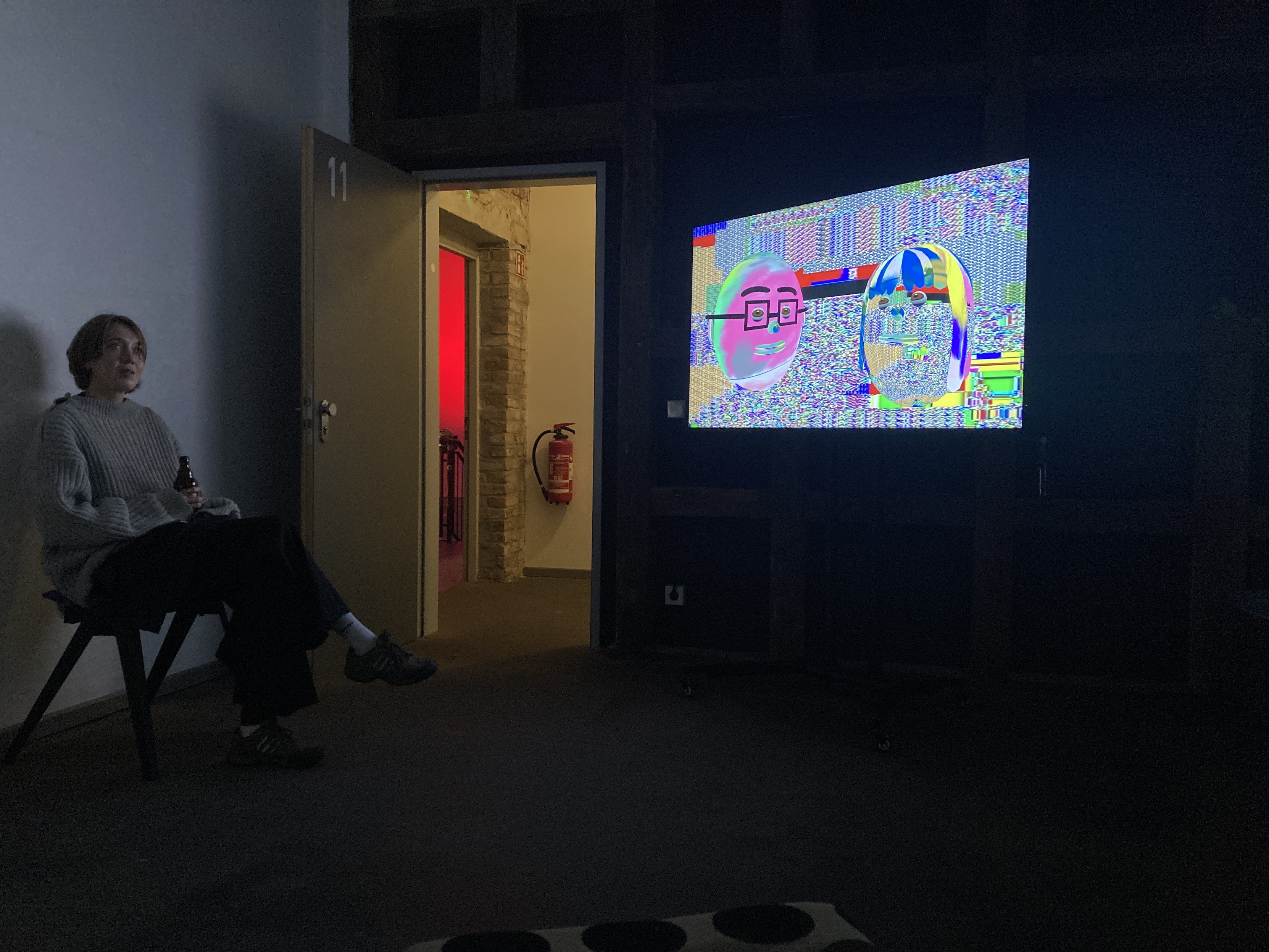
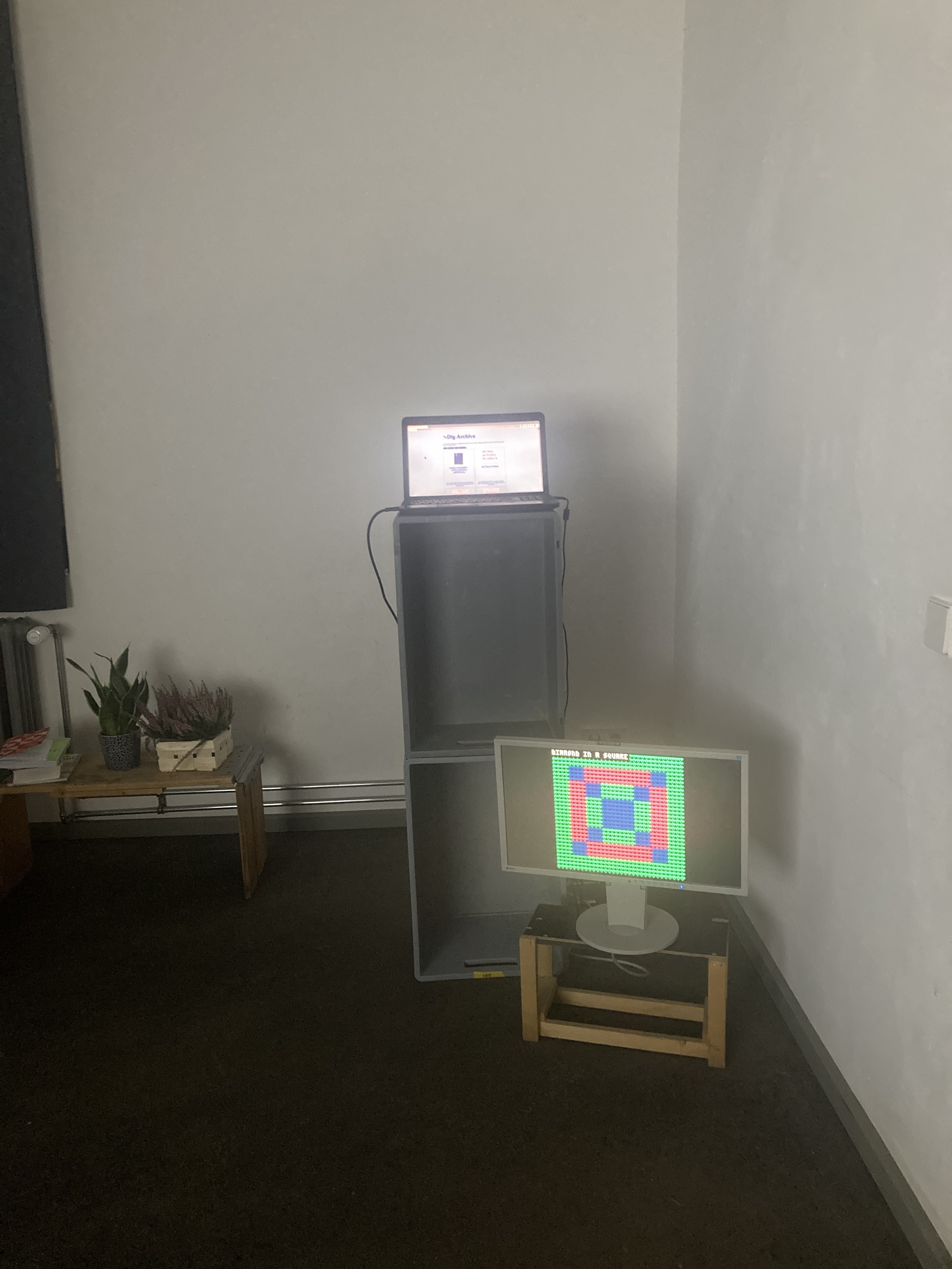
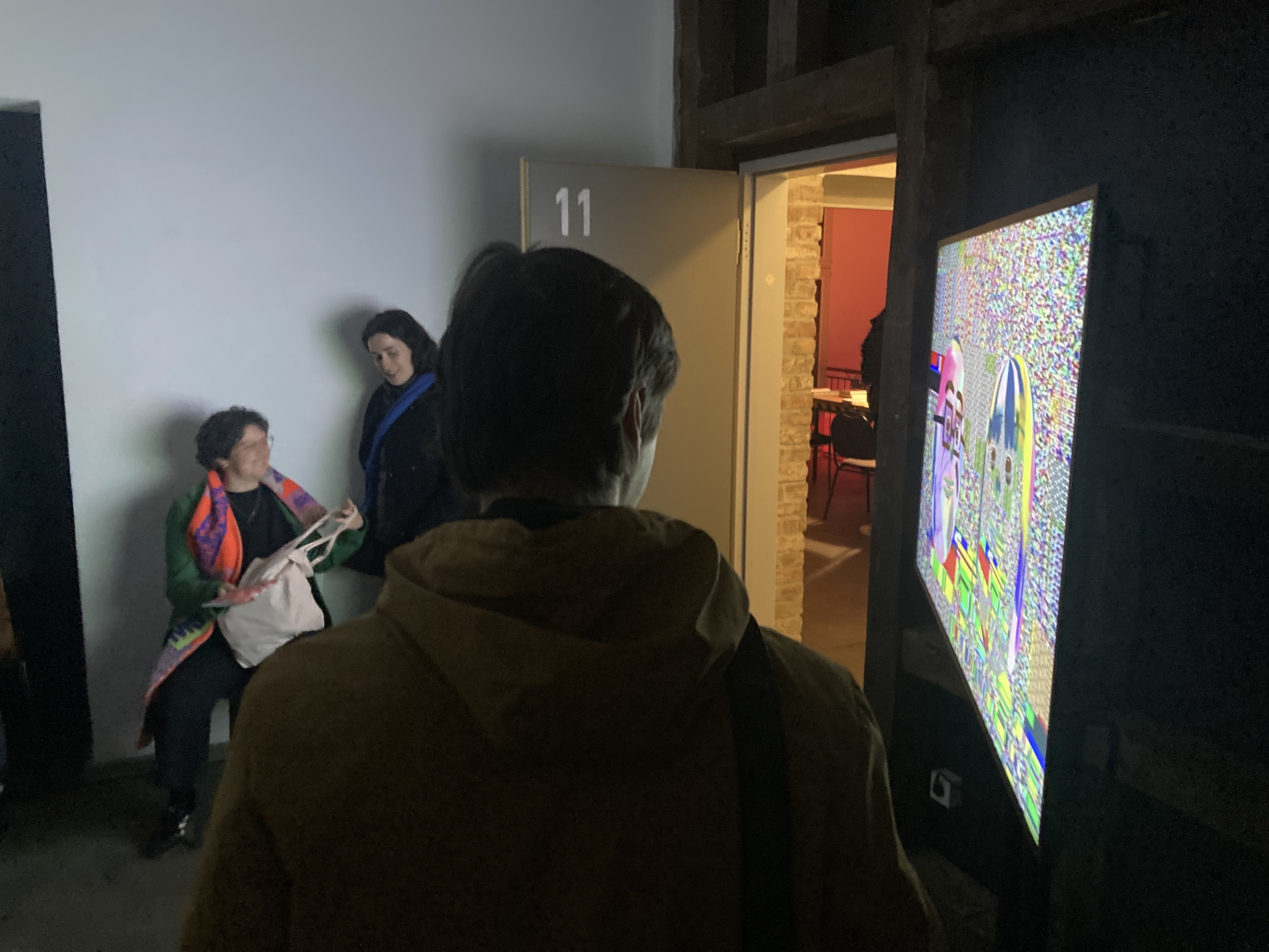
tonight was open studios at my residency. I have a work that's currently in an exhibit in NY that I had coded in p5.js that I spent some time porting to L5 last month. I had forgot about the L5 port and was cueing up the p5 piece and getting frustrated that i'd have to use a web browser-run a server-go fullscreen-reload again to get right dims - etc, and then just remembered i had started the L5 port. Well I opened the L5 project and ran it and it looked good. So I just exhibited that, and so this was the first L5 project to be exhibited/shown publicly, and that felt good. It ran the whole day starting around 4pm running until midnight, and I never once had to worry about browser memory issues or crashes or reloading or anything like that. Kind of amazing. Just goes to show it's up to the task it was designed for, to run fast, easy, and with minimal resources.
Post
Replies:
3
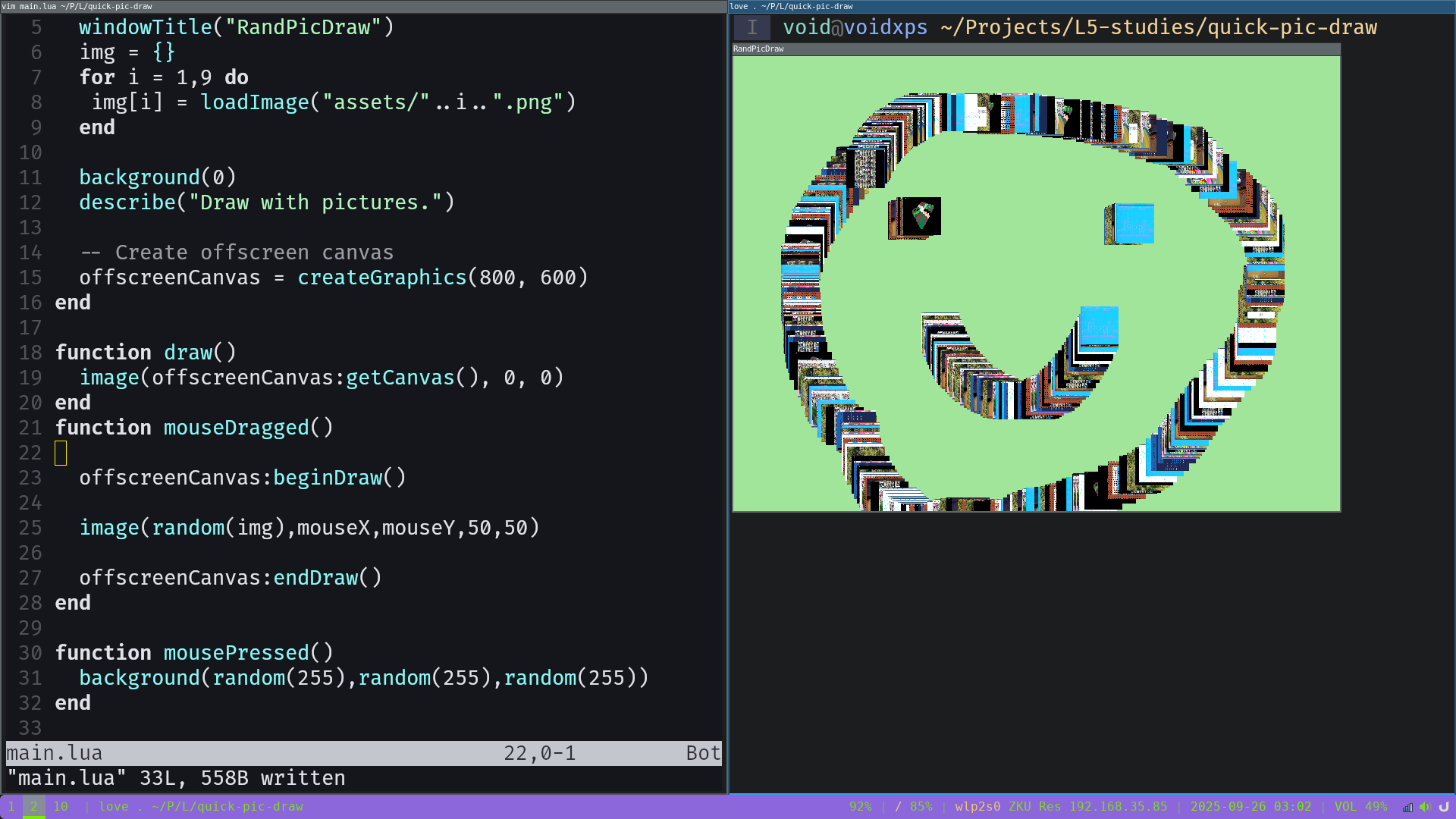
While doing L5 Studies tonight I wanted to draw to an offscreen buffer. The reason for this is because I wanted to draw freehand but have the underlying background color change randomly only once each time the mouse is pressed. To do this requires allowing continuous drawing on an offscreen buffer that then gets applied on top of the background. This meant it was time to implement offscreen buffers in the L5 library, so I created the createGraphics() function (that's what it's called in Processing API).
Added and tested. In this example I created a drawing program that lets me draw with photographs. The background only changes when the mouse is pressed down, but the drawn photos are persistent due to...the new createGraphics() function.
For my L5 Studies tonight I took on a bit of a challenge to make a collection of microgames in the style of beloved Warioware D.I.Y. I was looking earlier today to see if such a thing existed for Playdate. It seems like it should exist, no?! There was evidently a microgames jam with that idea in mind.
In any case, for my L5 programming tonight i ended up making some confused hacker mini game system with 3 different games. it's 'complete' in the sense that you can play it. it took me a couple hours and is a couple hundred lines of sloppy improvised coding. i've been using my own reference pages from the as-yet-unpublished L5 reference docs website (they still need work, more pages and polishing before going live), which has been helpful.
anyway, here's some gameplay of my silly microgames.
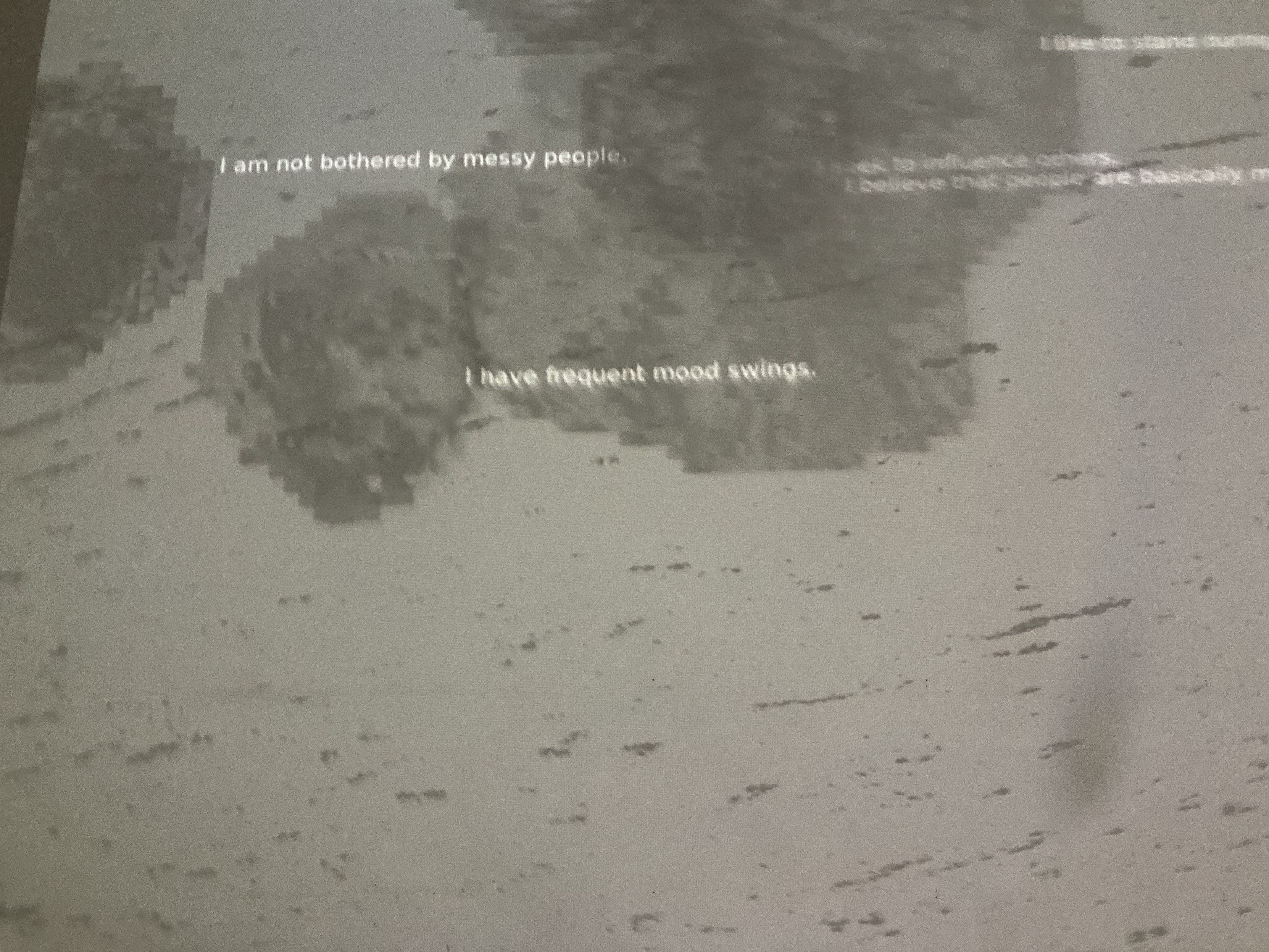
photos from the open studio
4 media