Discussion
Loading...
Discussion



@eleniartikou I always associate this tone with the early cinema pioneers, it's great to see someone actually smile in a sepia portrait. If you want to share it so fediverse users who use screenreaders (visually impaired, technical problems where pictures don't load, etc) you can add alt text. #alt4you "A sepia portrait of me smiling."
@Veza85UE Will i create a new post?
Or i'll edit this(Writing the alt text,using the hashtag you wrote above?)
Or i'll use the hashtag and only text?
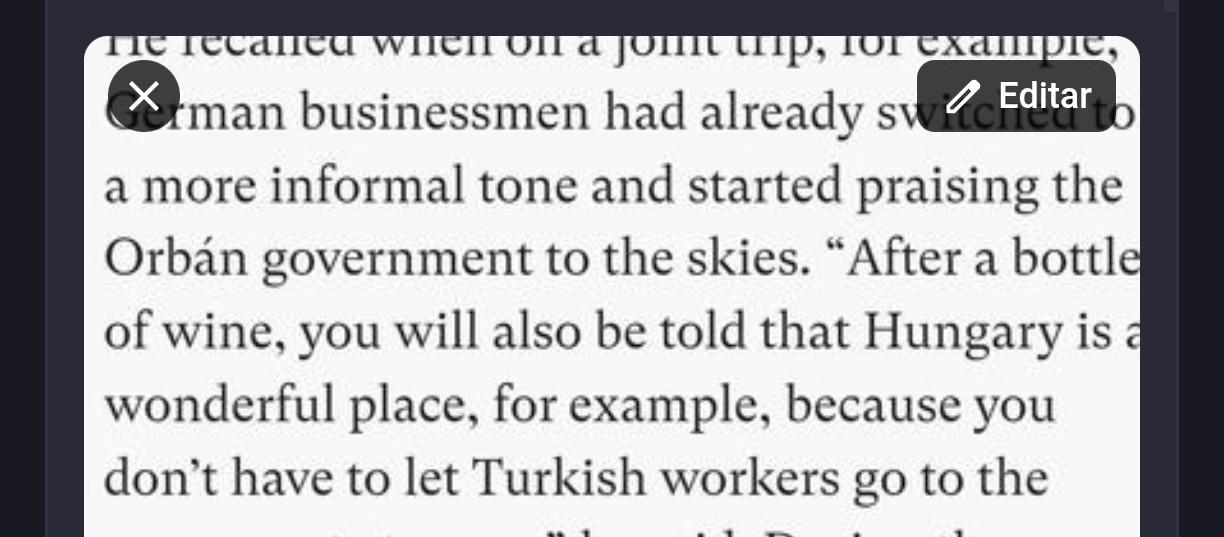
@eleniartikou No need to make a new post, you can edit it if you want to, it's one of the best things about Mastodon. 🙂 Once you click on the Edit button on your post, there will be a second edit button for the picture in the upper right-hand corner, this is what it looks like for the last picture I posted:
After you add whatever description you want, you can save the post and you'll have alt text. 🙂 I'm sure the @FediTips account has much better resources and guides, but hopefully this helps.


There's a guide to adding alt text in the accessibility article at https://fedi.tips/how-do-i-make-posts-more-accessible-to-blind-people-on-mastodon-and-the-fediverse/
Let me know if you want help with anything! 🙂 There's also lots more help on the website at https://fedi.tips
1 more replies (not shown)