

Thunderbird updated and now it shows me the number of unread emails in the taskbar icon and I HATE IT. (963, in case you're curious). HOW DO I MAKE IT GO AWAY UUGGGHHH
0 Boosts
0 Likes
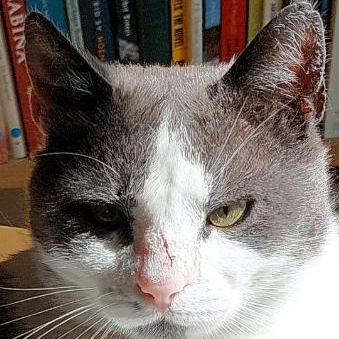

@sundogplanets I can do better 💪
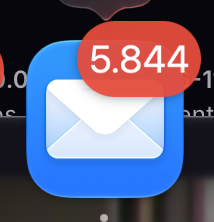
@jlapoutre Mine should be a lot higher but I accidentally marked all as read a couple months ago... that's a very large number...


@sundogplanets Yeah Nah. Gmail does the same. I have thousands of unread. (sorry world, they are going to stay that way)

@sundogplanets 963 is not manageble by a human... you need an AI agent 🤭


@sundogplanets
Top left hand corner, select all, trash. You’re welcome. 😉
@sundogplanets I used to ignore all as spam. But one day I got a direct email fro Nature Editor. Marked as spam. Wild eh? I was able to help with the basic review in an airport enroute as he was desperate. But how did Nature wind up in spam?

@sundogplanets Still better than Outlook. My university forces that on us with no way to disable Copilot asking if we want to summarize every email… including the one word confirmation messages from my chair and dean.


@sundogplanets Select all, delete. Then quietly mumble "whoopsie" and go do something else.

Settings → General, scroll to the bottom and open the Config Editor. Search for `mail.biff.show_badge` and set to false.
Restart Thunderbird
Now Thunderbird stops showing the badge on the taskbar.

@sundogplanets Okay, *my* anxiety spiked just reading that.