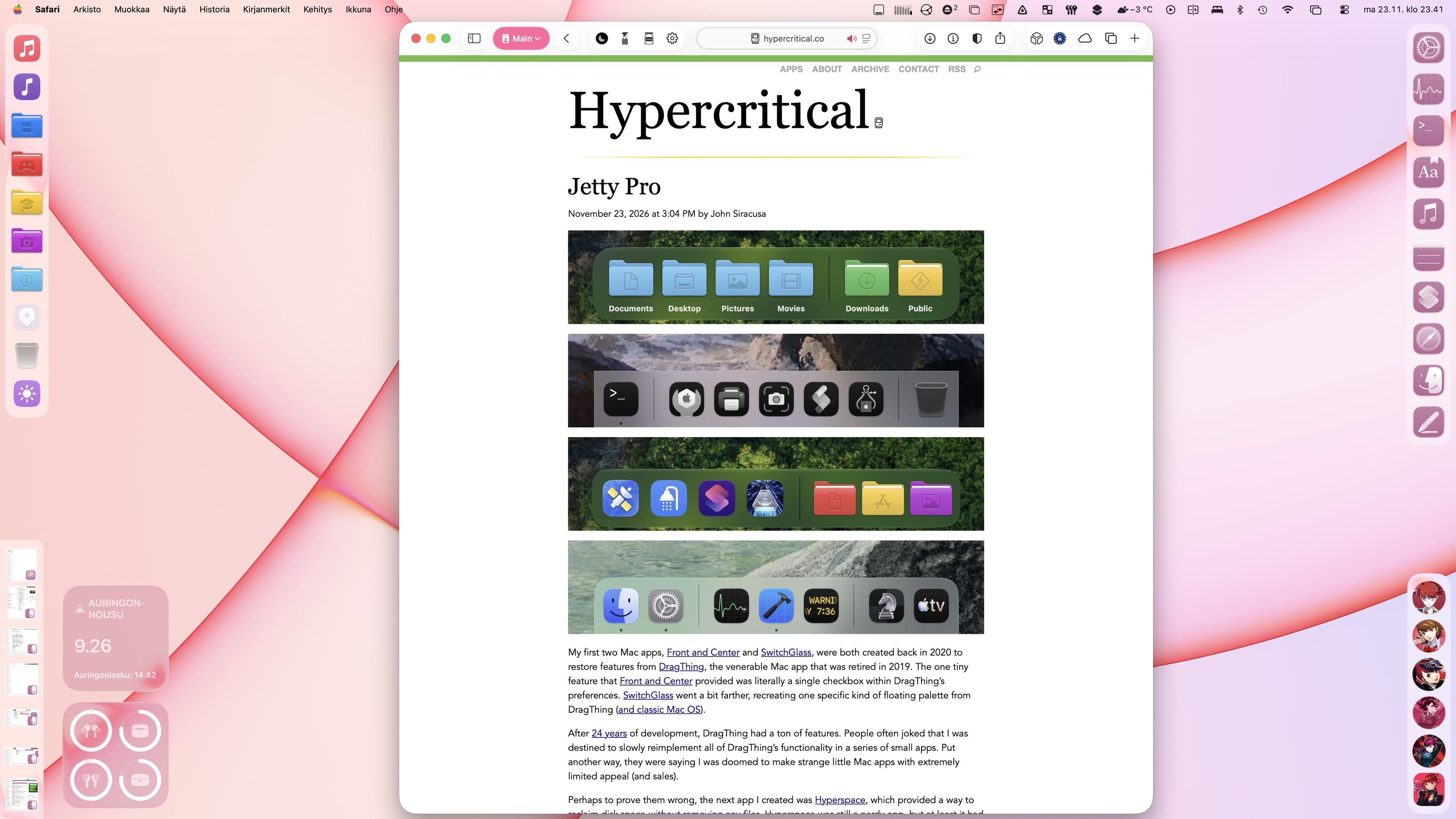
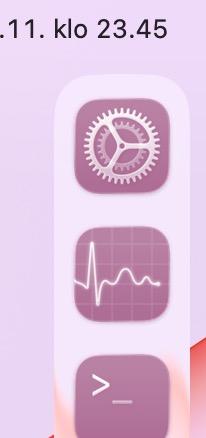
Behold, my latest Mac app folly: https://hypercritical.co/2026/11/23/jetty-pro
Jetty Pro
Behold, my latest Mac app folly: https://hypercritical.co/2026/11/23/jetty-pro
Jetty Pro
@richard5mith There are a lot of settings! I considered going two-column, but scrolling seemed like a better solution (and it’s what Apple does).
As for open windows, I have some possible ideas about that for future versions, but I’m still thinking about it.
@siracusa Can't wait to give this a whirl!
(Also I noticed a small typo: https://hypercritical.co/jetty-pro/#template-dock-replace:~:text=unide)
Jetty Pro
@dylan Fixed the typo. Thanks!
@siracusa I’m surprised you are not Team “offer to move to the Applications folder” on run. So surprised I just opened it from downloads expecting it to offer.
(Which was then a PITA because the menu bar icon didn’t show up and I ended up killing it from the cli. When I install it on another mac I’ll see if I can reproduce that or if it was a fluke/bartender thing)
@donw I did think about it, and I experimented with it, but it’s a bit fraught. And Jetty Pro *should* work from anywhere…I think?
@siracusa Probably would, I just don’t want stuff to live in my downloads folder. But I figured I needed to run it from where it would live before granting permissions, so I needed to exit and move it, leading to my issue.
@siracusa Folder label colours have shown in the dock for me since 27.1 some time, IIRC
@siracusa Oh wait, no, not labels alone, I need to use the "Customize Folder" option to add an emoji too
@samedwards Yeah, that works for me too. That whole system is a buggy mess!
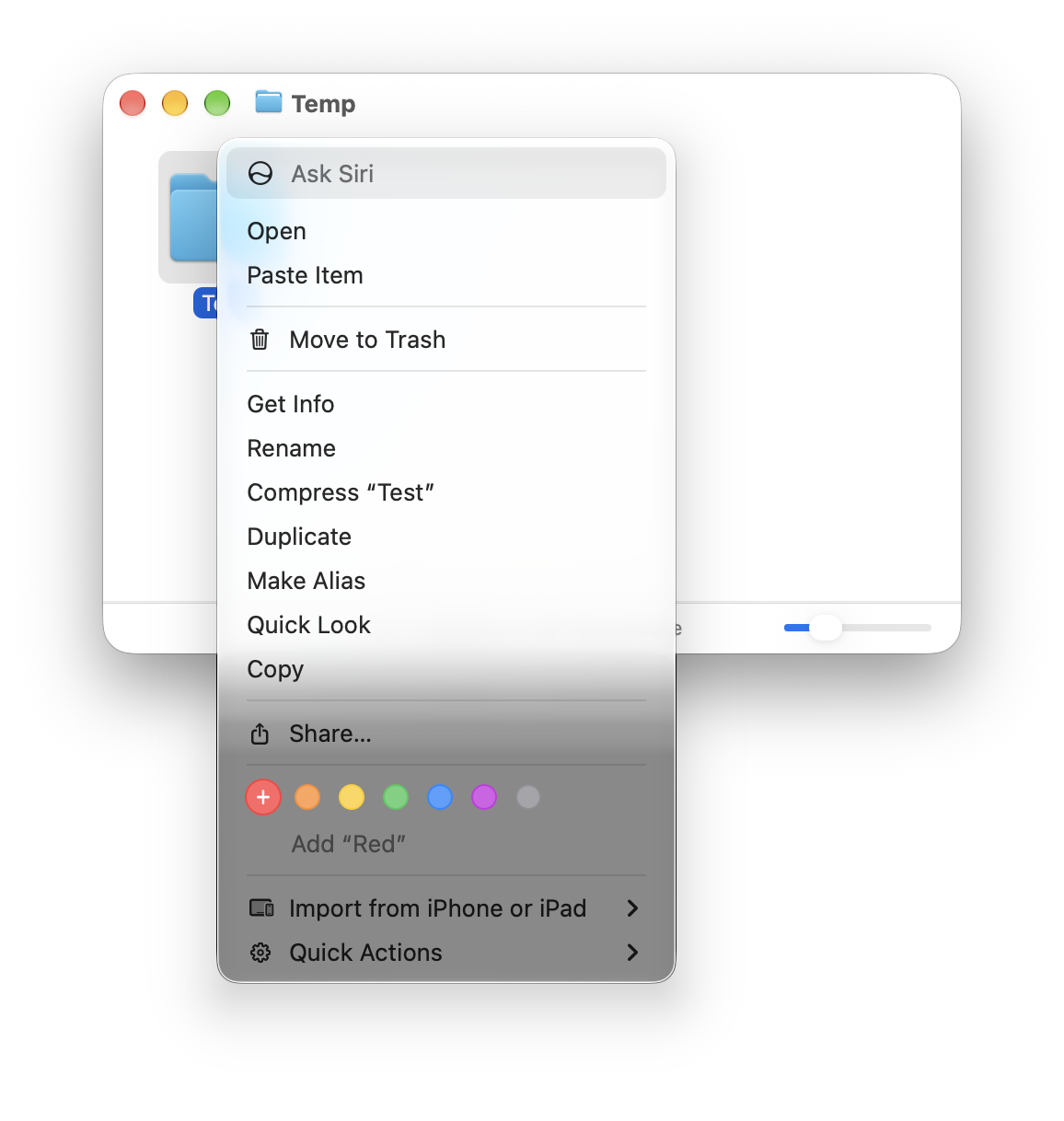
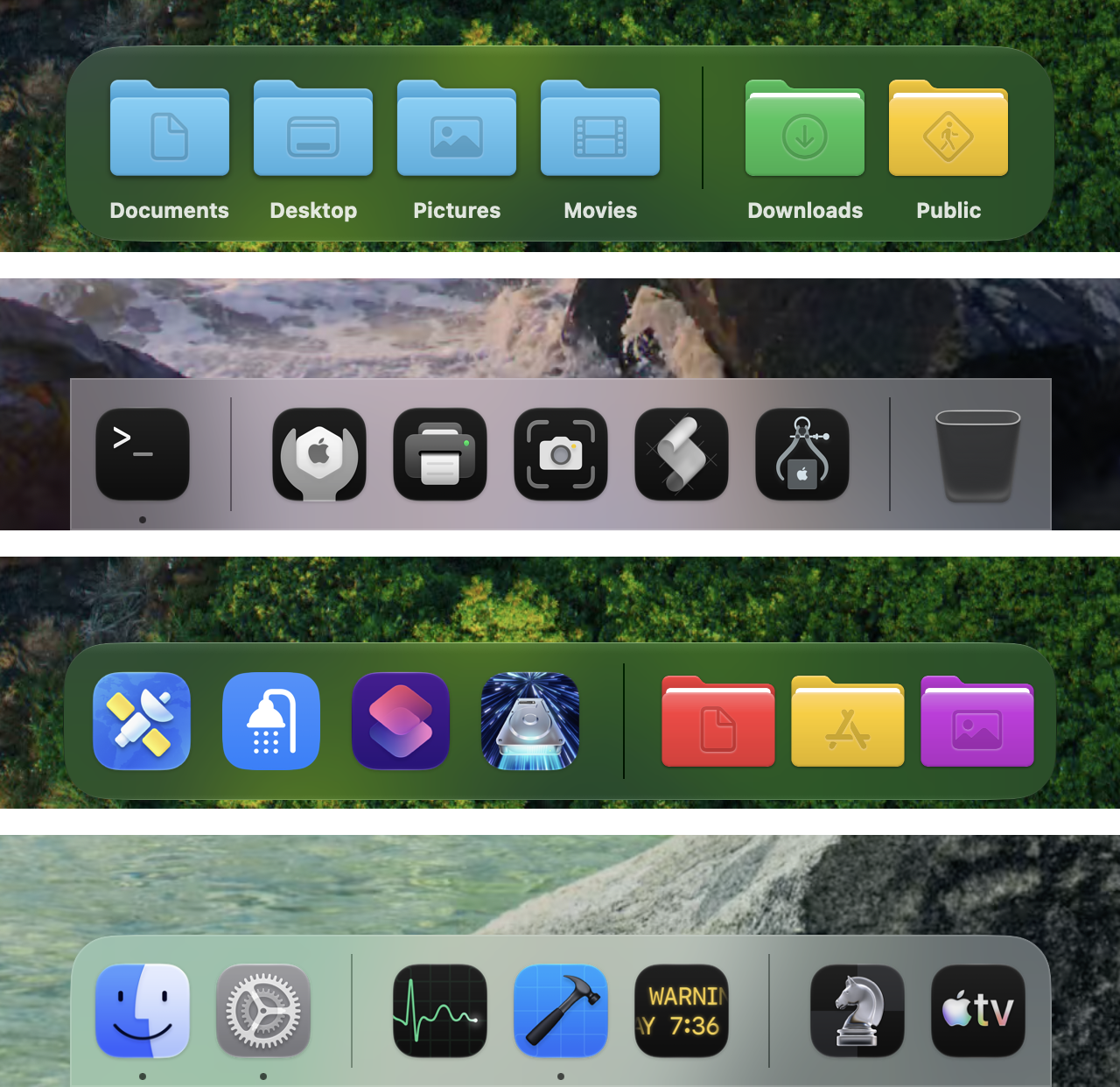
@samedwards Really? I’m on 27.2.1 and I just tested it and it still doesn’t work for me. I just see a default folder color. I’m talking about these colors:
@siracusa Cute name. And I admire your expanding utility portfolio. When do we get The Finder of Siracusa County?

@Gte Don’t think I haven’t started (and then abandoned) that project multiple times already…!
@siracusa But you only need to a Cmd-Click to open a folder from the dock in Finder? I just tried it.
Not saying this didn't deserve the app, just thinking you might have been clicking Option in vain?
@siracusa It’s always a joy watching and hearing you speak about your adventures in coding the apps you love
@siracusa Congratulation to your new born!
@siracusa in the past I did deploy jetty a few times instead of tomcat!
@siracusa Noticed a little CSS bug on the download button (Firefox)
@eramdam Big button! I’ll fix it…
@siracusa thanks for making this, and congrats on the launch!
Is it possible to configure a palette so it contains *ONLY* currently minimized windows?
It looks like Jetty Pro always shows the “Drag files or folders here” message when a palette is empty (i.e., when no windows are minimized).
I tried adding a spacer, but then the palette is lopsided when windows are minimized into it.
I tried adding two spacers, to minimize windows into the section between them, but it looks like only dividers constitute sections, not spacers.
edit: I imagine the same issue applies if I want a palette which only shows currently running apps.
@lucas What would you want it to look like when there are no minimized window?
@siracusa I just subscribed! Question: I can’t figure out for the life of me how to keep non-running apps in a Palette. I can add them there and they show up grey in edit mode, but then they go away when not in edit mode.
@interestingmonkey Enter edit mode and then drag an app from the Finder into the palette. It should just go where you put it. If not, send me a screen recording showing the problem.
@siracusa That works. I had gotten icons in there by launching the apps and then rearranging them which gave them a number. But then quitting the app and leaving edit mode got rid of them which was mysterious. I think maybe adding a “keep in Palette” to their menu item would help. I had tried that.
@interestingmonkey “Keep in Palette” should be a menu option…but maybe not on non-running numbered placeholders? I’ll look into it.
@siracusa i like how you vibe-coded certain parts of the app but you knew when to leave that behind and apply your own experience, taste, and effort. It’s the Right Way to use coding agents, rather than getting addicted to quick progress which leaves you uncomprehending of your own product. I look forward to trying this out.
@archaica Progress was…definitely not quick!
You need to log in to see that page.
@siracusa Super tall narrow settings window barely fits on my screen. Could we get open windows rather than running apps?
Other than that, looks good.