

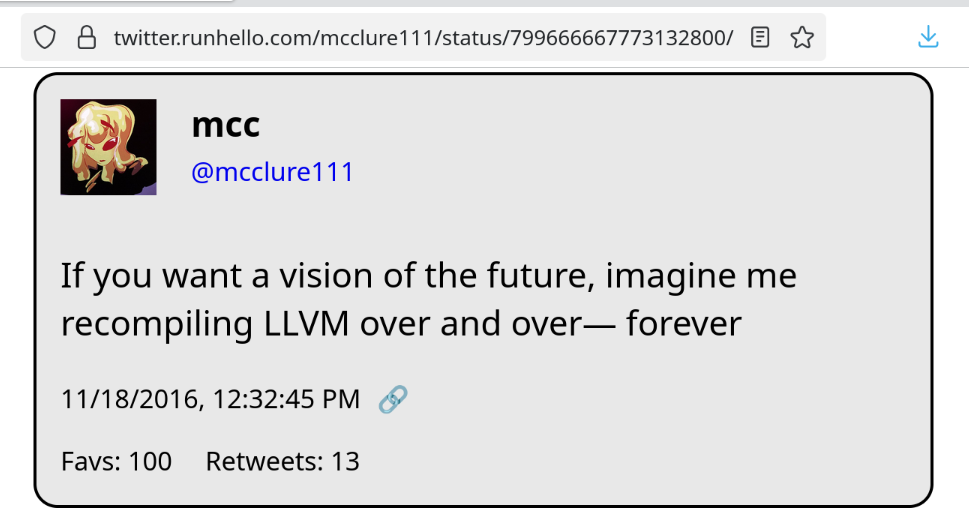
It never ends… it never ends!!
2 media files
It never ends… it never ends!!
In other news I've found a very interesting bug in the zig cmake scripts :(
Oh cripes it just installs under the executable name clang-22
Okay so it appears the debian equivalent of xcode-select is `update-alternatives`
This is…
This is not user friendly.
I do not know which key to set to change my clang. I don't know how to get it to list all keys. I can tell it to run with --all, and then it has me re-assign every executable on the computer, beginning with `animate`. This is scary and I bailed.
I have filed an issue / support request on zig at https://codeberg.org/ziglang/zig/issues/37729 . Hopefully they don't mind support requests in the issues
@mcc
I see a comment on that issue now, with another classic Debian solution: you installed `<$THING-dev>` but not `<lib$THING-dev>`, for some value of `$THING`, and of course you need both. I've been bitten by that soooo many times. And I've been using Debian as my main distro for at least a decade now.
Maybe it's possible to find out what package solves this by using `apt-file`, but that's another utility I tend to forget the existence of.
@mcc does Debian still use /etc/alternatives and update-alternatives ?
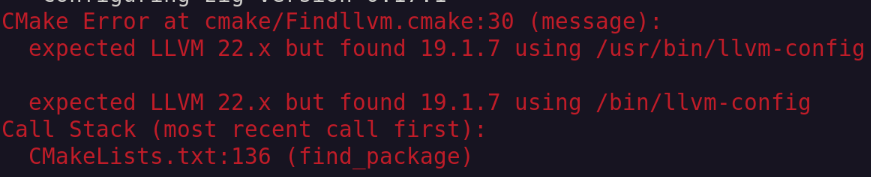






Hey question. Debian has a clang-18, a clang-19, and a clang-22 package in apt. If I run sudo apt-install clang-22, then open a new shell, then type clang --version, it's a clang 19. How can I get a shell with clang-22, and/or is there a way to tell cmake "I've got a clang-19 and a clang-22, use the clang-22"? How do I xcode-select in Linux