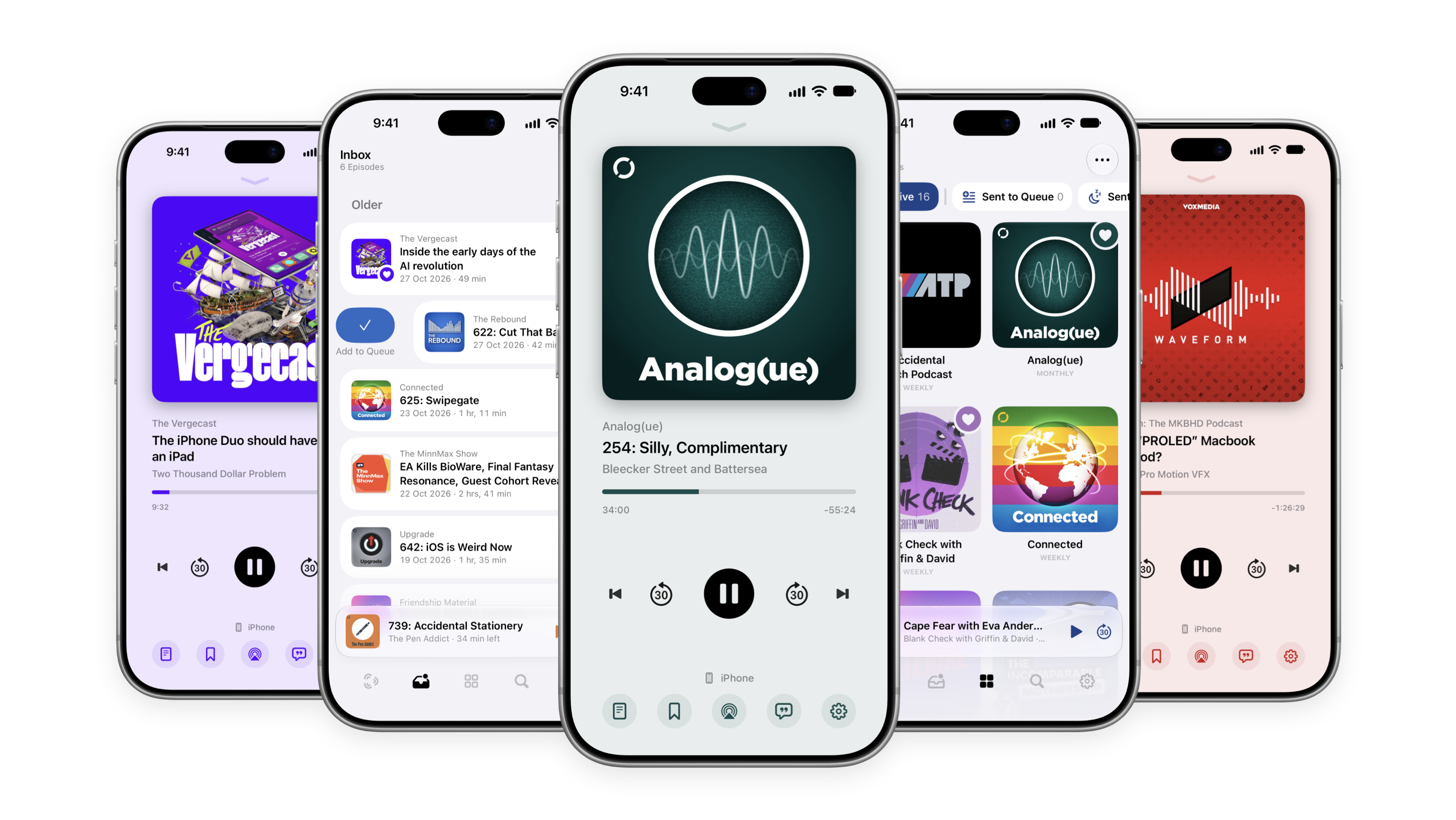

Introducing Tripod
a beautiful new podcast player that helps you stay on top of your shows with an inbox, automatic queues to let you choose what to listen to with ease, intelligent features, and delightful touches throughout.
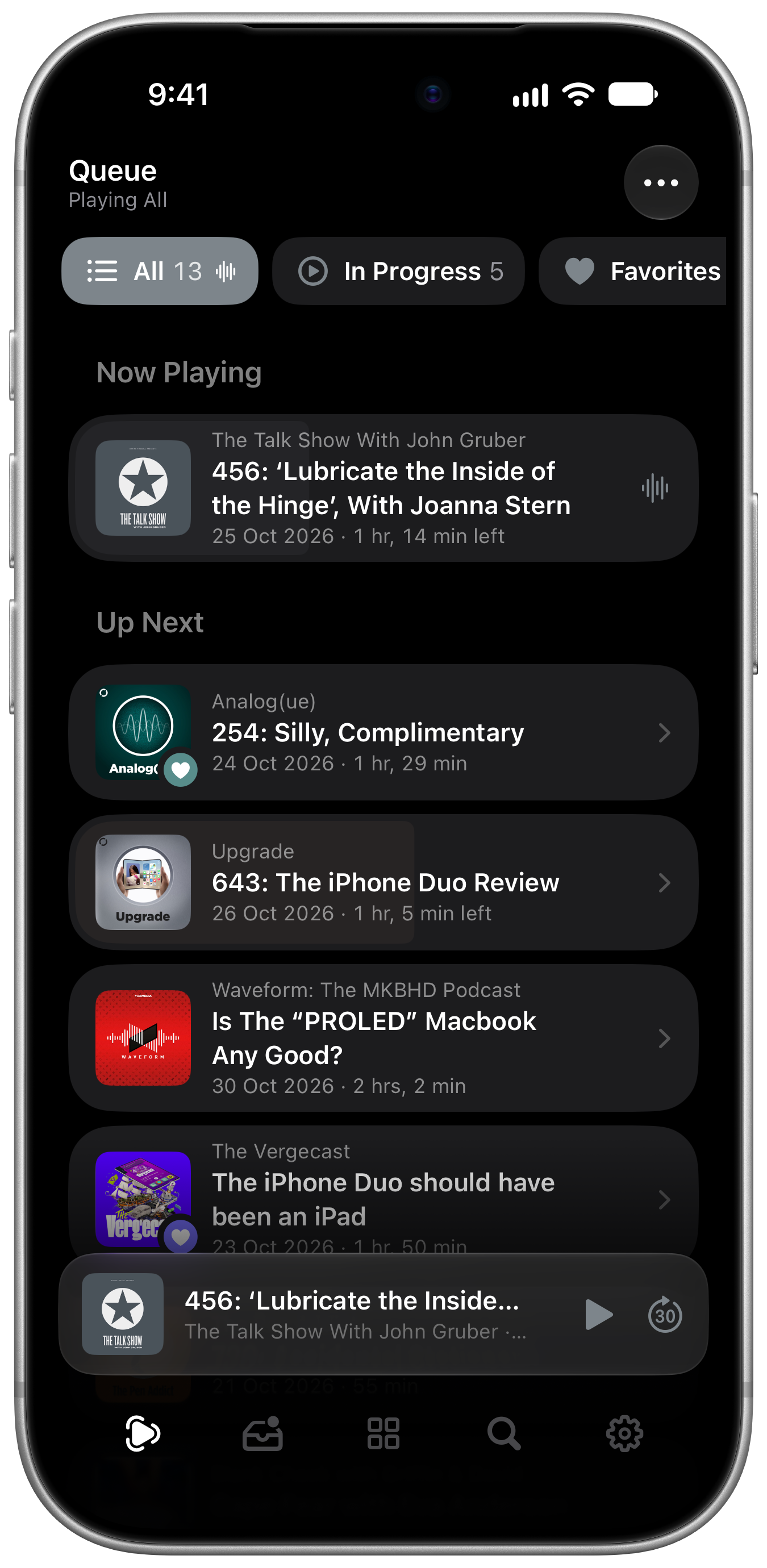
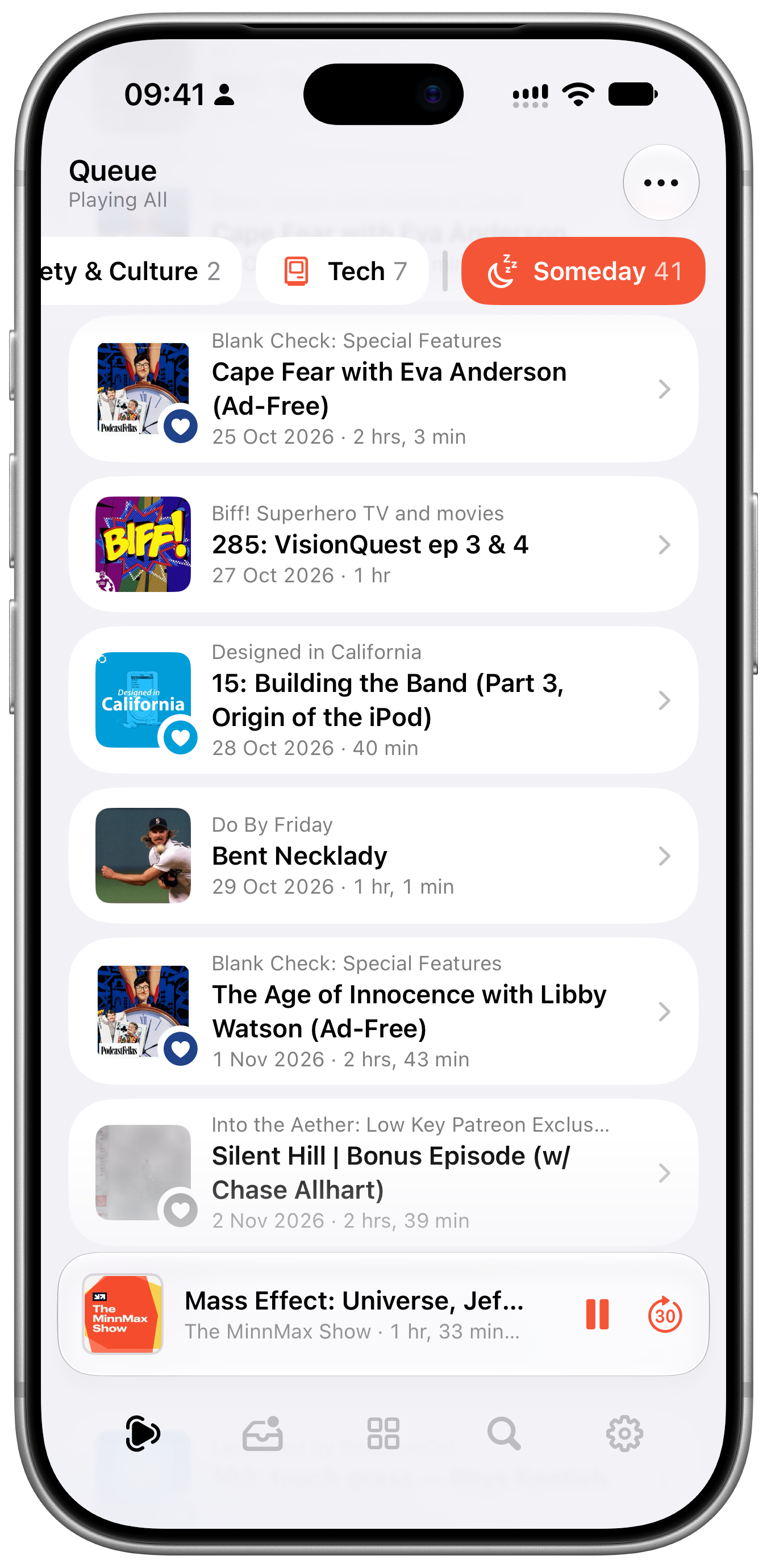
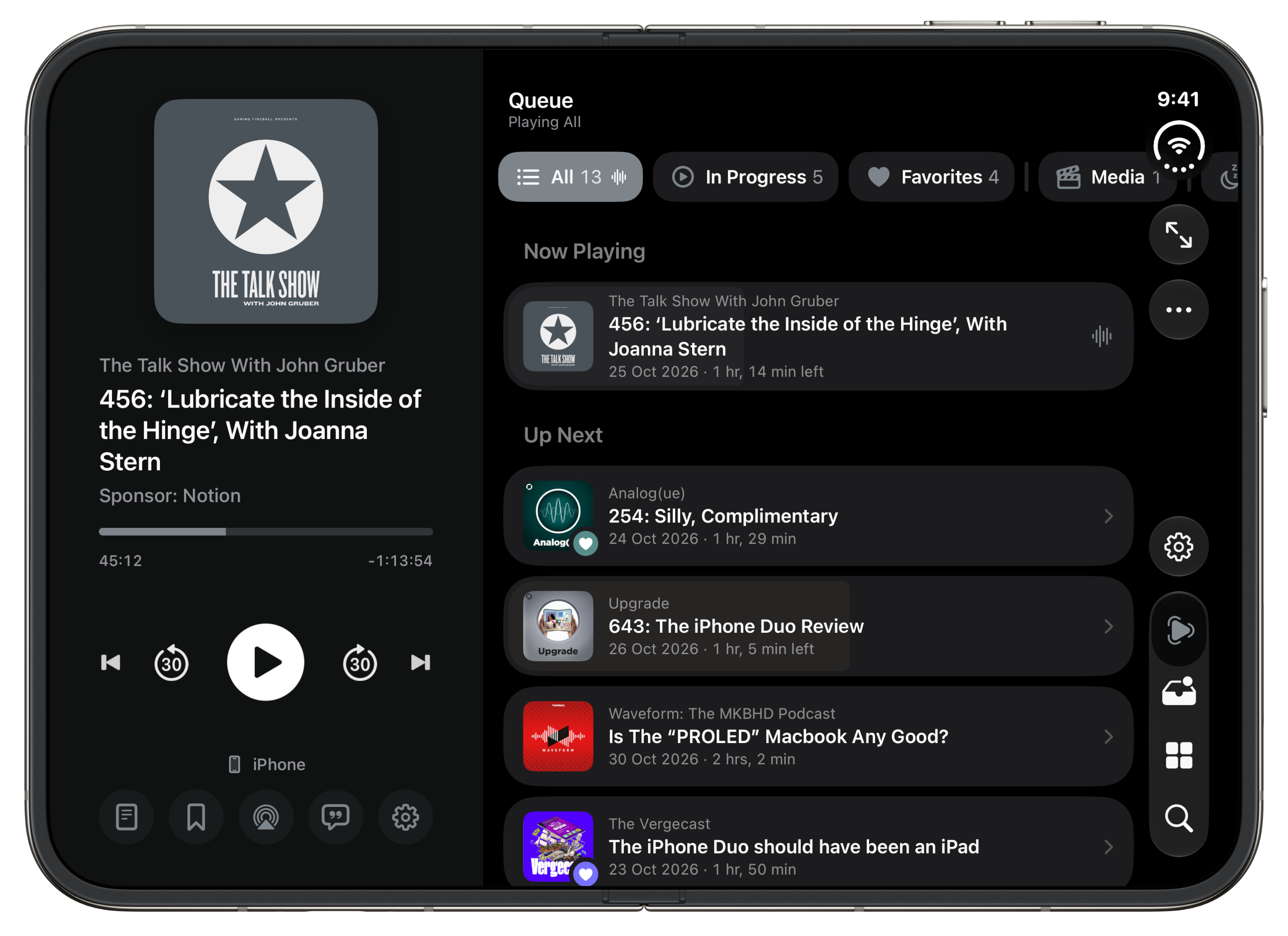
Tripod has a Queue that you add episodes to and automatic queues that are created for favourites, short episodes, and each genre. Plus a special Someday queue to keep episodes you’ll get to later.
They’re like playlists that require zero mangement. A little bit different, but absolutely effortless.
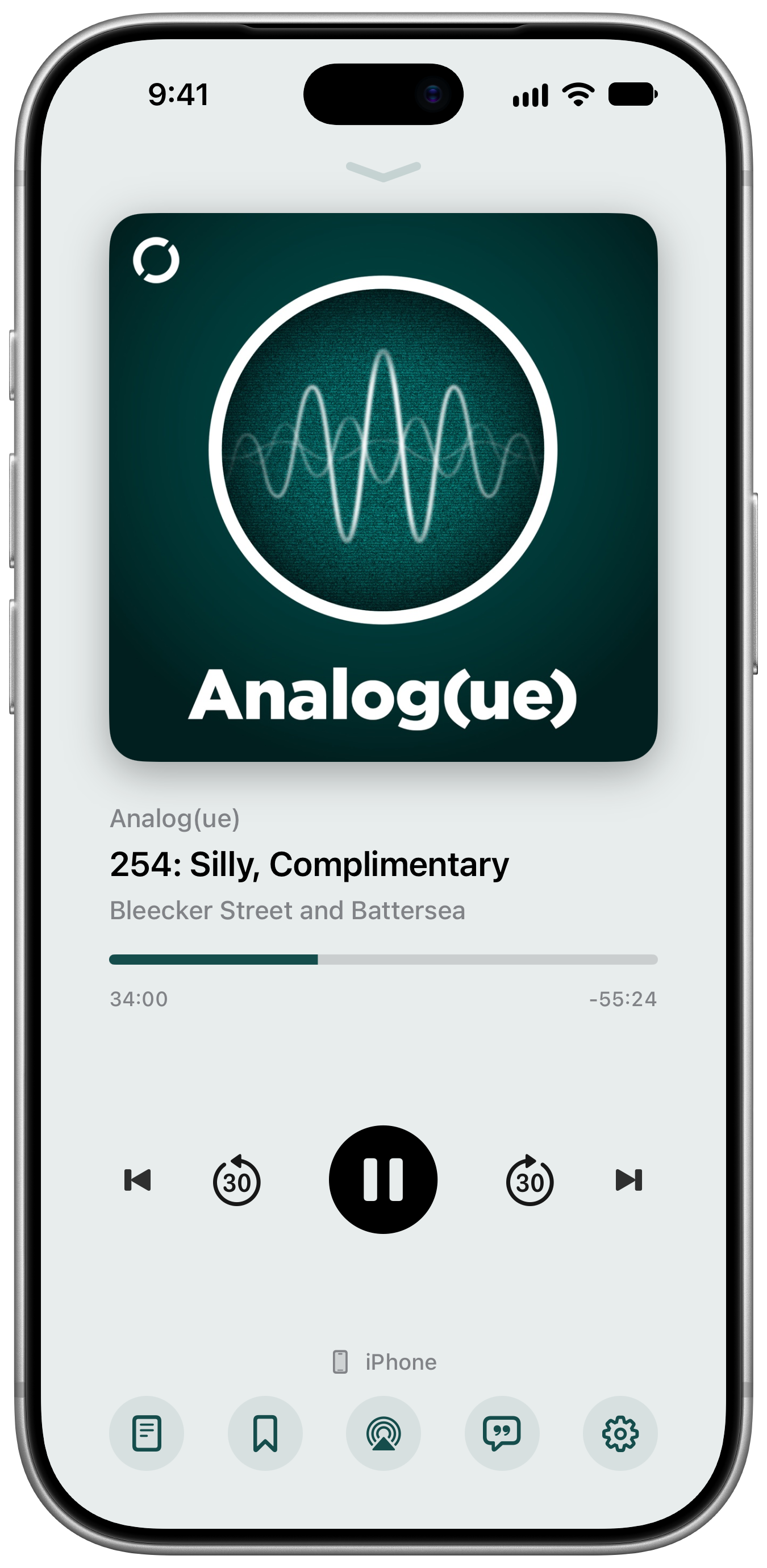
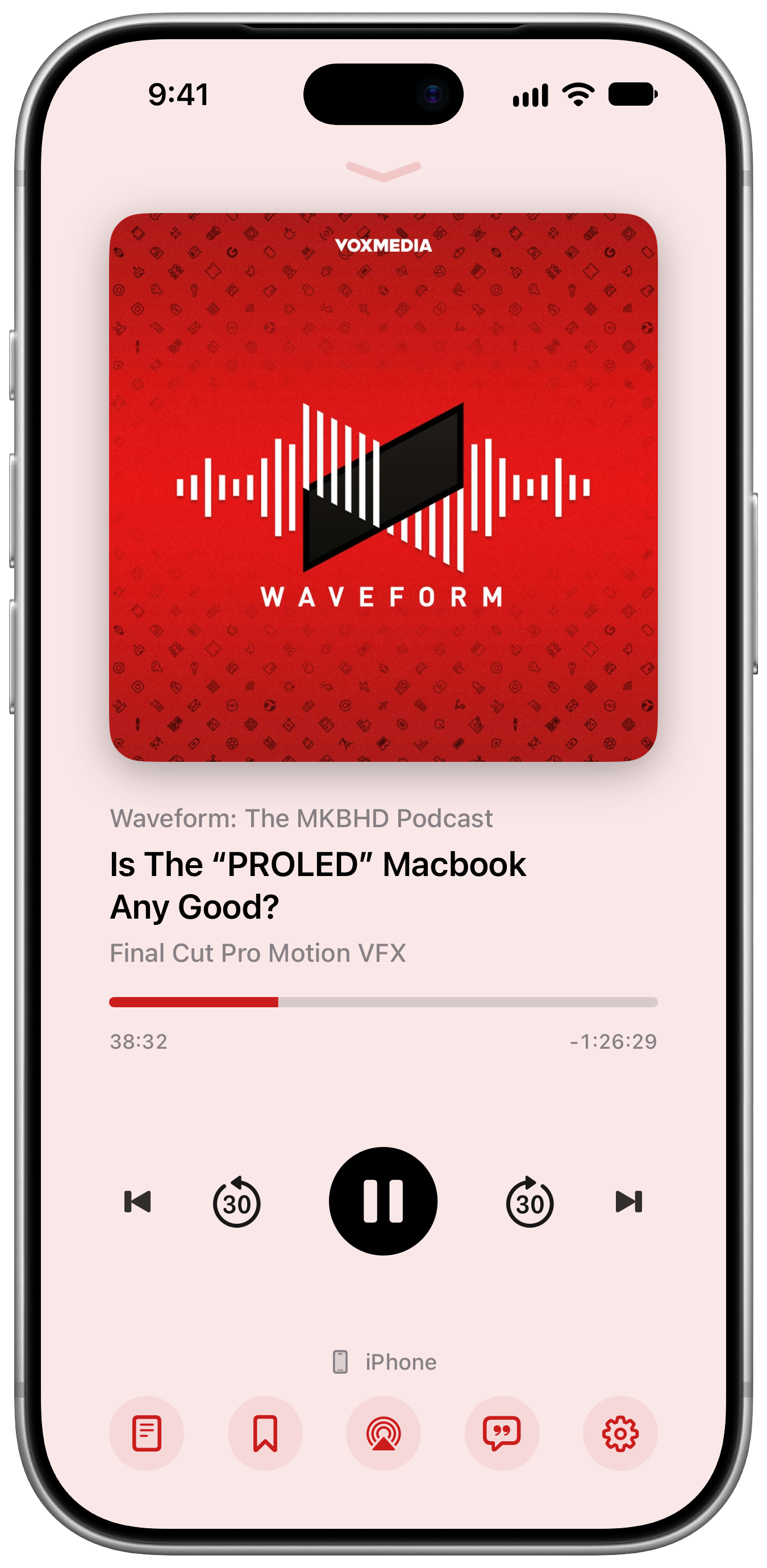
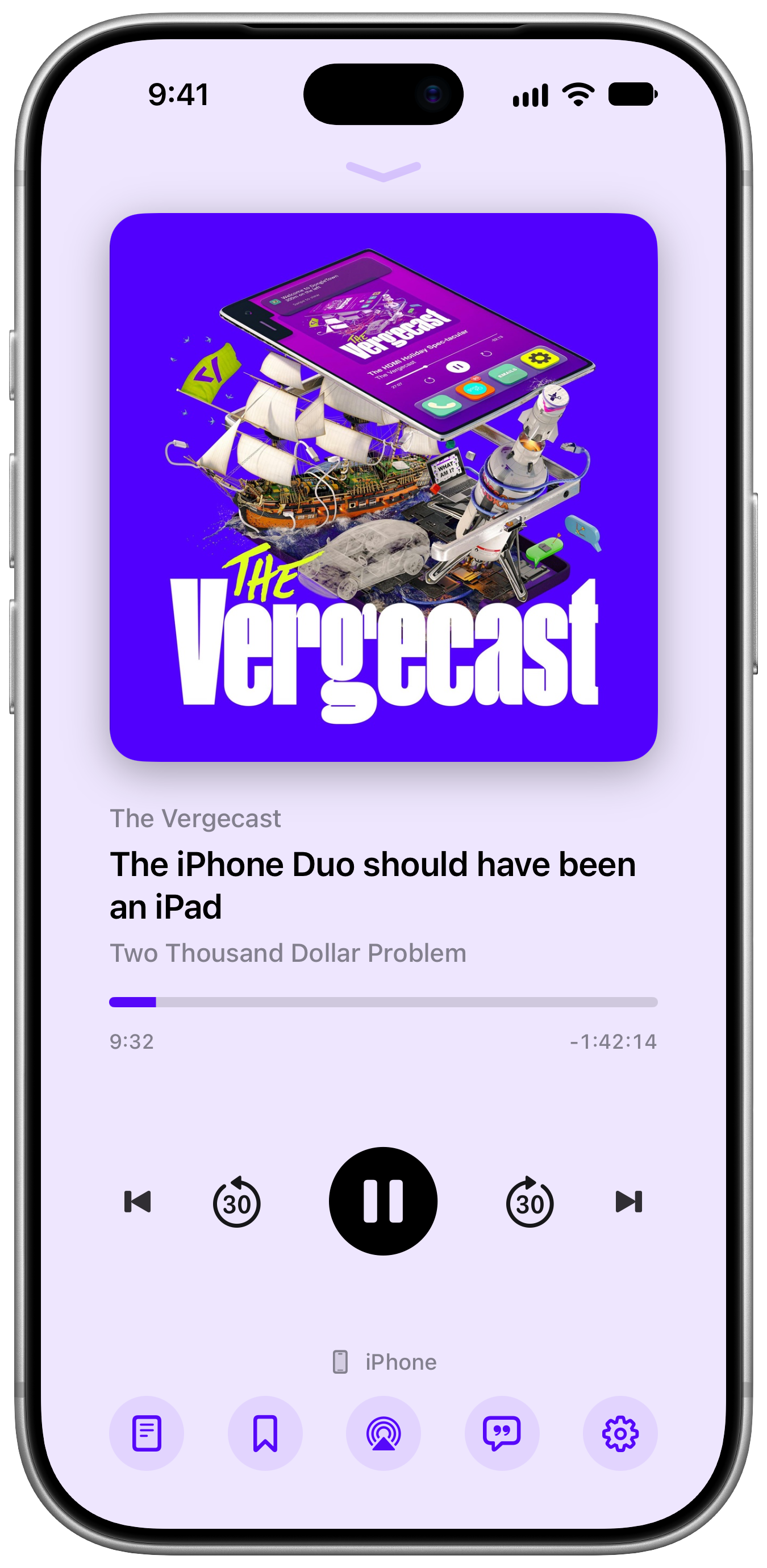
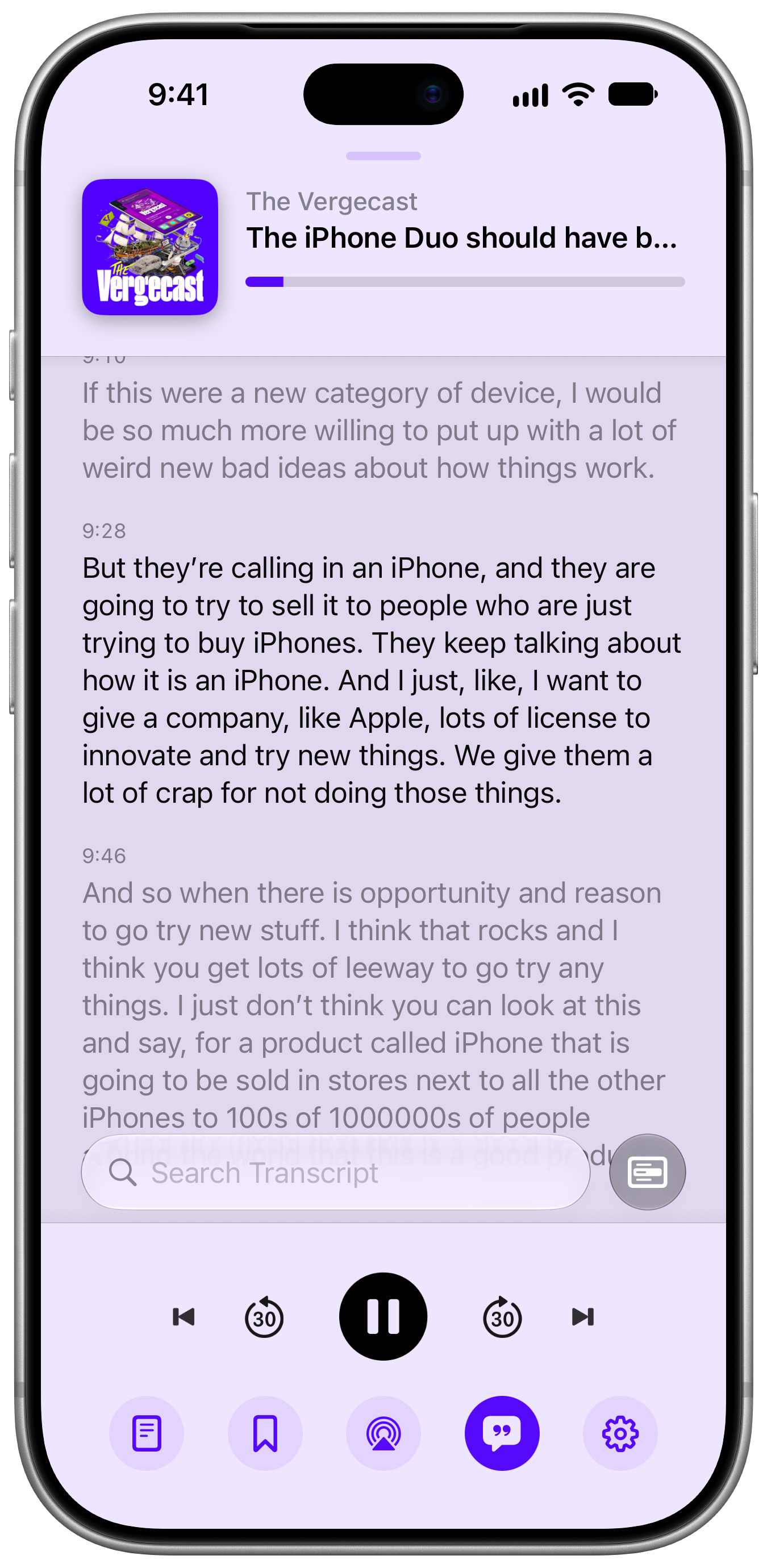
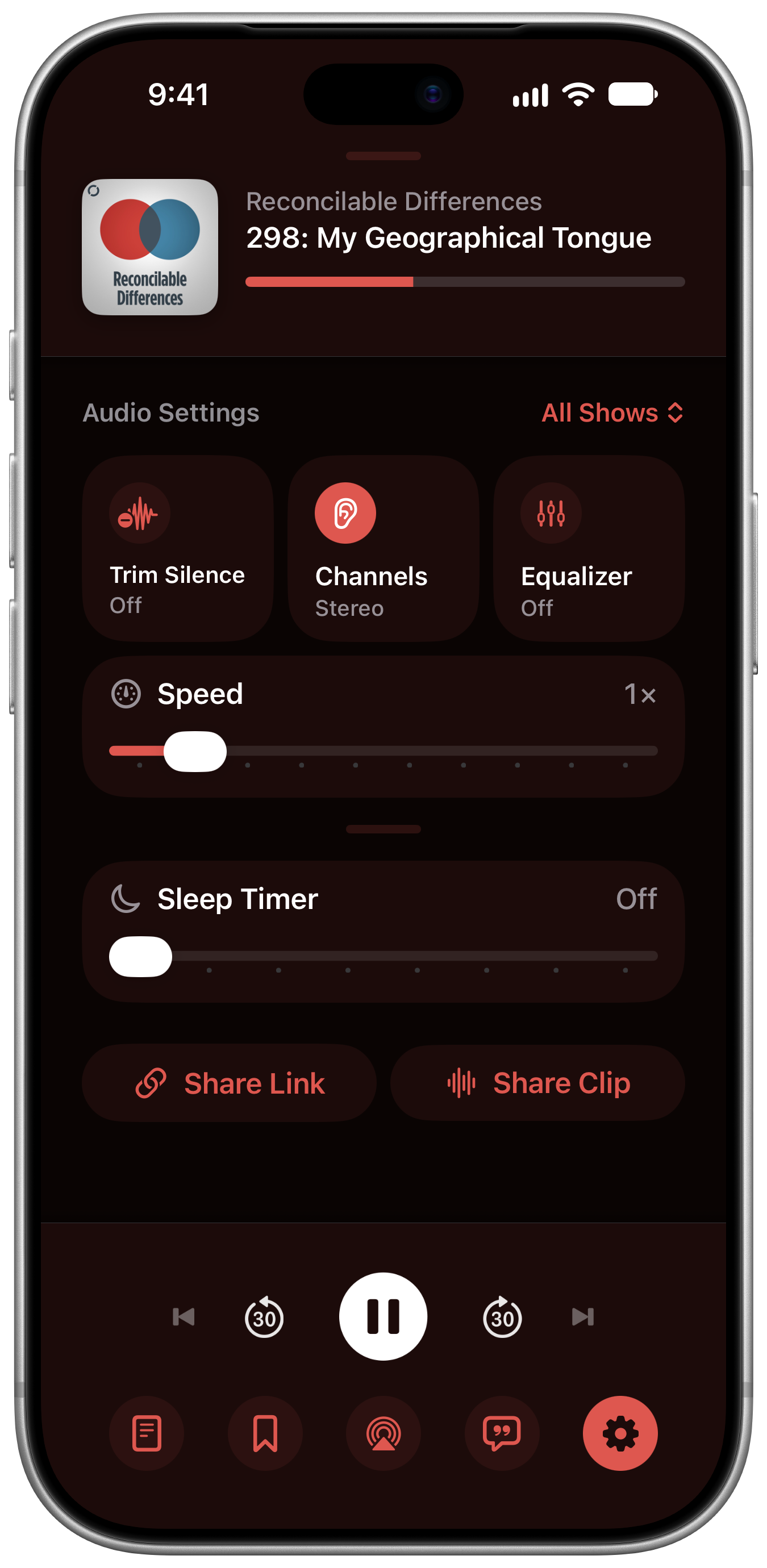
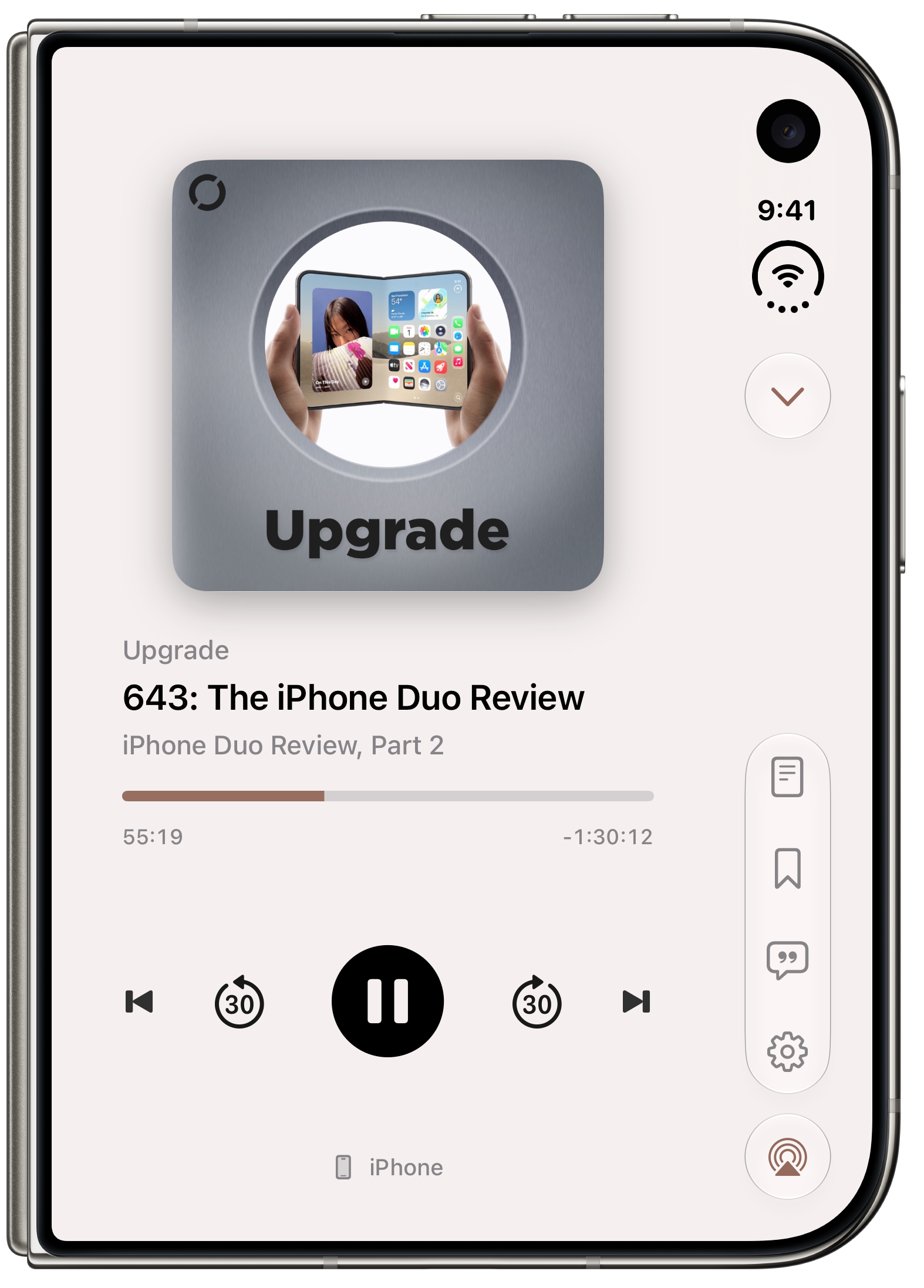
The Now Playing view is packed with features and it adapts its theme to match what you’re listening to.
A decade+ of working on Obscura has taught me lots about squeezing a lot of functionality into a small space and making it look good.
It’s packed full of features and details.
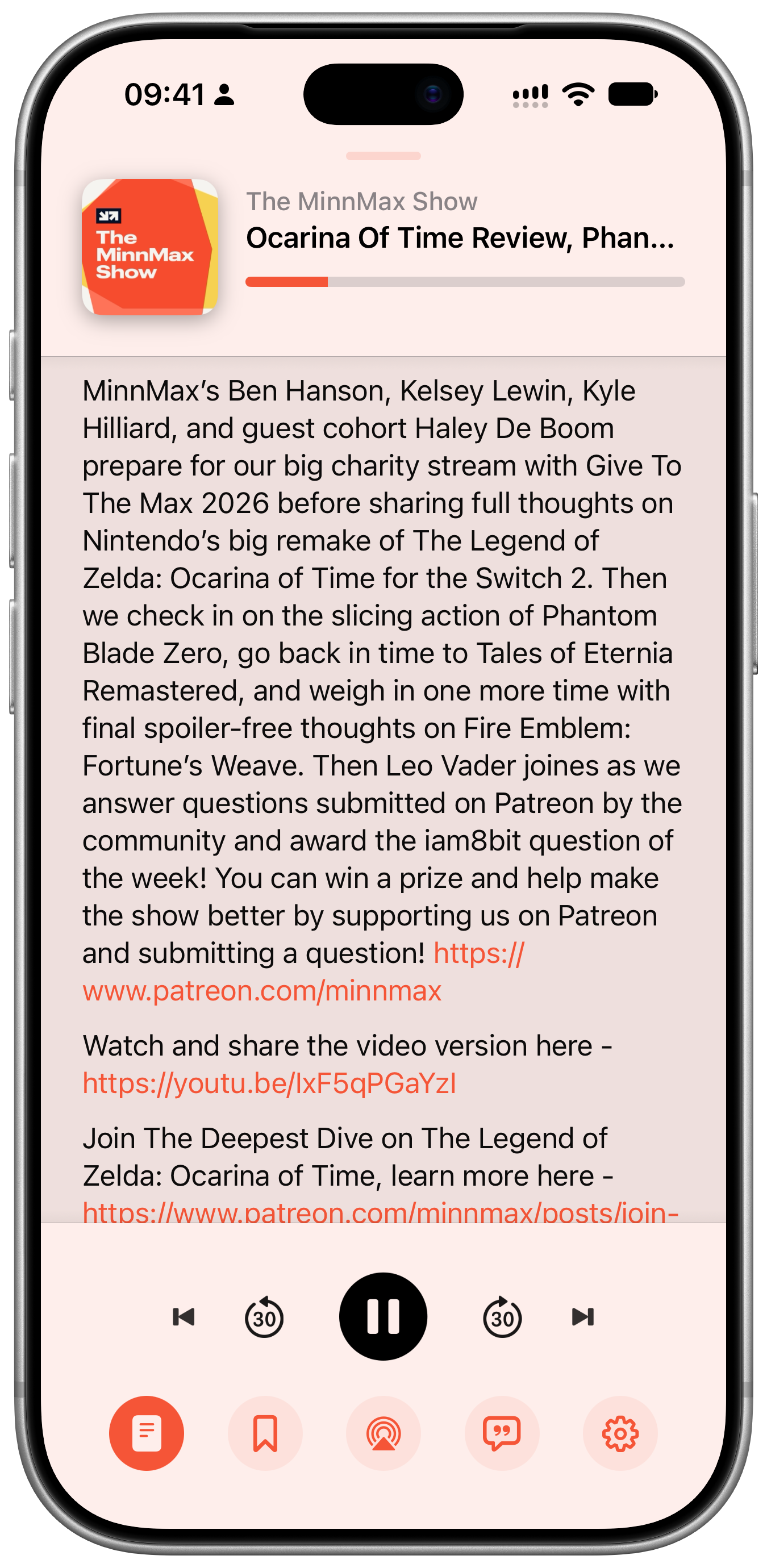
Shownotes, naturally.
Transcripts, generated on device.
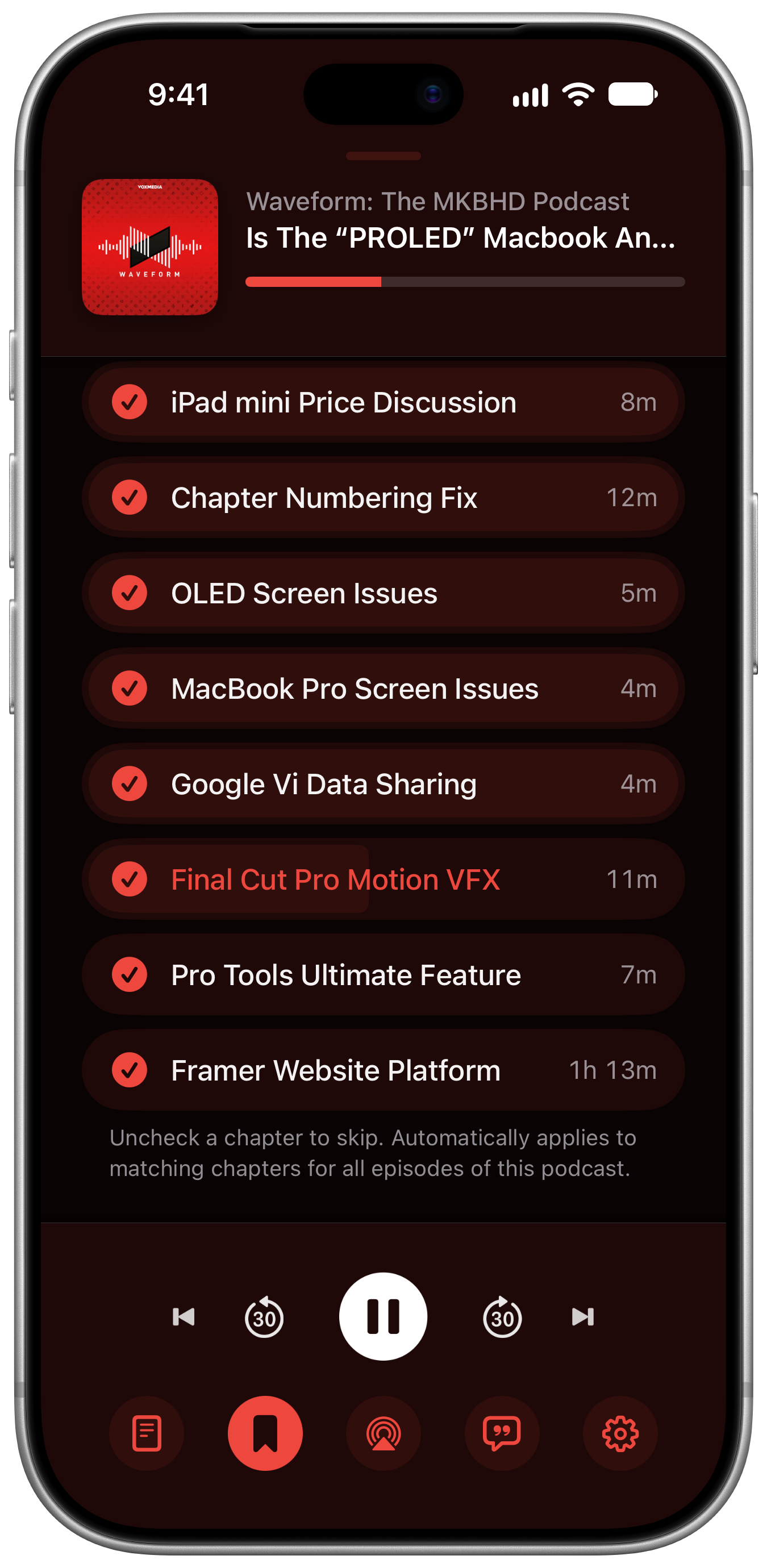
Chapters you can use to jump to, or disable if you’re not interested. They’re also created based on transcripts if chapters aren’t provided.
And all the audio settings you’d expect.
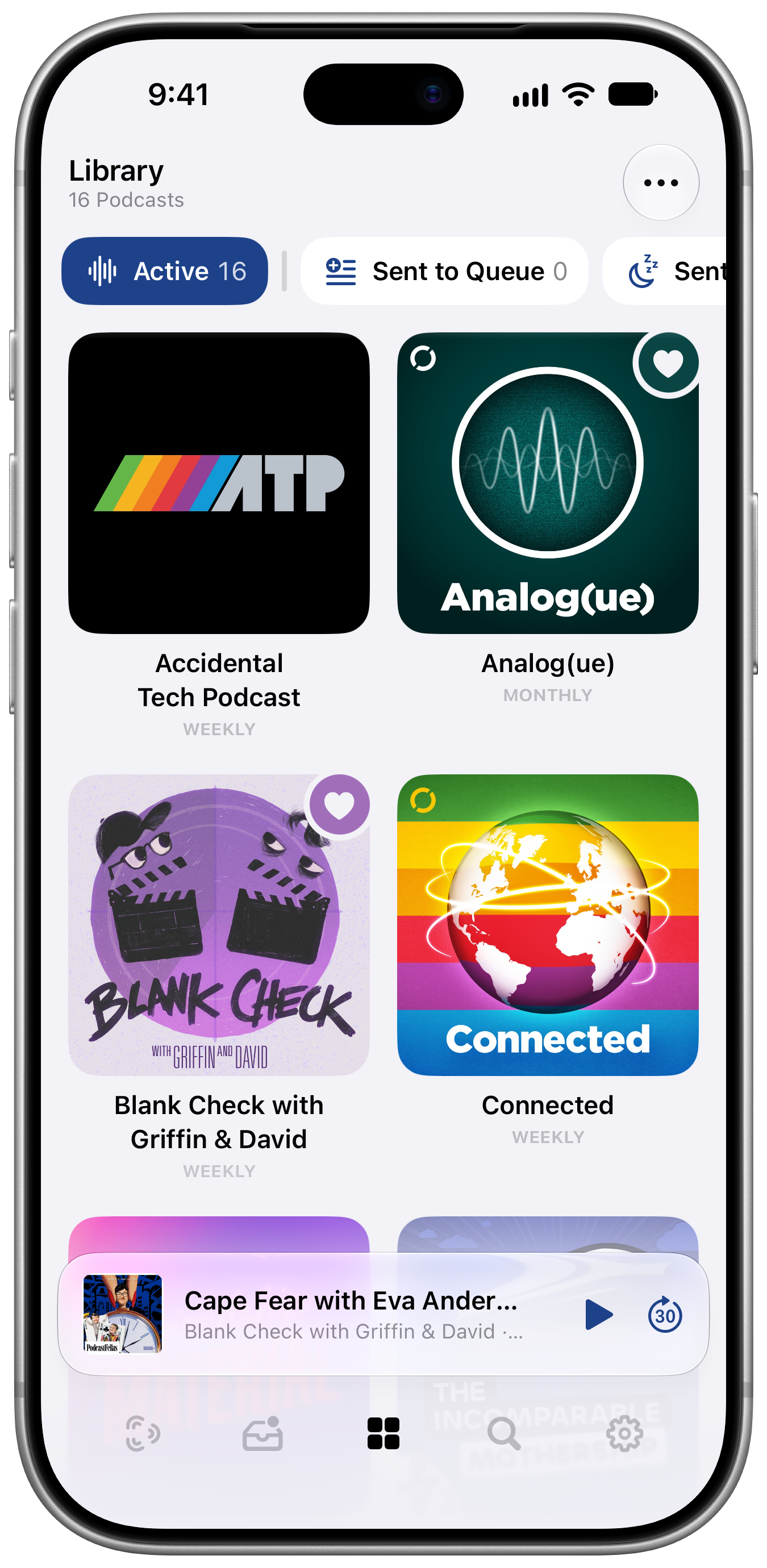
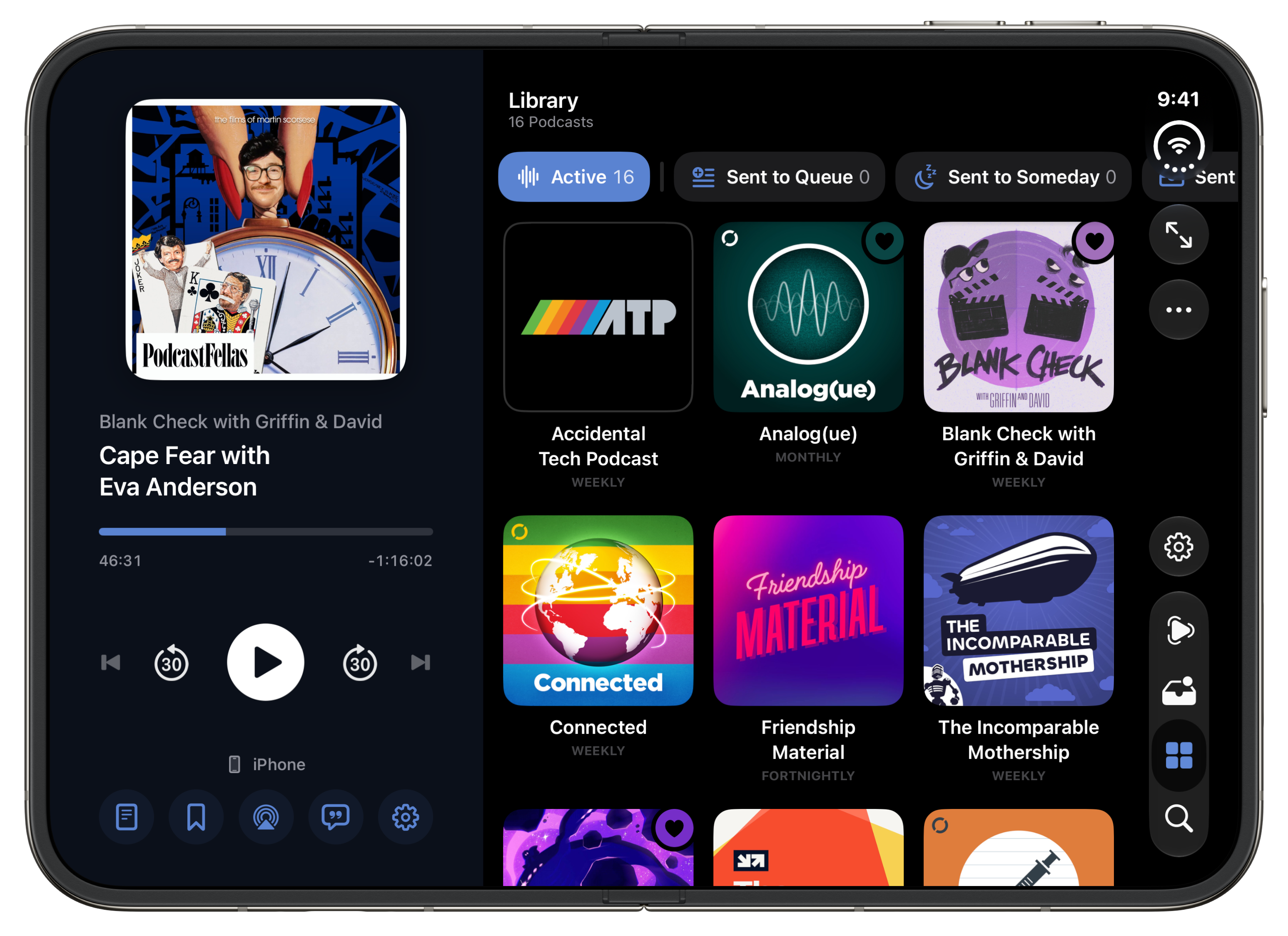
The library view let’s each podcast’s artwork shine, and you can manage notifications for each show and whether new episodes are sent to the Inbox, Queue, Someday or are ignored.
I also spent a silly amount of time getting the hearts for your favourite shows to look just right.
Support for iPhone Duo, of course.
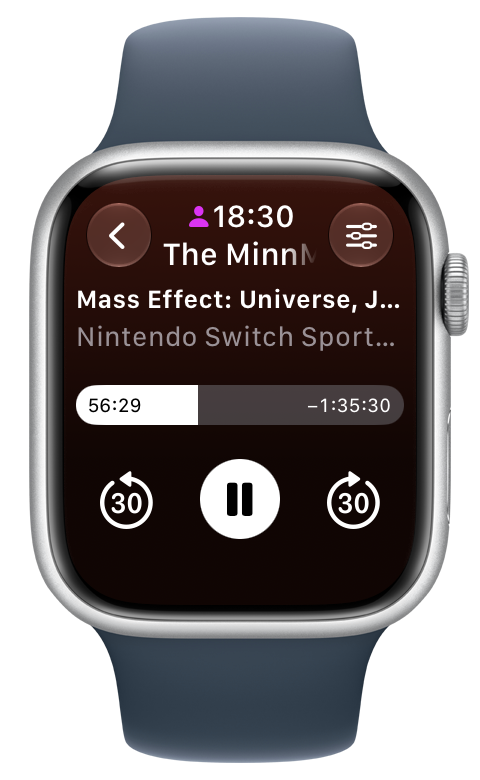
And Apple Watch.
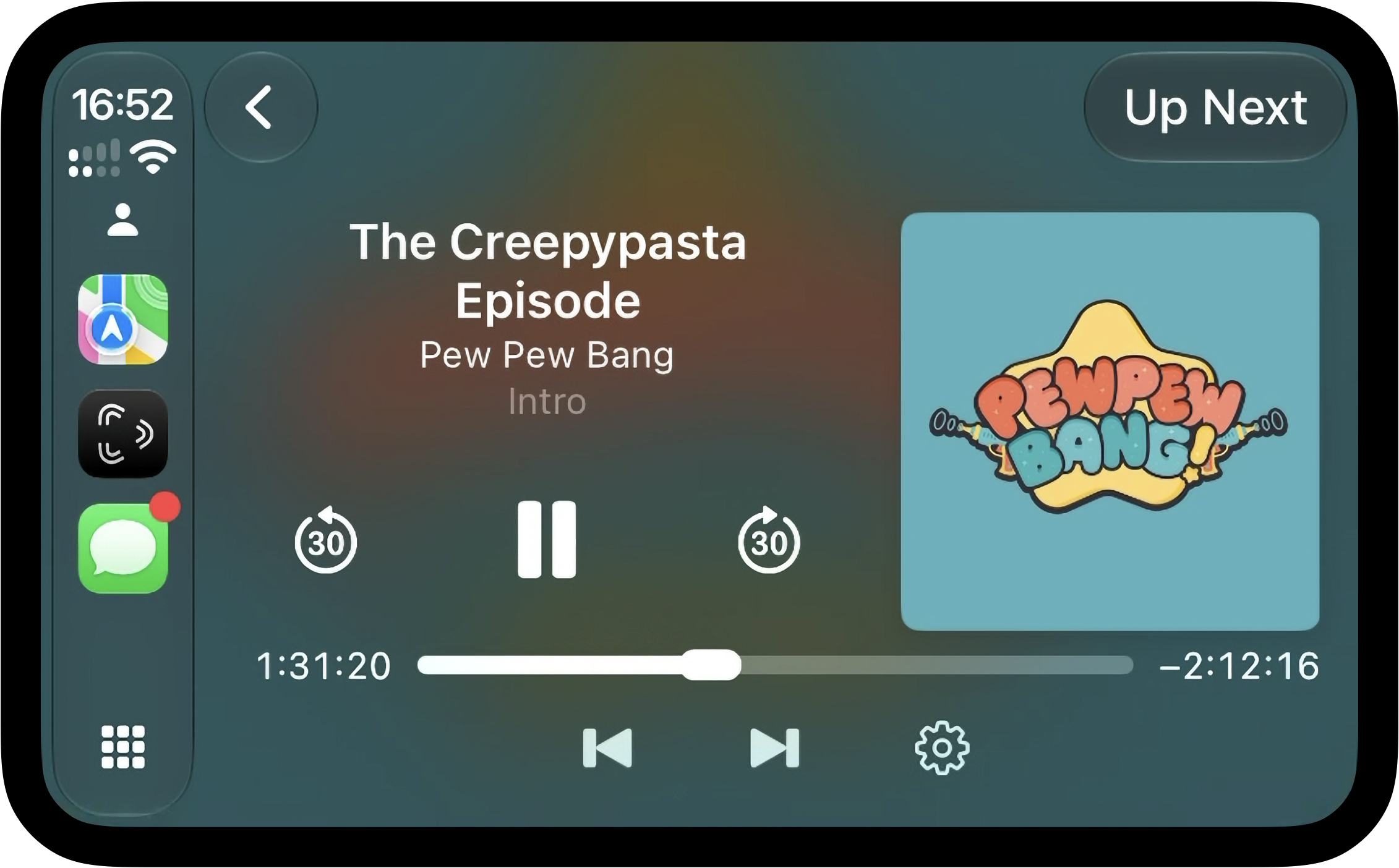
And CarPlay. Even on the HomeView.
iPad and Mac? Not just yet, but soon.
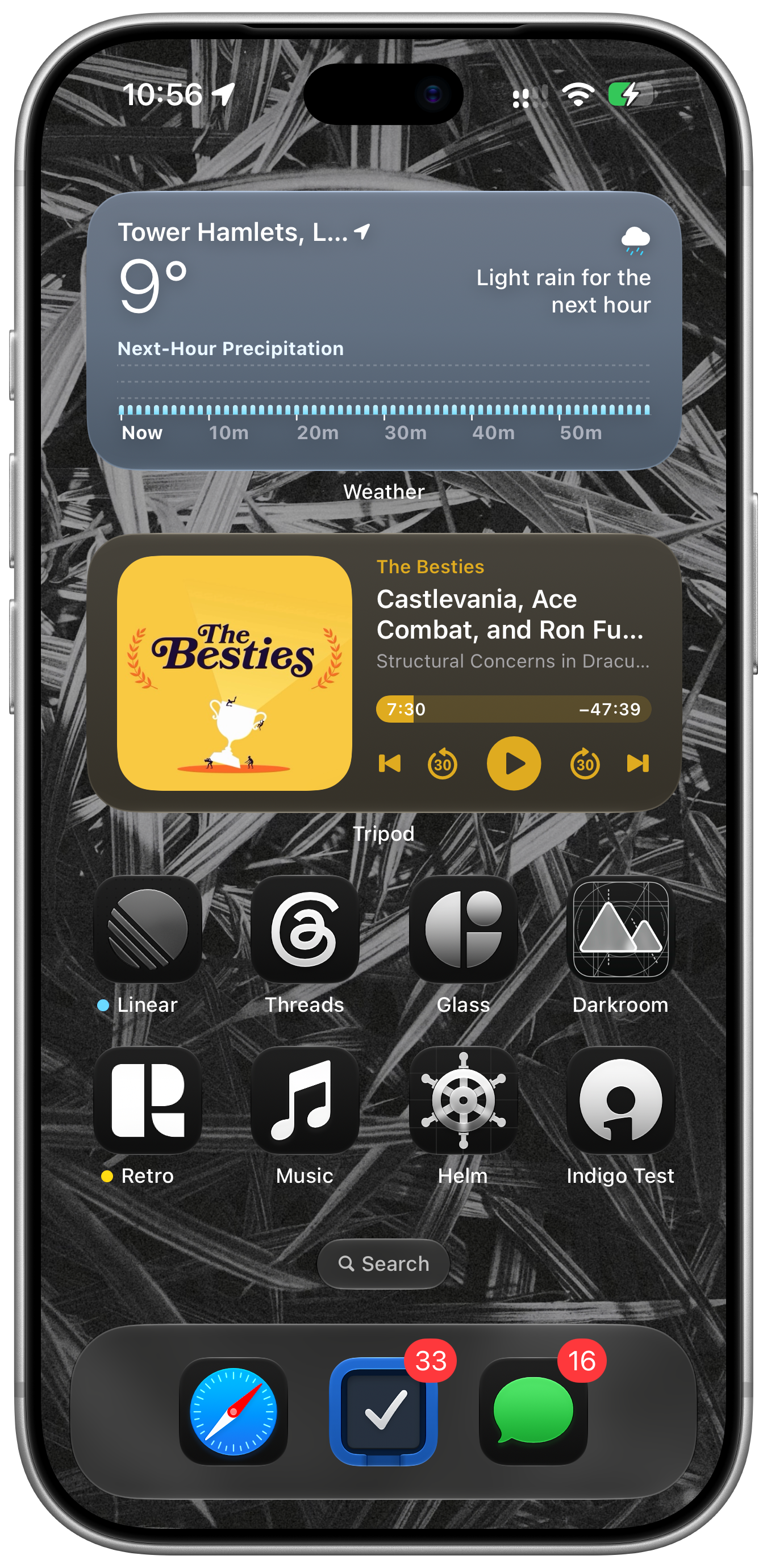
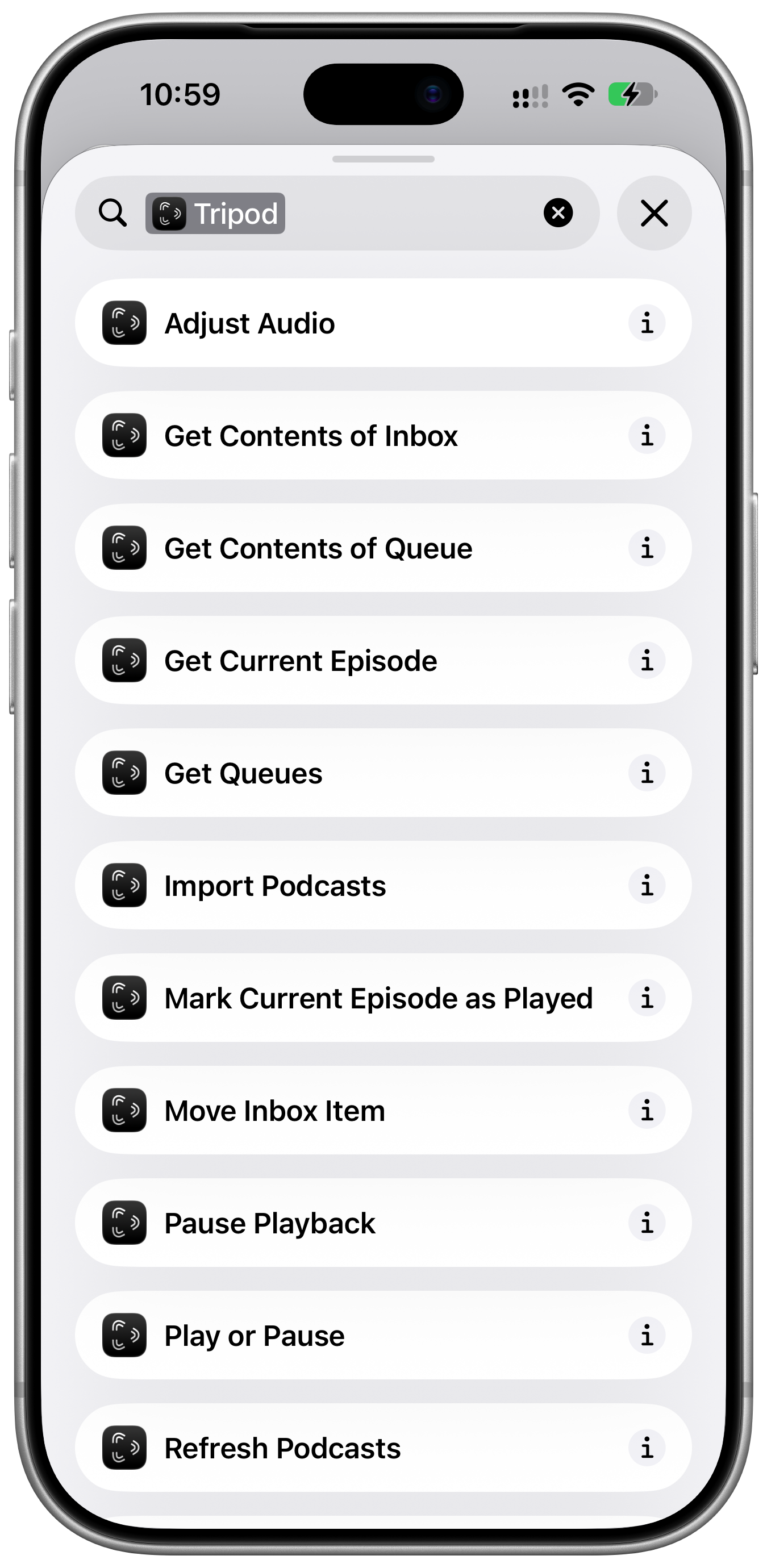
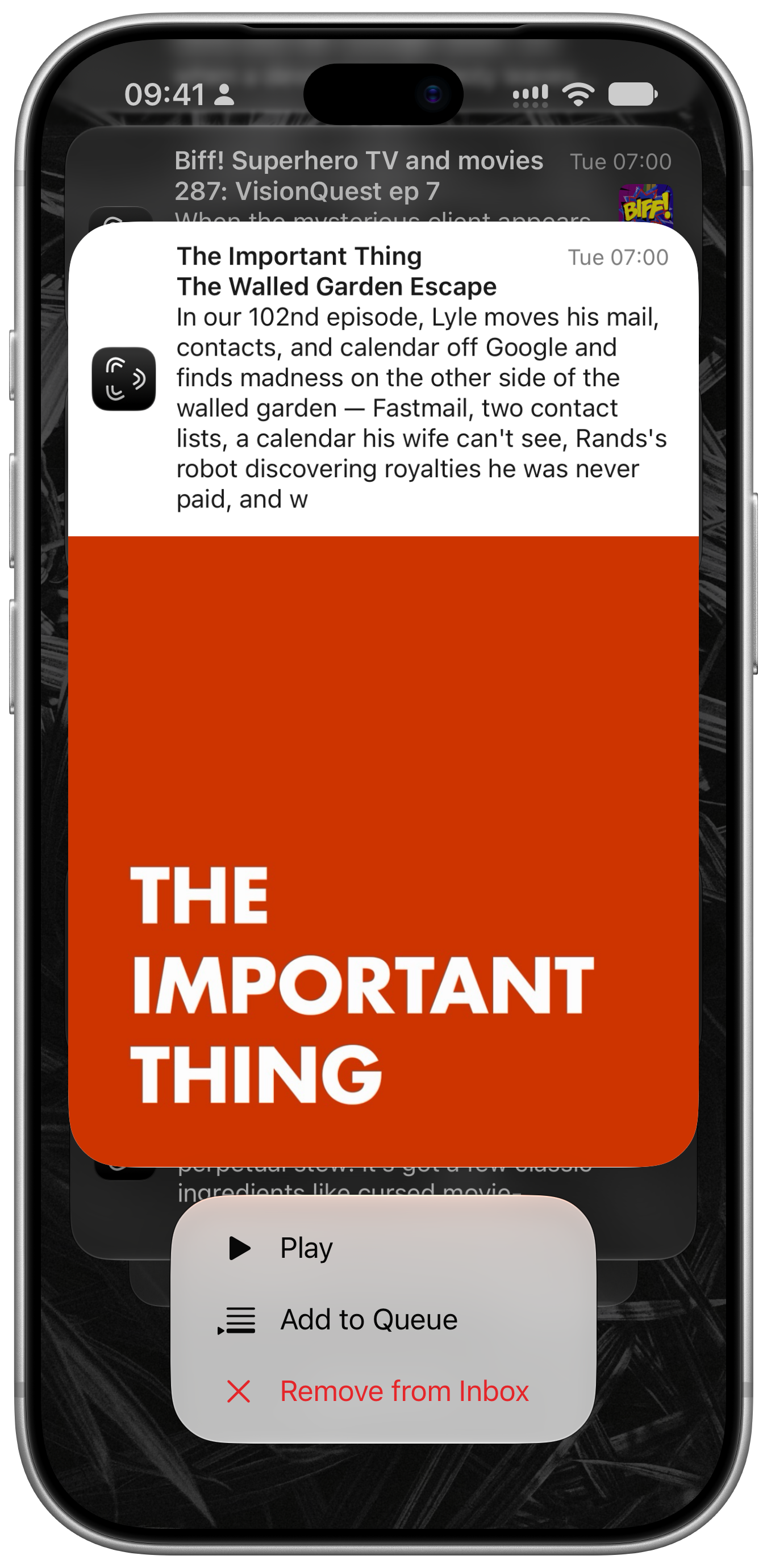
There’s still so much more, like Widgets, Interactive Notifications, Shortcuts, Spotlight integration, you name it.
@BenRiceM w00t! I love seeing a new podcast player on the scene! 👏
Annoying future feature request: video podcast support with HLS alternate enclosure streaming (Podcasting 2.0)?
@jaredwhite Y’know my partner was the first person to try the app and after a couple of hours she came back to me, “no video support?”
It’s not something I care about *whatsoever* but I understand other people do. It just seemed like a niche enough feature to worry about after the launch
@BenRiceM haha
Well, I would agree with you regarding the old dopey video podcasts. Who wants to download individual MP4 files all the time.
But the new standard with streaming is a whole new ball game. Feels like it could be a real challenger to YouTube's dominance!
@BenRiceM Ooo so glad to see a new Castro-inspired player!
The Tripod+ upgrade window scrolls side to side a bit (and not just vertically) which makes it feel a bit rough and webby.
The custom settings screen (on iPhone uno) confusingly has a “…” top right that only expands to show a “Close” option.
@BenRiceM Better shortcuts than Castro on day one?! (I was so annoyed by it never having one to set a sleep timer, only toggle it. For my “Bluetooth sleep mask connect” automation. Also, insomnia mode! 🧠)
@BenRiceM One thing I miss from Castro is multi-select drag-and-drop, without first going into a select mode. While dragging an episode, tapping further episodes with another finger adds them to what is being dragged and you can drop them together. Obviously not a must-have but a very nice touch (hah).
@henrik That is, unfortunately, completely busted in SwiftUI. I tried my best to get it working, but the best I could do was multi-selection with action buttons along the bottom.
If/when that’s fixed, I’ll support it asap.
(If you aren’t aware, you can swipe vertically with two fingers to quickly start a multi-selection)
@BenRiceM Ah! Thank you for explaining. And for that shortcut - did not know!
Unrelated feedback: “Someday” is a good fit for “listen together with my partner on long drives” for me, but it’s then a bit inconvenient for it to be all the way at the bottom in CarPlay. IIRC “In progress” was below the queue too.