

OK, let’s try this:
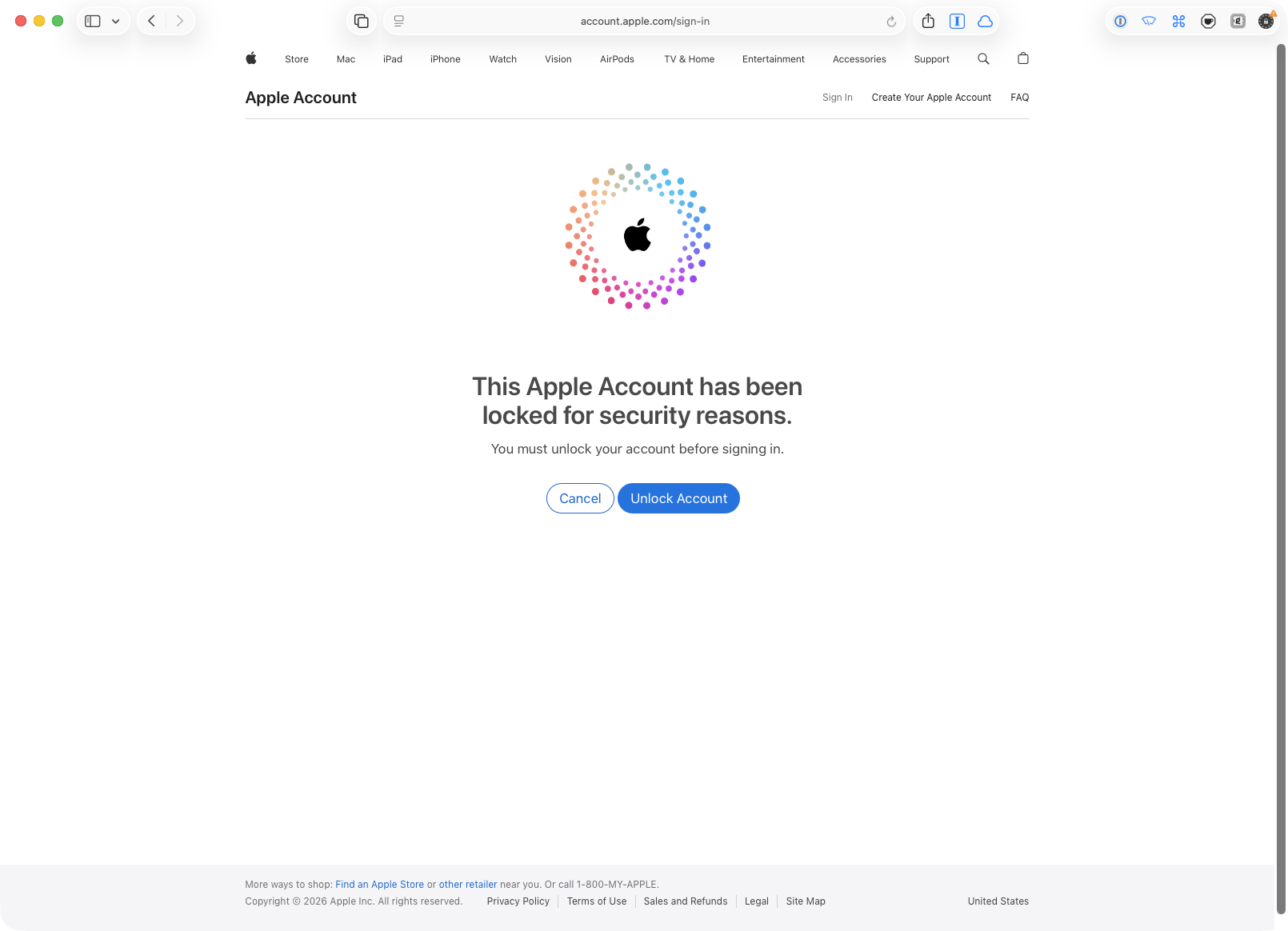
FB24976658: My Apple Account is locked every day
Any help from any Apple folks to get this seen by the right people would be greatly appreciated! 🙏
Discussion
OK, let’s try this:
FB24976658: My Apple Account is locked every day
Any help from any Apple folks to get this seen by the right people would be greatly appreciated! 🙏
@kalleboo I really doubt this is something an executive can fix. It’s a problem with their security systems, and that will not be easy to fix.
@siracusa I tend to agree, but in that case the traditional support channel is even less capable of fixing it, at least the executive support channel is in a slightly better position of getting it to someone who is actually responsible.
Thst said, as a third party, I am enjoying listening to the resulting podcasts so carry on! 🍿
@siracusa I’m going to suggest something and you’re going to hate it: get a new Apple ID. Apple is never going to fix this, their cloud people are too incompetent.
@shac All my apps are owned by this Apple ID, and it is linked to my business. Trying to transfer all that to another Apple ID is a recipe for disaster (and it likely wouldn’t help anyway).
Every reply I get from Apple makes me more angry, which is not a good result for customer communication.
@siracusa Ternus is not going to like these “customer sat” numbers.
From Apple:
“Most accounts that are frequently locked is because they might be sharing their login credentials or because the credentials are being used from multiple locations, devices, or by multiple people at the same time. […]
Some suggestions are to keep credentials to yourself only, Apple Accounts are meant not to be shared. […] Once the account is limited to a single, controlled point of access with two-factor authentication and a unique password, you should see the lockouts stop.”
@siracusa I was never particularly impressed with Apple web services historically but this really is taking the biscuit. Really does have the stench of Apple discarding tokens and if you have enough tokens being invalidated they throwing their customers into locked mode in falsehood of “security”. How dare you have multiple devices and logged in at once!
@siracusa “Most accounts that are frequently locked is because" — who is minding their grammar store? (aside from every other source of frustration…)
@siracusa This is the opposite of Support 101. Blame the user. Generic advice not tied to the incident. Hope you manage to get it figured out.
@siracusa do you have any external services authorized to collect stats or something? On my business account, I created separate IDs with separate permissions. Might not be possible on a personal device account though.
@timo I use AppFigures, but I use a separate account with an app-specific password to gather stats from App Store Connect.
@siracusa Ugh. That sounds “stop using a VPN!”-coded almost.
@siracusa how dare you owning several devices.
@siracusa _should_. Then what?
Excerpts from my reply:
My Apple Account is not shared. I am the only one using it, and I use it from a handful of Macs that are all in a single room in my home. I also use it from my iPad (which rarely leaves my home) and my iPhone.
1/3
My usage pattern is that of an "ideal" Apple customer: I buy Apple's devices in reasonable numbers (e.g., an iPhone, an iPad, a handful of Macs) and I use them myself, primarily from my own home. I have a strong, unique password on my Apple Account that I have changed recently. I never share this password with anyone. I have two-factor enabled.
2/3
I do not use a VPN or proxy. I do not have any unused devices associated with this Apple Account.
Something is *very wrong* with the account locking system if this usage pattern is triggering my Apple Account to be locked EVERY DAY.
3/3
@siracusa iCloud private relay? Disabling that has helped with many non-Apple services. Would be hilarious if apples developer website can’t handle it for whatever reason
@venkatasg I am not using iCloud Private Relay. (But even if I was, it would not be an excuse. It’s an Apple feature!)
@siracusa I’ve been waiting for the RecDiffs episode where you mentioned giving Apple timestamps for the account lockout. Was that when you noticed it was locked? The actual lockout may have happened earlier, and they may not look far before the timestamp you provide. Try logging in as late as possible the day before, then give them the window between the last known good login and the first known locked state.
@sashk The only timestamps I have are from when I *unlocked* the account. I have no idea how long it was locked before I attempted to log in.
But believe me, no one at Apple is even looking at the data I sent them, let alone being concerned about how informative it is. I have yet to find someone at Apple who can even see the times my account has been locked (or unlocked). Wherever those people are, they are disconnected from Apple support.
@siracusa It was very painful to listen to your ordeal with your account. Knowing the reach you have, you still end up without any help.
What can a “normal” person, who will end up in a situation like yours, do?
@sashk I have zero advantage when on the phone with Apple support. Any leverage I have is outside that realm (like trying to back-channel on Mastodon).
@siracusa started happening to me too after I brought a Windows 11 machine (gaming pc) into the mix. Whenever I use that machine to interact with iCloud stuff it locks my account.
@siracusa When I worked at Apple, my AppleID got locked all the time and I think it was because it was very short (three letters [at] fruitco dot com). This became worse when I moved to retail, and for some reason I think it was because of automated hacking attempts. The issue was resolved by making my Apple ID longer by 4 or 5 characters. FWIW…
@siracusa Sounds like a DOS attack on your account (ie, by password guessing).
@siracusa any chance you ever hooked this Apple Account up to an ASO tool like AppFigures or AppRadar?
A couple of years ago I ended up in a similar situation (though not exactly the same -- and doesn't explain the 503s), and the answer was my connection between AppRadar and App Store Connect was in a weird state that tried to refresh once a day and led to unexpected 2FA prompts and occasional lockouts.
@adamlinder I use a separate account with an app-specific password for AppFigures (and AppFigures is working without any issues).
@siracusa This happened to my personal Apple Account for the first time last week.
@siracusa is this what’s been happening to you?
@siracusa @cbirdsong This JUST started happening to me 6 months ago and is miserable. You can bypass (most of) it with biometric login.
My guess is it’s from an automated service trying to login as me (Appfigures) or a rogue device I need to purge from my account. :(
@siracusa I recently logged into my US account for the store to try out Siri AI in the EU. It gets blocked every few day. This has never happened to me before on my normal account.
@siracusa well, fuck. it’s happened 2-3 times for me over the last couple weeks 😬
@siracusa @cbirdsong Apple most see that your account has been locked countless times right? Won’t something tip them off that something is wrong with their account system?
@vmachiel I have yet to talk to someone who has said that they can see when my account has been locked.

Install bonfire.cafe
Get the full app experience

































@siracusa I know you want to keep your powder dry but at this rate this is going to blow up in media instead which they will see as worse.
I had a friend where his Apple Watch repair return box never arrived and support gaslit him, I told him to email to Tim Cook, the next day it was resolved, I think you're overthinking how special the executive support is.