

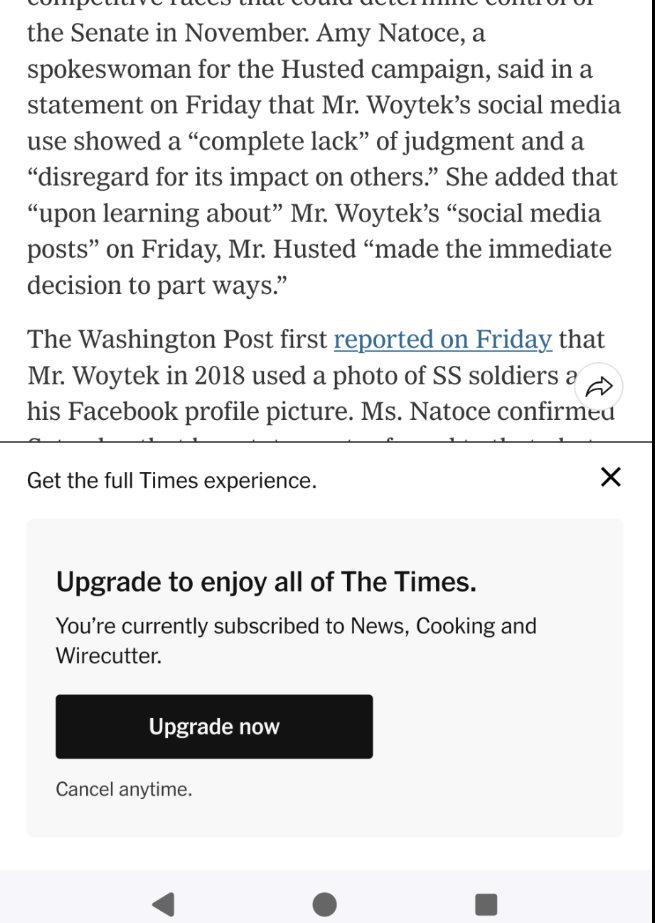
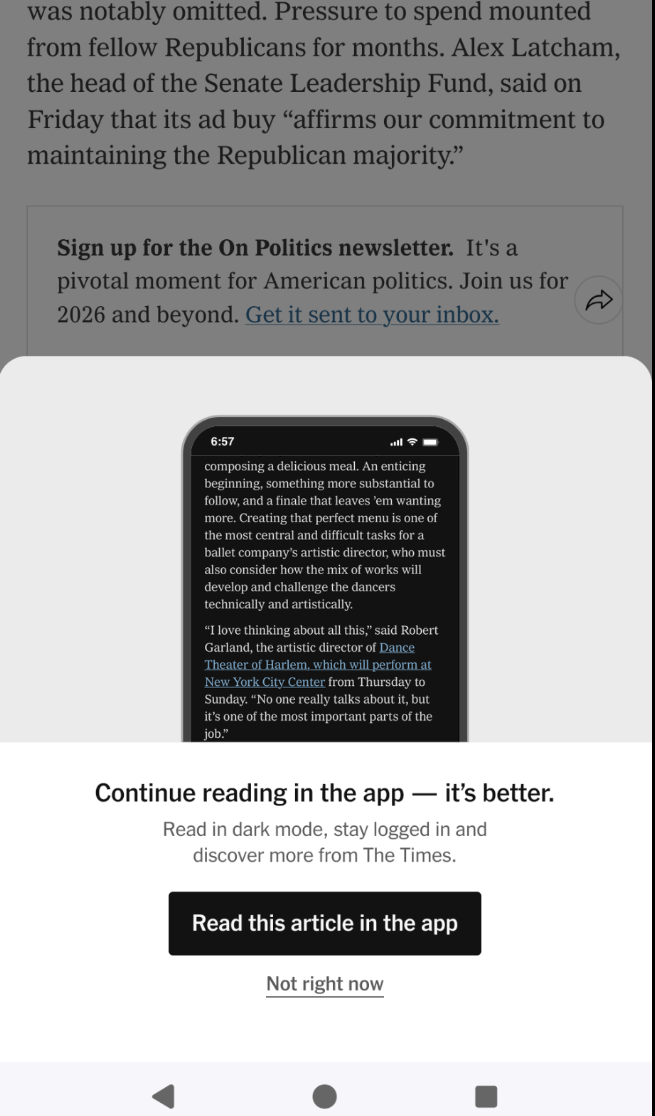
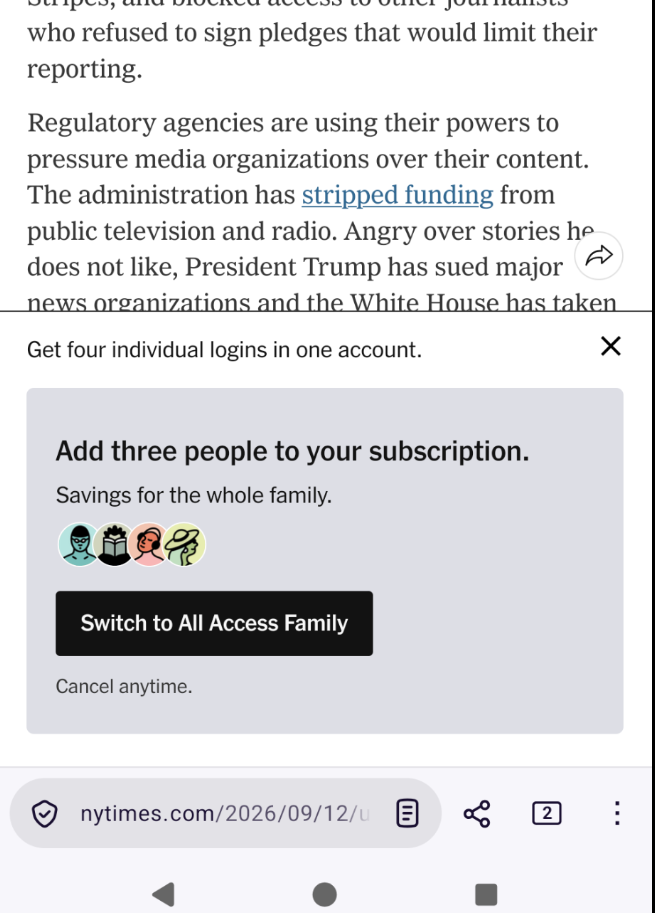
Constantly, when I read articles on the NY Times website (Firefox in Android), the site pops up annoying "upgrade" offers and demands that I use the app. Is there any way to remove these vandalisms permanently?
3 media files
Discussion
Constantly, when I read articles on the NY Times website (Firefox in Android), the site pops up annoying "upgrade" offers and demands that I use the app. Is there any way to remove these vandalisms permanently?
@dangillmor I agree that those pop ups are little bit annoying when you're already a sus criber. But, i do understand the need to keep founded by readers to keep independant journalism alive. (and whithout commercial advertisement pop ups). As a reader from France, it helps me trust their informations ( i'm also a suscriber of The Guardian for the same reasons). And as a retired journalist, i know information is not free, otherwise i would not have had a job those last twenty years....
@dangillmor I don't subscribe to NYT and get obscuring popups on "gift" articles announcing it's a gift article and pitching a subscription. Can't think of a worse sales tactic.
@dangillmor You can install Firefox extensions UBlock origin and Privacy Badger.
@dangillmor disabling javascript sometimes works; i have a firefox plugin for this.
@dangillmor Firefox's Reader Mode may help. If the page can be viewed in Reader Mode, a page icon will appear in the menubar. Just tap it.
@dangillmor dickovers do, indeed, suck https://daringfireball.net/2026/05/what_is_a_dickover
@dangillmor view the article in archive.is instead? It works sometimes.
@dangillmor Do you login on a variety of devices? My theory is that the NYT thinks we are eight separate people in different houses sharing an account. I haven’t yet verified this by using only one device.
@dangillmor
Try the add-ons Privacy-Badger and uBlock origine. Both helps together.
@dangillmor Do you get the “Login with your Google account” popups, too?
@dangillmor Stop going to the NY Times website?
Only half kidding.

Install bonfire.cafe
Get the full app experience
















@dangillmor UBlock or similar add-ons?