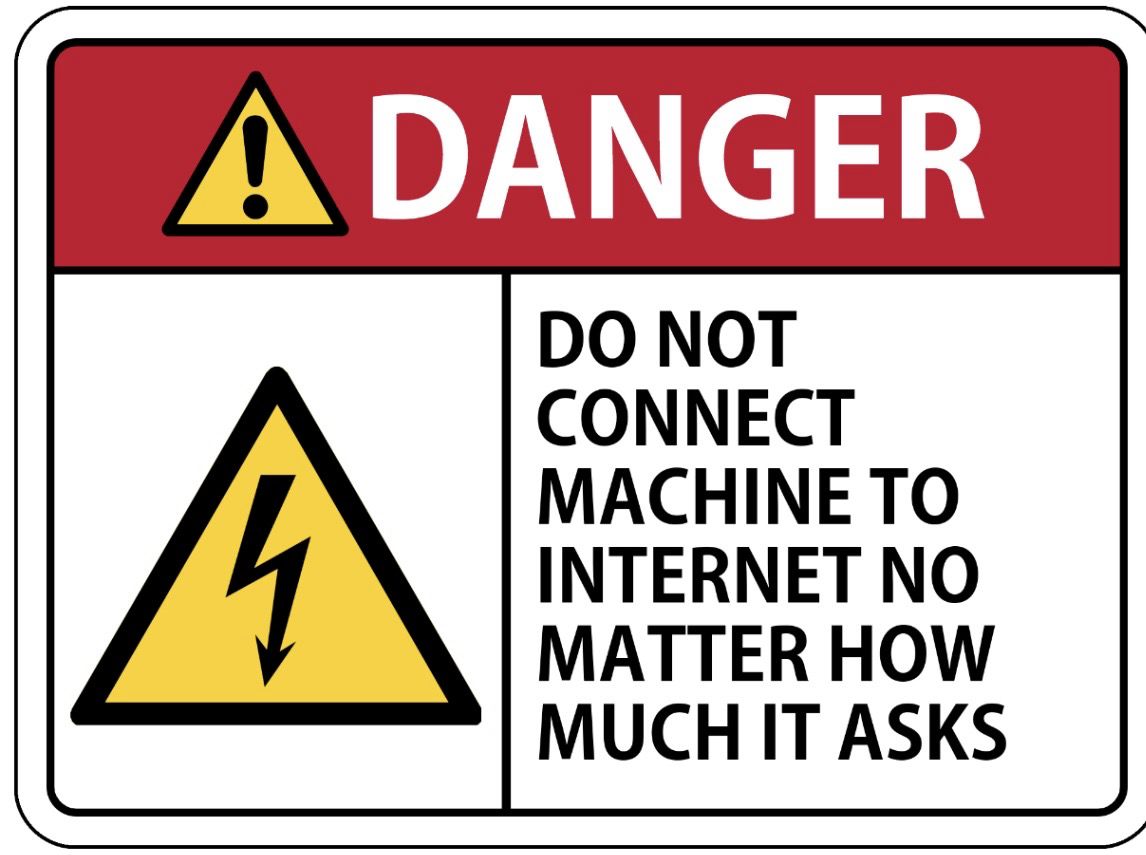

Do not connect ANY smart devices to your network. Ever.
Just don't.
Discussion
Do not connect ANY smart devices to your network. Ever.
Just don't.
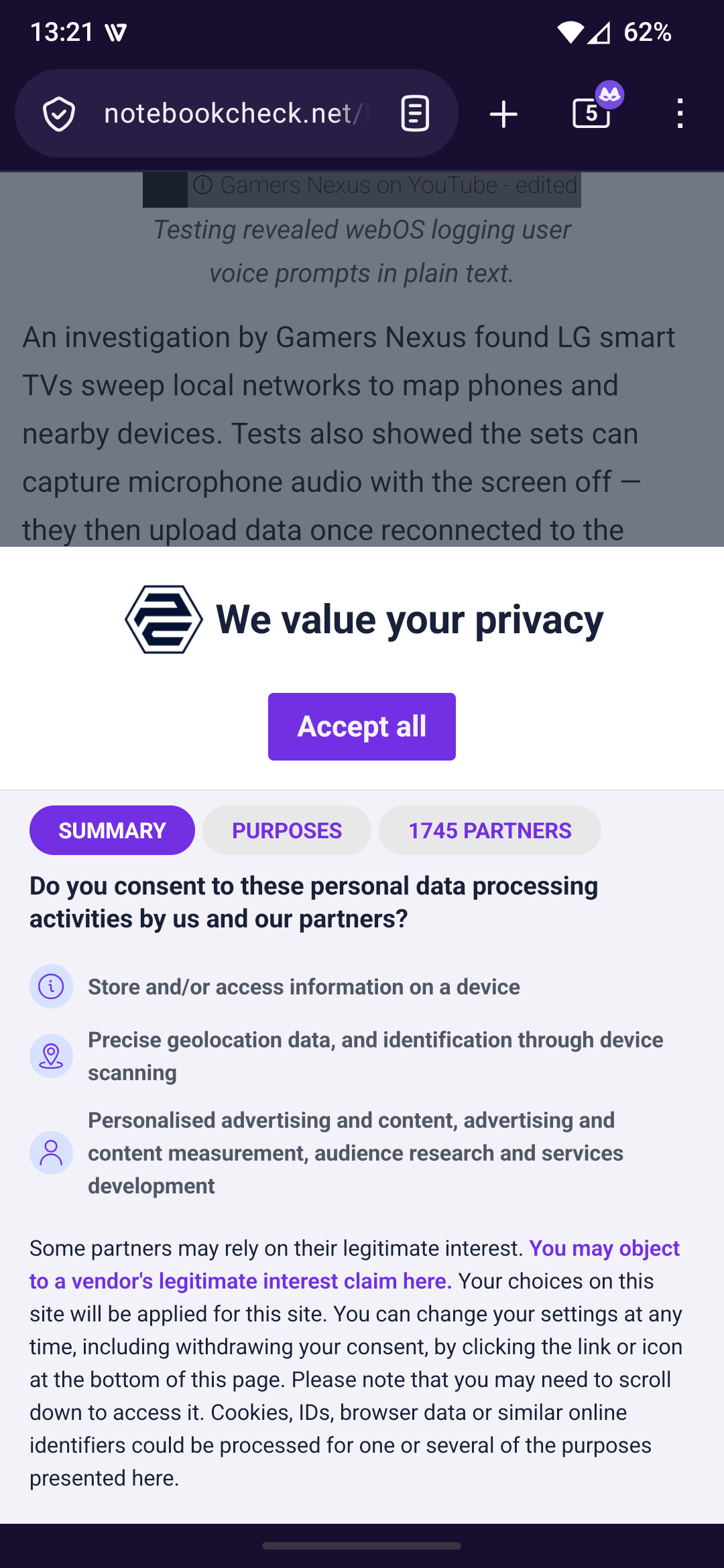
Opening the link I got this. 1745 partners for an article on privacy, with no option to say no. They really understand consent.
That's an instant back button.
@seindal Fair enough. If that's your particular fight, go for it.
I just block all such consent warnings and popups, and assume every single site is out for all of my data anyway, "legal" warning or not, and I try to minimize my footprint accordingly.
@jpoesen but it would be so useful to ask my toaster's remaining toasting time from Alexa /sarcasm/
@vbeyette Oh this one is definitely going on the fridge 🤣
do not connect any computers to your network. ever
just don't
@jpoesen Sigh… The TV, the speaker, all the light bulbs, the door bell, the security system, the automatic cat feeder, the smart relays, the robot vacuum… Time to create a special little SSID just for those guys. It’s either that or convert to amish at this point.
@travisfw @jpoesen That's what I'll probably be doing. I'm already half-way there because most of these things don't recognise my regular hybrid 2.4/5GHz network so I had to make a dumber 2.4GHz only network for them. So I only need to cut the line between those two networks now and then these devices can spy on each other all they want while my sensitive data lives out of reach. It should also speed up my network somewhat as their constant broadcasting will now be isolated.
@jpoesen The vast majority of my smart devices live on a very restricted VLAN, with access only to Home Assistant.
This is the latest reminder in a long list of why it was a good idea to set that up.
Trouble is: Those smart devices usually come with WiFi, and it's become common that ISP-owned-and-supplied routers will offer hotspots. You can bet, that the makers of smart devices are going to strike deals, to get by-default access to those hotspot WiFi access points, if they're not connected explicitly to another network to spy on.
So the recommendation is:
Do not power on ANY smart device within (radio) shouting distance to your home/network.
@datenwolf @jpoesen
There's a (repetitive and annoying to watch) YouTube video from Gamers Nexus that implies these may be connecting to the ubiquitous "open" ISP WiFi networks from Comcast etc., so that you don't have to explicitly connect it to anything for it to surveil you.
These use a portion of the Comcast-supplied modem/router's bandwidth to provide WiFi connectivity to Comcast customers, but you can be certain they have or will ink deals to grant access to surveillance TV's and appliances, in exchange for a piece of the action.
@datenwolf Crap. I didn't connect my smart fridge but it keeps broadcasting its SSID and I can supposedly only disable that by installing an app on my phone, which would undoubtedly exfiltrate as much as it could from my device and network...
I am so, so tired.
@jpoesen @datenwolf Is it time to write the instruction manual for setting up dummy wifi accounts that are permanently disconnected from the internet just to connect the surveillance appliances to?

Install bonfire.cafe
Get the full app experience