

can i ask someone a favor - anyone that has an ipad and/or iphone and knows how to actually dig into the console and debug stuff tell me what they see when they got to https://martypc.net and try to run a machine?

9
Replies
0
Boosts


@gloriouscow iPhone 17 Pro looks like this to me (can’t be scaled with two finger gestures). I can hook up that and an iPad to my Mac tomorrow and look at browser console
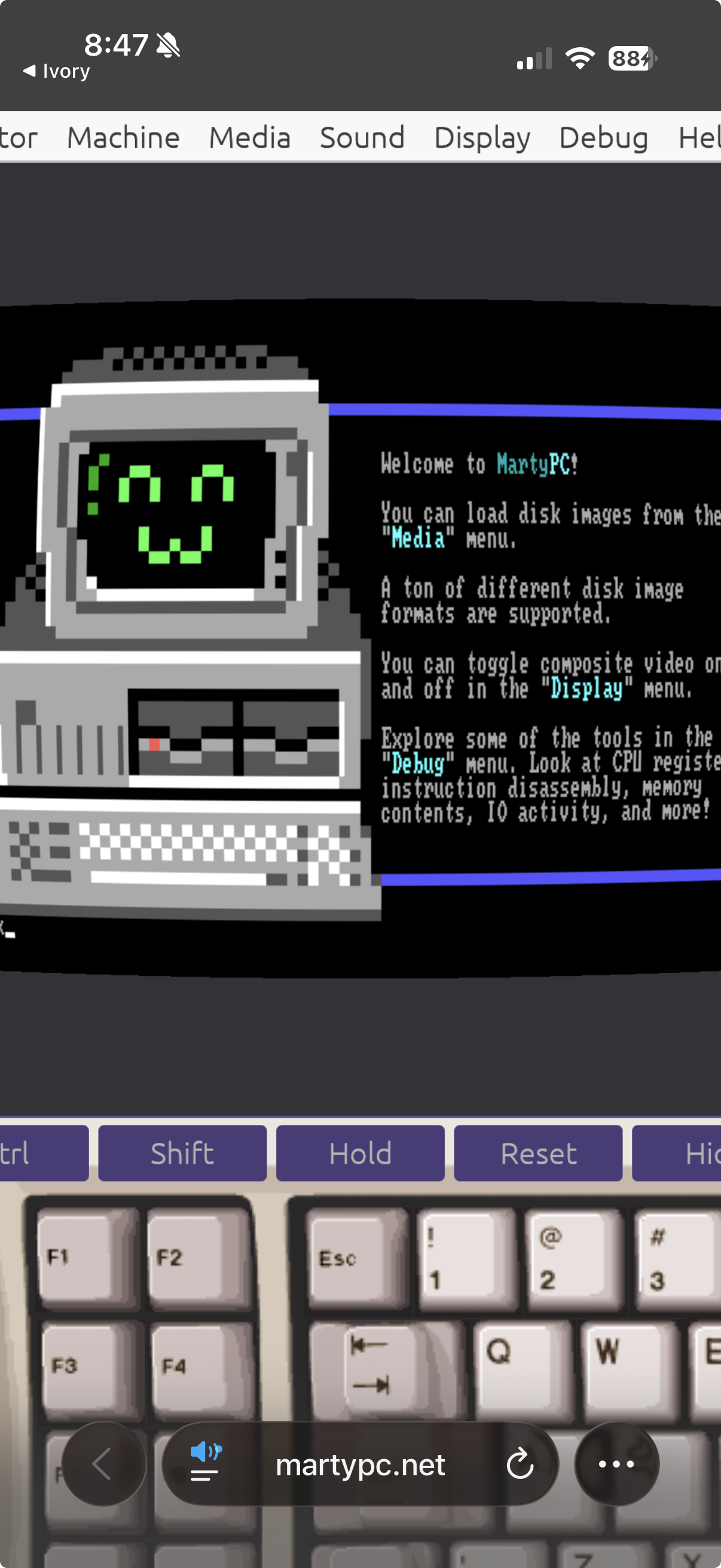
@thomasfuchs weird why isn't it scaling?? I hate web development
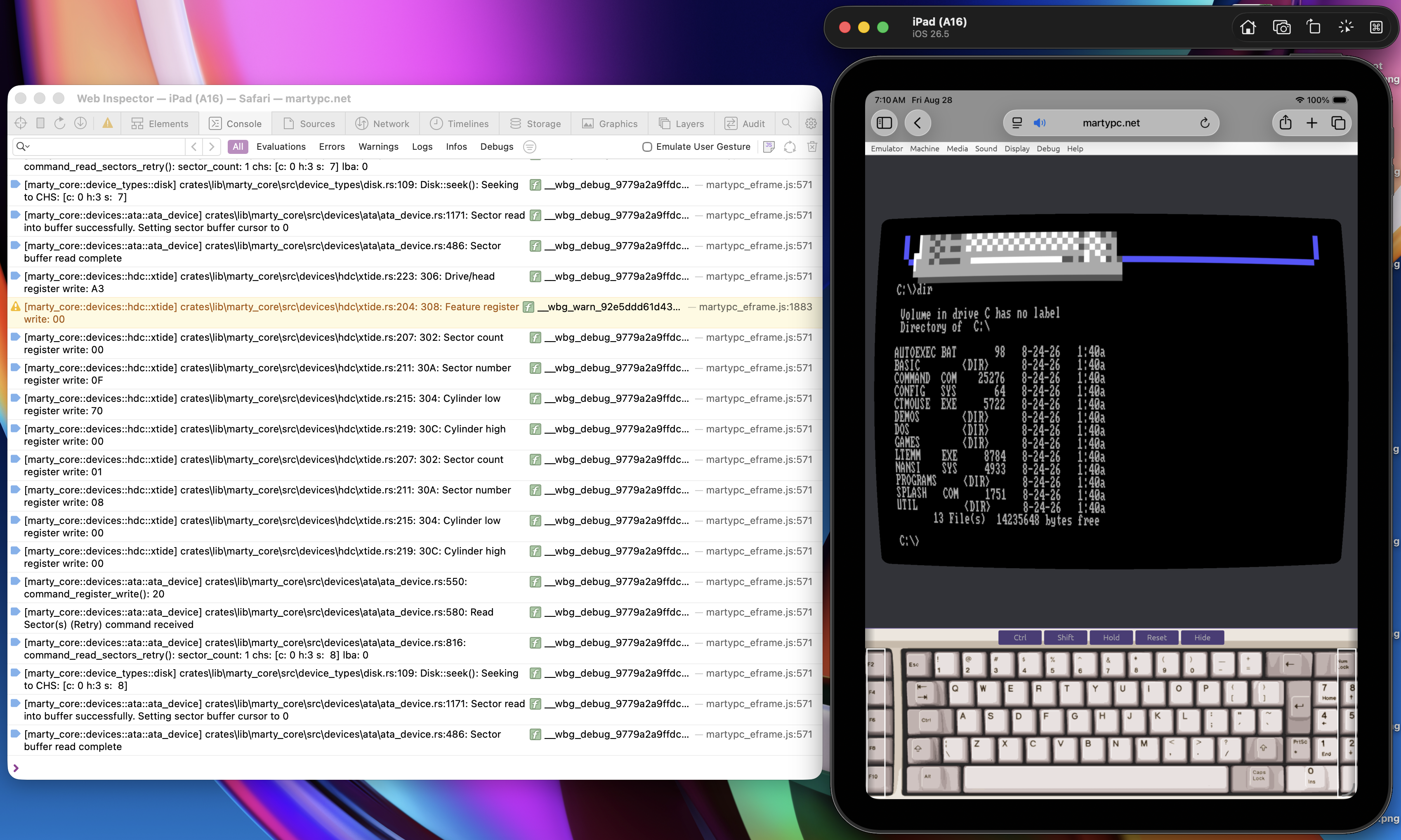
@gloriouscow iPad (simulator) w/ debug messages. Seems to work ok? The keyboard _just_ doesn't fit on the normal run-of-the-mill iPad.
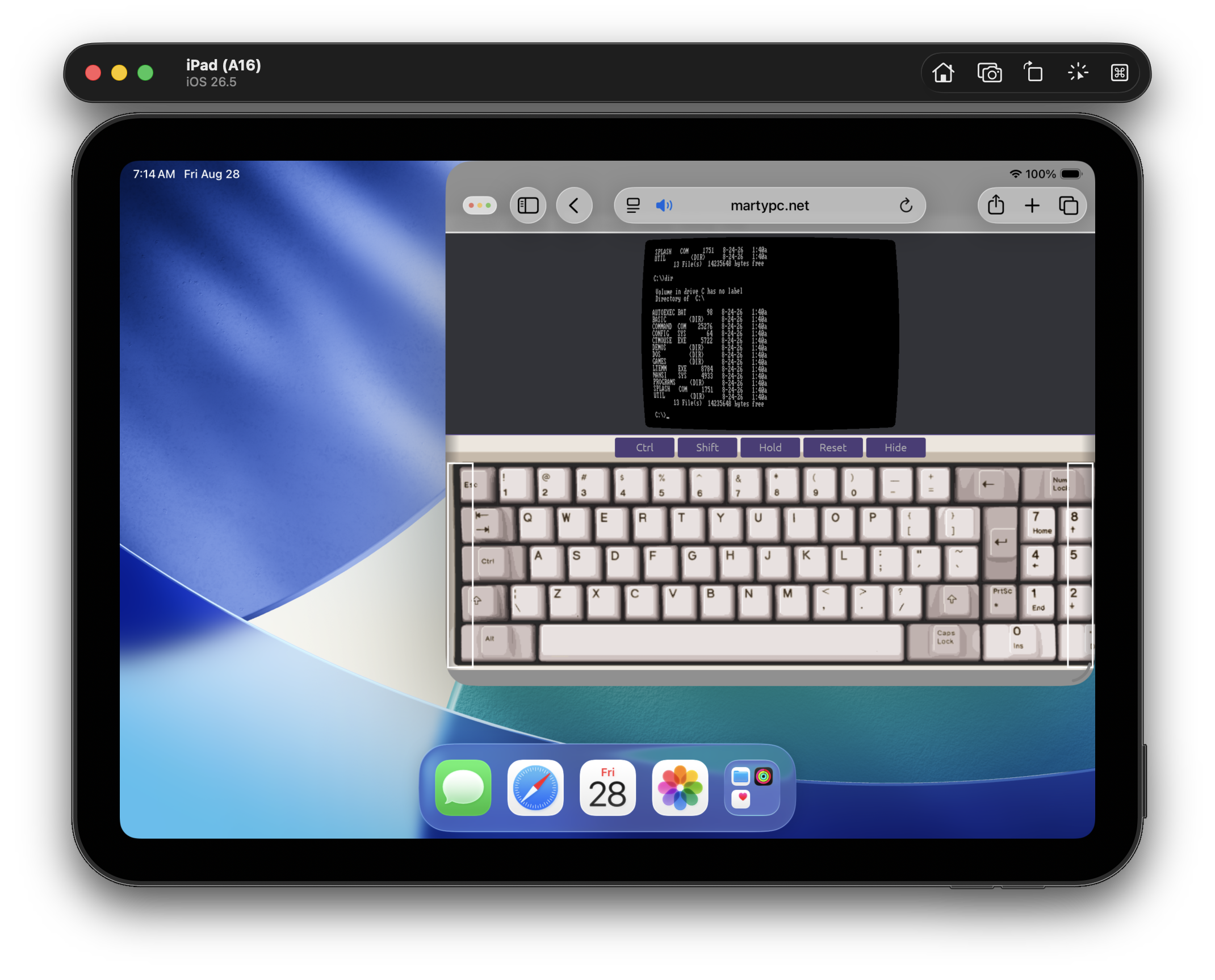
@gloriouscow also appears to work fine when windowed
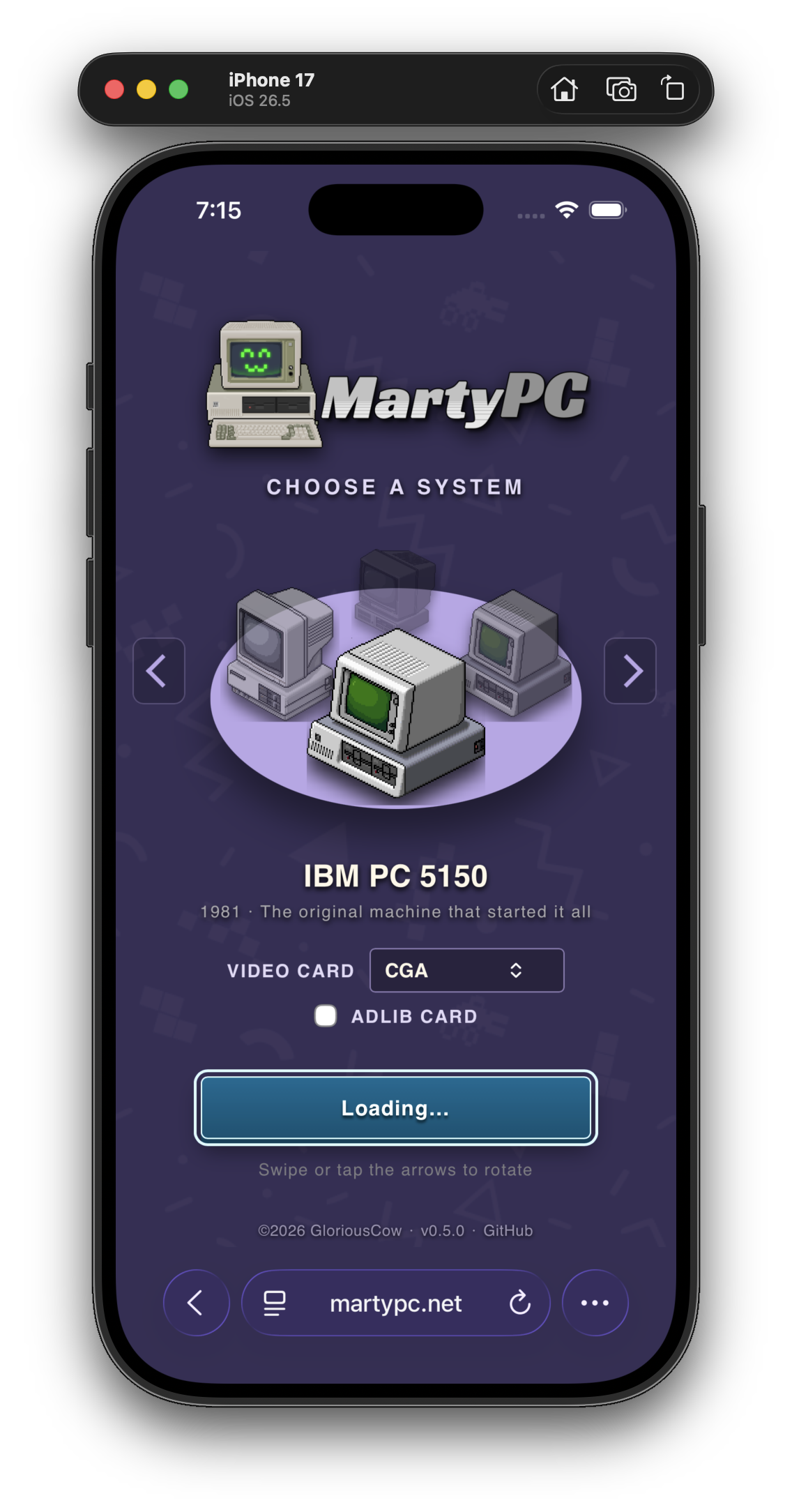
@gloriouscow On the iPhone, when it's loading for the first time, it gets stuck here. This doesn't happen after a reload.
@gloriouscow I'll see if I can repro
@gloriouscow It happens when you tap or click the button before the version number is shown below. I suspect this isn't a mobile-specific bug. It will get stuck in this state.

@thomasfuchs lol so stupid. easy fix at least, thanks
@gloriouscow if you have access to a Mac you can use Xcode to fire up a emulated iPad or iPhone that has Safari (and Safari on the Mac can connect to it for web development debugging)
