

*naïve* static IPs create 3 problems: first, if I do this and then forget about it for a year, then move one of these adapters to a different network, it will mysteriously just not work at all and require debugging. I really don't want to be bothered with that. second, it basically breaks IPv6 completely. third, there are weird issues with moving devices and confusing the arp cache if you send any traffic within 2XMSL which is just a big bummer of a bug magnet.
31
Replies
0
Boosts
but this problem is, as all technical problems are, ultimately about *DNS*. While it is *annoying* that the Unifi UI thinks that an ethernet hardware address "has a hostname", the fundamental issue is really just about being able to create DNS records. so, uh, can I create DNS records?
Turns out: yes!
A lot of my Unifi network knowledge is out of date because I _exhaustively_ learned about its featureset in 2020, when I first got all this stuff, but they've been quietly upgrading all the time.
In 2025 they added a more or less full-featured internal DNS service with an API and everything. But, of course, it's Unifi, so a DNS record is a type of "policy". Like you know how a CNAME is basically the same thing as a firewall rule? Like that.
https://help.ui.com/hc/en-us/articles/15179064940439-UniFi-DNS-Records-and-Local-Hostnames

The internal API docs that it sends you to are totally wrong and claim that it only supports individual IPv4 records in the API, but today I found the _actual_ API docs which show all the different record types that I'd experimentally figured out I can add https://developer.ui.com/network/v10.4.57/creatednspolicy

So, please enjoy my janktastic solution:
- I will provision an internal VLAN with dedicated static ranges for both IPv4 and IPv6.
- For each (computer, dock) tuple, I will provision a static IP, and configure a virtual interface with those static IPs
- I will then put in a DNS record for each of those static IPs for the same hostname
- Happy Eyeballs figures out which one is currently connected, and voila, I can connect to whichever device wherever I am


@glyph My god.
Honest question: since you're doing custom DNS records anyway, is this easier than a Wireguard-based solution like Netbird? Or raw WG, but Netbird makes a lot of the annoying stuff easy-peasy.
This could very well not to be your liking; this is just an area I've explored deeply in one direction and always avoided Unifi stuff.


depending on the unifi controller it may have wireguard built in.
i am not out of hone network so i can't test it at the moment but i am 99% sure mdns works over it. ie if i am remote and connected to the vpn i can access 'flynne.local' by name
@rdp @mttaggart in my testing, mDNS doesn’t work over either teleport or plain wireguard. my wireguard testing has been a *little* weird though, since I use it for site-to-site with a travel router exclusively
ah! I am wrong
I think it is actually something more like what Taggart was saying with netbird
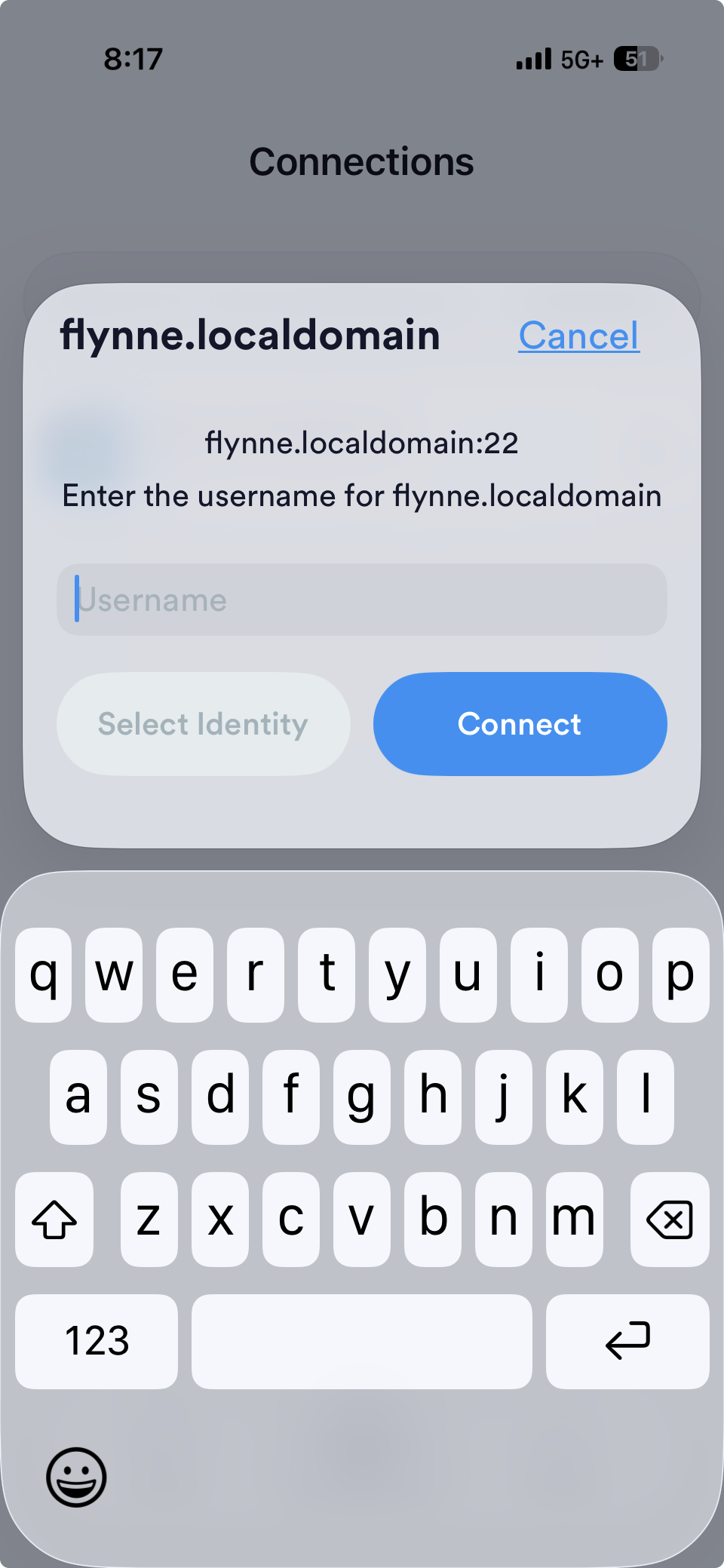
it isn't "flynne.local" that I am connected to when over the VPN it is "flynne.localdomain". I don't think it is mDNS

@mttaggart I'm already using WireGuard, but honestly WireGuard is kind of flaky for me, and I definitely would not want to use it on my LAN at home. If I weren't doing Unifi, I would probably just run a twisted.names server to do it myself and just write a couple of zone files, I'm just trying _not_ to operate any more infrastructure than I need
@glyph Understood. Sorry to hear that; Wireguard in many forms has been one of the most reliable parts of my infrastructure, so it's a shame you're not having the same experience. But I totally understood minimizing infra. I'm sure if I weren't quasi-professionally operating these tools, I'd have far less patience for DIY stuff.
@mttaggart It is possible that I've unfairly maligned it, but the fact that the iOS app hasn't been updated in 3 years is … concerning, particularly in the vulnpocalypse
@glyph Yeah I really mean the protocol more than the first-party app. Between Tailscale, Netbird, Netmaker, etc., plenty of well-maintained projects that use the core protocol, which is fairly battle-tested.
@mttaggart do you have a recommended client for regular old iOS usage?
@mttaggart my understanding of TailScale is that if I get TailScale I have a tailnet and I'm dragging around a bunch of extra complexity that I don't need for a basic VPN, but perhaps I misunderstand the affordances of the app
@glyph Potato, potato, complexity, options. Tailscale as a SaaS product is something you might want to avoid. But it's an easy onramp. You can use as much of it or as little as you like.
There's also Headscale, the self-hosted implementation of a Tailscale server, but that breaks the rule about adding infrastructure.
Netbird, same thing, but imo drastically less complexity.
@glyph FWIW, I am not super concerned about the vanilla client on iOS. The attack surface is such that by the time an attacker hits the app, they'd already own your phone. As for the protocol, the easiest thing to do to harden your tunnel is adding a preshared key to the configs. That gives you both current decryption protection and post-quantum!
@mttaggart doesn’t the config come along with a PSK no matter what?
@glyph No. It comes with an asymmetric key. The PSK is extra.
@mttaggart ah, right you are, looks like it’s blank in my config, I should regenerate this
@mttaggart this is actually looking a lot better than I remember from the last time I played with it. although I still find myself lightly annoyed that, like all networking software, there is _zero_ accommodation of the reality of residential ipv6, i.e. there is still a strong assumption that nobody cares about dynamic /64 prefix delegations

@mttaggart yep; and unifi’s implementation gives you a dedicated ULA at least. annoying that the vpn config needs the full address specified in advance rather than letting you SLAAC in or something upon connecting
@glyph Yeah, this again is where tools built on the protocol remove a lot of pain.
@mttaggart this looks like it’s still a static/manually-provisioned ULA, though?
@glyph Keeping in mind I'm not as conversant in IPv6 as I should be:
When a peer belongs to an IPv6-enabled group, it receives an overlay address from the account's IPv6 range. Peers that do not belong to any IPv6-enabled group only receive an IPv4 address.
The IPv6 network range is configured alongside your IPv4 range. The dashboard accepts prefix lengths from /48 through /112, while the API accepts up to /120. The default /64 prefix provides enough addresses for most deployments. Changing the range re-allocates the IPv6 addresses of all affected peers.
So at most you configure the prefix, but the default is likely fine.
@mttaggart The issue is that residential ISPs issue a *dynamic* prefix that changes every 45 days or so, but many of them will still issue /48s either if you ask or by default so you can still have subnets, so if you want to in principle be “on” your internal network, you ought to be able to get an IP out of the current delegated prefix, not a fixed one.
@mttaggart this isn’t a huge concern, people deal with it, but it creates weird situations where if you’re a SMB with a ~1000 node network and a VPN, sure, your office or main colo has a static delegation, but that *will* change when you move. needing to reprovision every single client when you do that, or exclude them from ipv6 internet access, or even stupider, nat66, it’s all just annoying edge cases that don’t need to be there
@glyph I see. I might be missing something, but I think an important distinction for Wireguard is that the IPv6 prefix should not be whatever you use in the LAN. They are logically distinct networks and should be treated as such. That said, it is easy to configure any Wireguard/Netbird peer to access LAN subnets, even for machines that are not connected directly to the Wireguard network. So like, what you get is an all-IPv6 networking scenario, but it won't be the same prefix as home, nor should it be.
