Discussion
Loading...

Post

Log in
  • About
  • Code of conduct
  • Privacy
  • Users
  • Instances
  • About Bonfire
Alauddin Maulana Hirzan 馃捇
@maulanahirzan@mastodon.bsd.cafe  路  activity timestamp 5 days ago

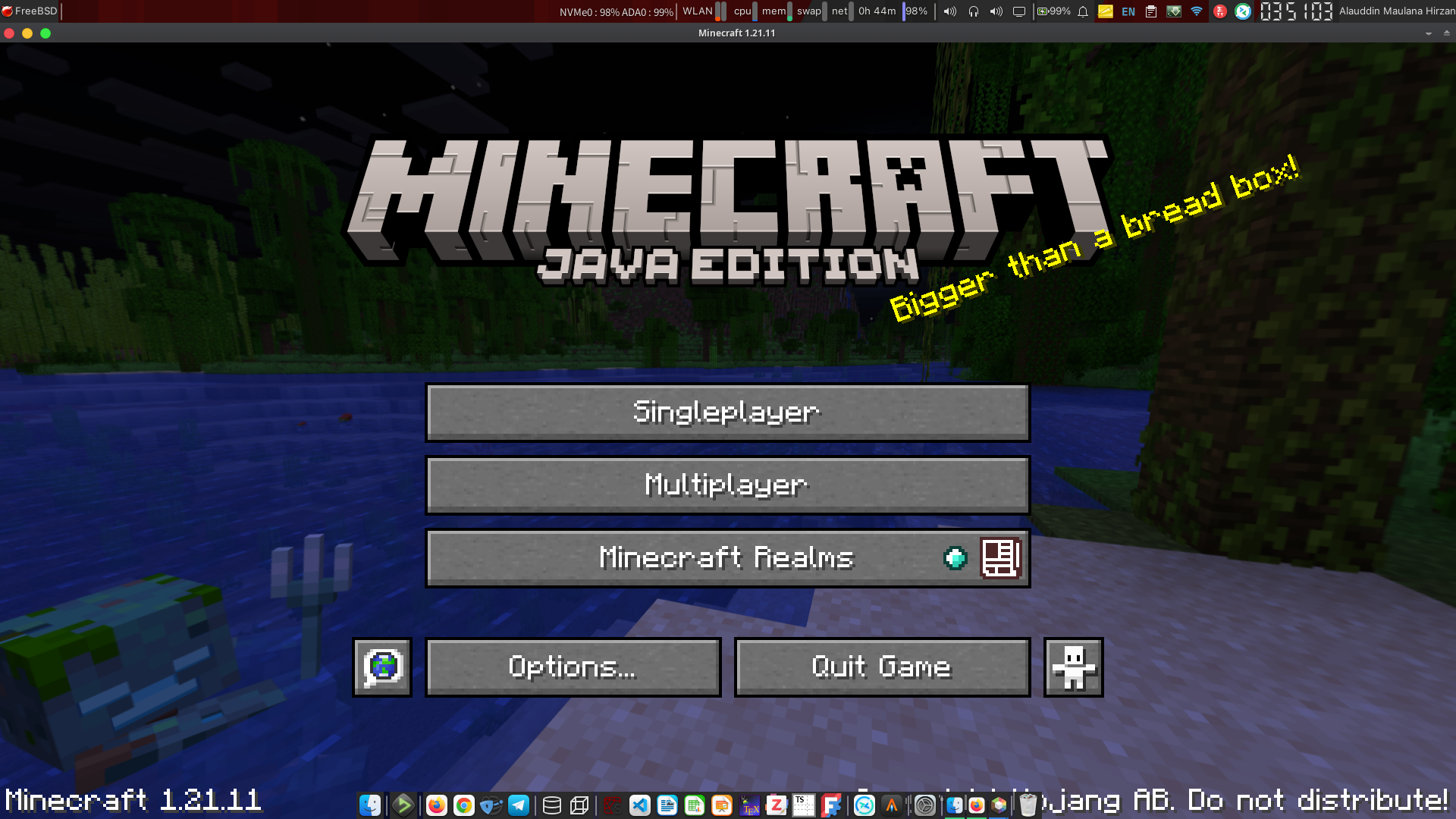
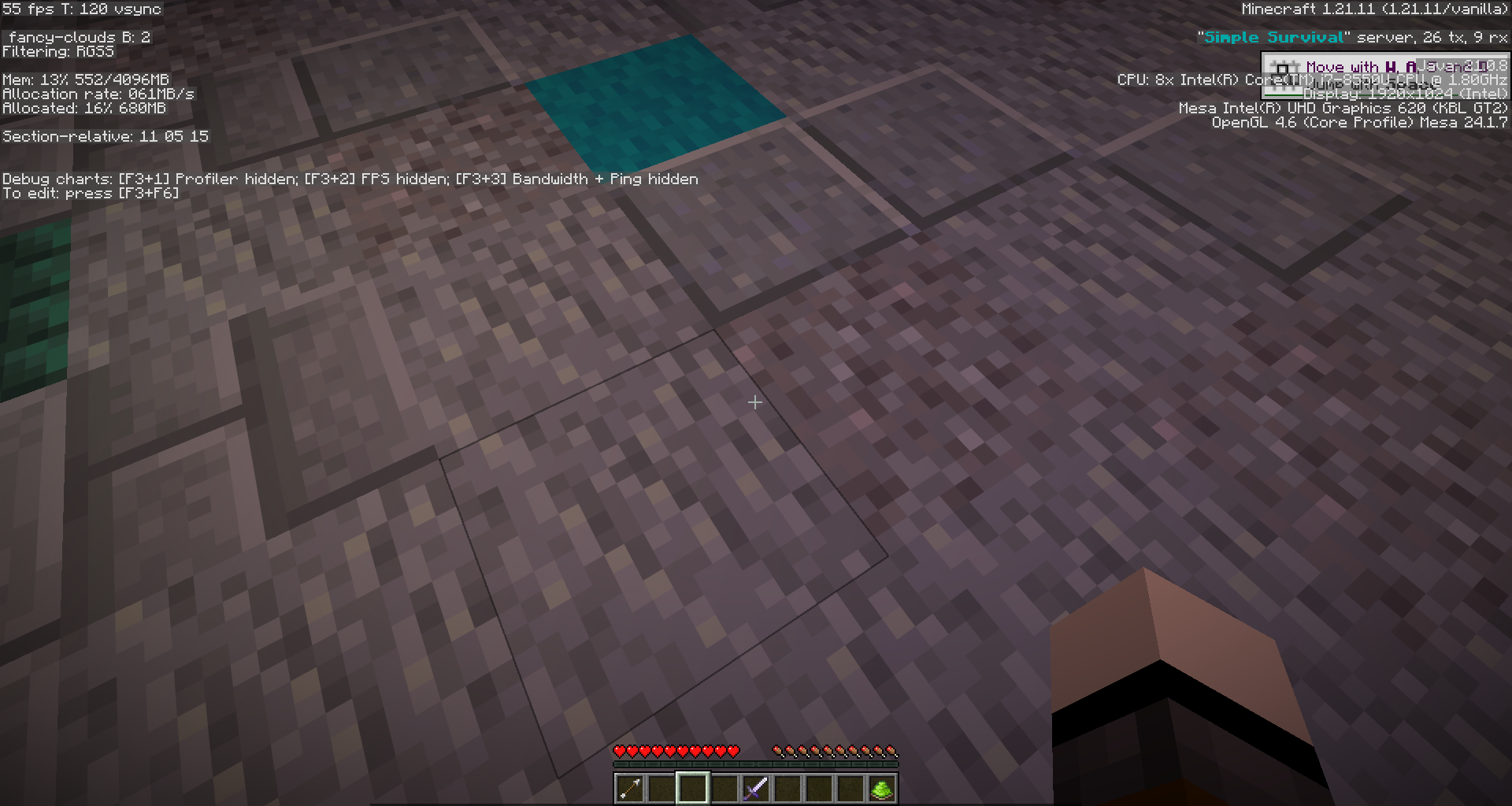
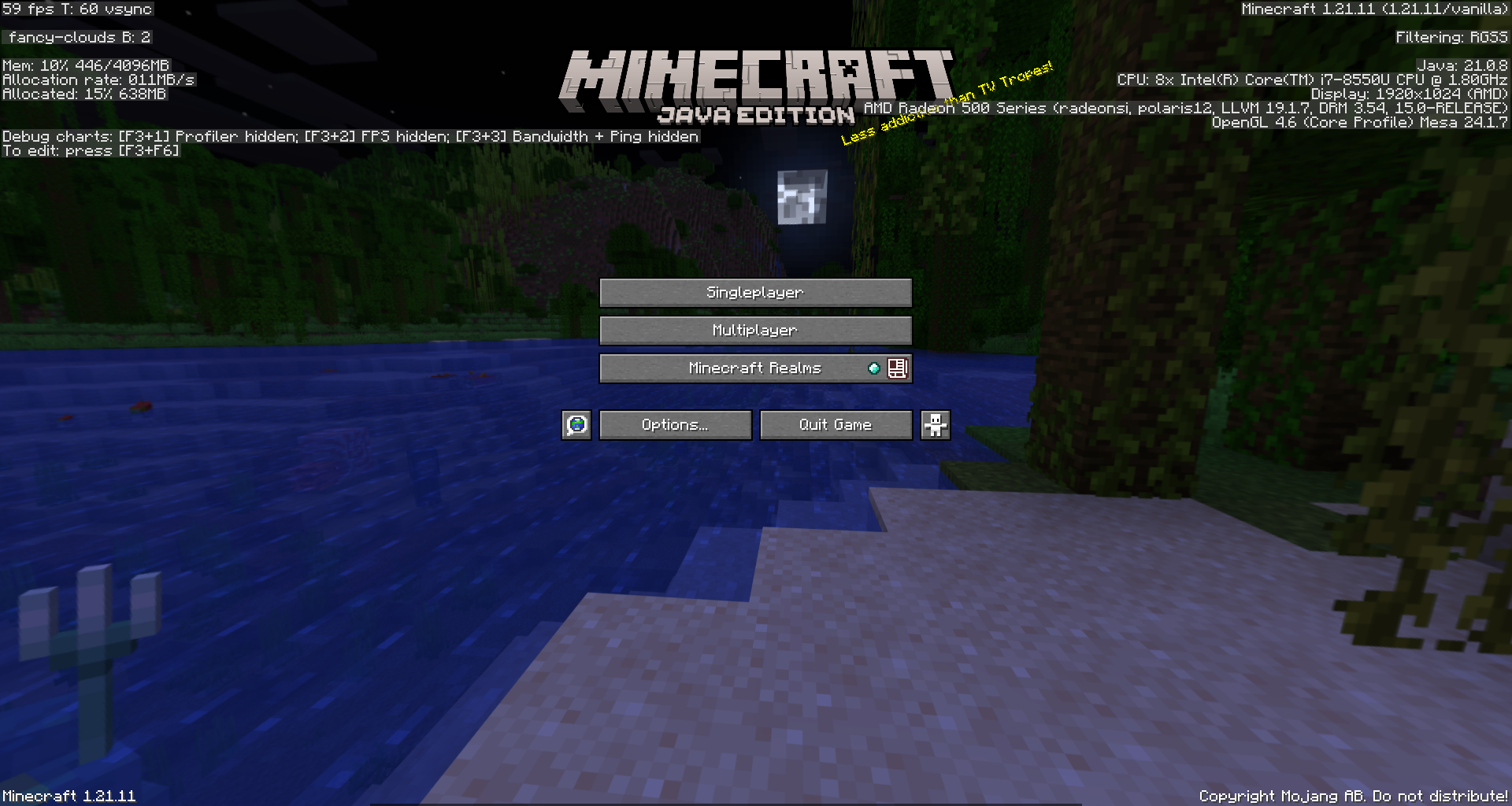
oh my God. it was so easy to setup minecraft in FreeBSD. installing lwjgl3 via pkg and modifying minecraft-runtime from pog5/minecraft-freebsd are sufficient.

EDIT: it runs on intel. let's try to push to gpu

EDIT #2: now I can play with my GPU

#freebsd #minecraft

3 media
Sorry, no caption provided by author
  • Copy link
  • Flag this post
  • Block
Michael Dexter
Michael Dexter
@dexter@bsd.network replied  路  activity timestamp 5 days ago

@maulanahirzan Is this documented somewhere?

Asking for a friend.

  • Copy link
  • Flag this comment
  • Block
Alauddin Maulana Hirzan 馃捇
@maulanahirzan@mastodon.bsd.cafe replied  路  activity timestamp 5 days ago

@dexter it is on github : pog5/minecraft-freebsd

  • Copy link
  • Flag this comment
  • Block

bonfire.cafe

A space for Bonfire maintainers and contributors to communicate

bonfire.cafe: About 路 Code of conduct 路 Privacy 路 Users 路 Instances
Bonfire social 路 1.0.1-beta.35 no JS en
Automatic federation enabled
Log in
  • Explore
  • About
  • Members
  • Code of Conduct