

give me one TINY thing you want fixed or improved in #Obsidian — the smaller the better, I'm going on a paper cuts rampage
Discussion
Loading...
@kepano copy paste within different codeblocks adds code fences. In mac is solvable by pasting without formatting but I always forget. Could ww avoid code fences if pasting within a codeblock?
@kepano inline latex preview as in block latex. Writing inside $$ is much better than $ in live preview mode.

@kepano Ability to pop-out or move the Settings window to also see note content. Mainly for quickly comparing or testing appearance things.
@kepano how about the ability to open an .md file (located in a vault) from Windows file explorer and have it open the note in Obsidian?
Seems tiny to me, but there may be much more to it than I'm aware 😊

@kepano the notification that no updates for plugins were found currently has to be manually dismissed. Why do we even need a notification telling me that nothing has happened?
@kepano can we have a search bar in the files view in mobile? even just to earch filenames. it’s too many taps to switch modes after a visual scan of recent notes proves fruitless


@kepano normal use reg exp for text in note


@kepano the funny thing: the little things that bothered me, I went to find them, and actually all are better/fixed/I missed something before, and haven't realised it until now!
What a subtle but happy present for the day, with zero effort 😊 thank you!
I'll watch out for more paper cuts, ouch!


@kepano I always get confused by the 2 competing icons. In the status bar is an icon showing what mode you're in now (reading vs editing), and in the upper right is an icon to change to the other mode. At all times, one shows a book, and the other shows a pencil. Please remove the one in the status bar.
@valen1 Settings → Editor → Show editing mode in status bar (turn off)

@kepano option to open note with properties always collapsed

@kepano
I have set up a hotkey to close the current tab. However, if the focus is on the side panel, it will close instead. Most of the time, I don't even realise what I've accidentally closed. IMO, the shortcut should only apply to the main page.




@kepano Is it practical to automatically delete notes when creating them and then not using them? I always end up with Untitled and Untitled 2 and Untitled 3 kicking about my inbox — "delete any note with a title matching /^Untitled( \d+)?$/ and no content" would fix that right up


@kepano Potentially tiny, on Mac:
1. Arrow down from the inline title puts the caret at the top of the body (nice!) but arrow up from the body does not put the caret back in the heading.
2. Put caret mid-title like "Foo|bar", hit Return. Expected: "bar" ends up at start of body. Actual: Caret moves to start of body, leaving "bar" in place.
@kepano Thanks! I realised it might be less tiny (edited to note this), since it currently goes back to the last caret position in body and not always the first line, but I feel like it could probably be more consistent and intuitive either way. Godspeed!

@kepano Shift + CMD + T

@kepano bring back the old icon?

@kepano add some meaning to the graph with semantics, similar to excalibrain's way of adding a meaning in the connections on the graph.


@kepano it used to be a behavior sometime before Live Previe update:
1) two side by side views open of the the same note (one in source, another in reading mode)
2) you open a new note in the same view - I'd like the second (reading mode) view to be linked to the new note instead of continue displaying first note.
@aviskase you can still do that


@kepano Editing and placing the cursor on iOS requiring two taps rather than one:
One tap to start editing mode (which places the cursor at the beginning of the note) and a second tap to move the cursor to where I want to edit.
Even though I already tapped where I want to edit with my first tap.
It’s worse for long notes where I have scrolled down first, as I then have to scroll down again after the first tap.
@nighthawk why not set your default mode to edit?
@kepano I didn't know that a default mode was even a thing. Found it and that does the trick. Nice, thank you!
Might still be nice for others who also don't know about that, that editing just starts where you tap, rather than at the beginning of the document.

@kepano when I share a link from safari or any place else, I just want to hit „create new note“ and done.


@kepano Sync failing silently when file size is above the limit.

@kepano Syntax highlighting for PostgreSQL code blocks works in edit mode, but not in read mode (colors disappear). For pure SQL everything works fine.


@kepano Being able to colour-code tags would make it much easier to scan for specific things, especially where I'm using tags for multiple purposes within the same vault.

@kepano And this has driven me nuts since the editor got a re-write a year or two ago.
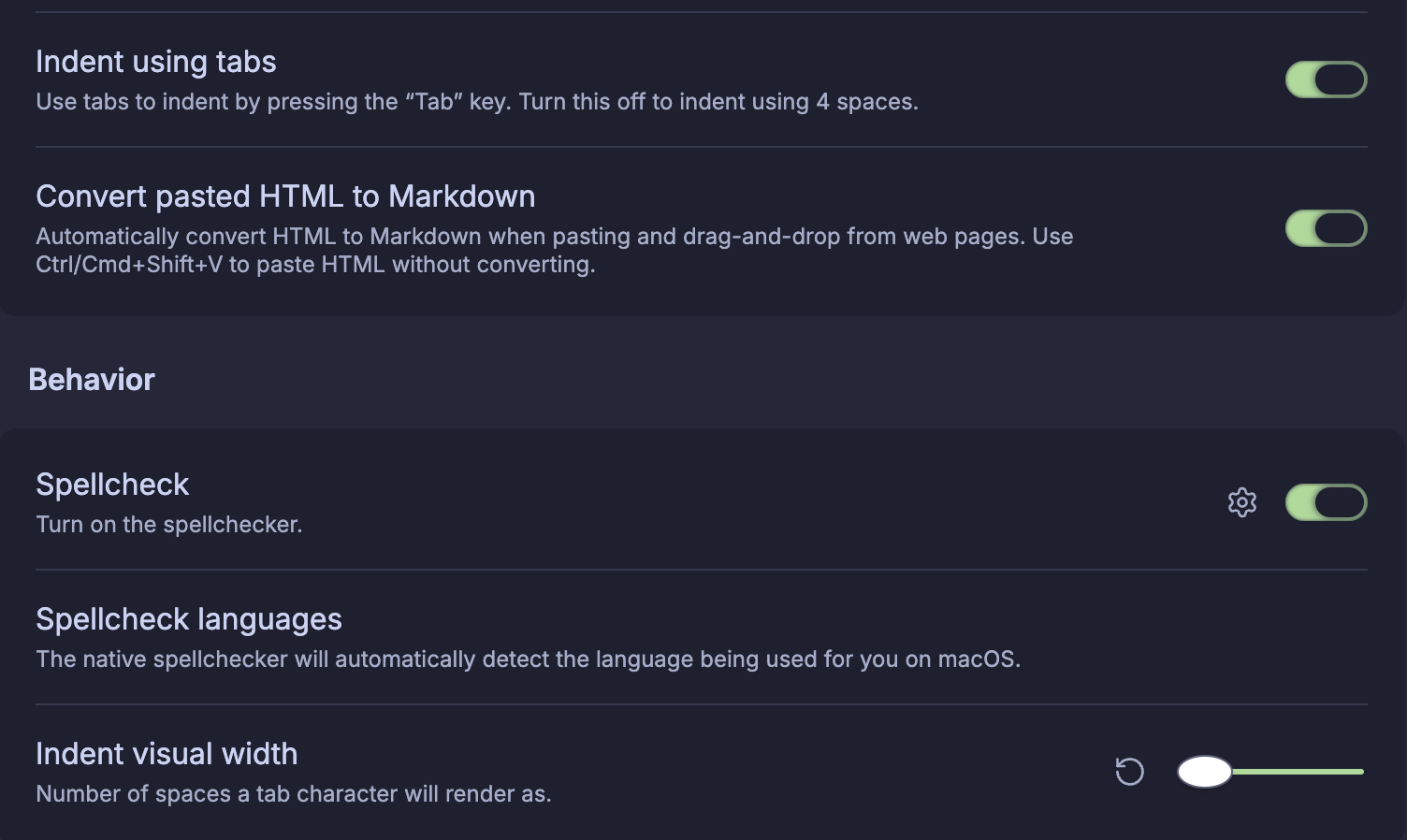
It no longer aligns code correctly when the editor is set to use tab characters and the tabs are set to render at 2 space width.
It used to work fine, like every real text editor. But the rendered input and the cursor is... misaligned. Badly.

@kepano Syntax for interpolating the value of a named property from some other file.
E.g., if `John Smith.md` has an `email` property, I want to write `The address for [[John Smith]] is ![[John Smith::email]]` or similar.
This should offer completion options when I'm typing.
I know the Dataview plugin has (broken in some places) functionality for this, I think this should be core functionality.


@kepano @obsidian use my "new unique note" settings for every note I create, whether the new note on the new tab page, clicking on a non-existant wikilink, everywhere.
Make it easier to add a wikilink around any property item (author is one that I do this a lot on - I can select and type [[ in source view, but could there be a quicker way?

@kepano pinning objects in the graph/the whole graph to traverse it easier

@kepano keyboard shortcut to toggle show line numbers please!

@kepano I’d love some alternate icon choices for the iOS app. :)
@kepano support for native macOS autocorrect! It’s the one speed bump holding me back from everyday use.
@kepano well PDF reader performance could get some love


@kepano Cmd+W closing a panel on the sidebar is annoying, most instances are a miss click from not reselecting a note and it’s difficult to recover.
Different colours on highlights would be great for me personally, too!


@kepano A Base on an always-open tab sometimes forgets to update? I have one that lists "Notes modified today" and often have to close/reopen the note because it's still listing notes from yesterday - it doesn't realize that "today" is different now. Not a big deal - you wanted a papercut 🙂 Filter is:
filters:
and:
- file.mtime == today()
- hide != true
- or:
- file.ext == "md"
- file.ext == "excalidraw"



@kepano It always bugs me slightly that the "Home" and "End" keys don't go to the beginning/end of what you're typing in the switcher/command palette, because they are captured by the menu (ie. they select first item / last item instead). I find myself regularly hitting "Home" while typing (eg. to add words to the beginning when trying to find a note to switch to) and nothing happens.
@kepano All links open in a new tab. Please dear lord let me set that. I never want any link or action to replace a tab. I lose content I want every day. Every. Day. For years.


@kepano Plugins delay when opening Obsidian.. probably not TINY. Maybe on mobile, I have to touch twice to edit where I want to. The first touch goes to the top even tho I scrolled past that. I need to scroll and touch again to edit.

Three ideas. Pick the easiest:
1) I'd like an easy option to change the cursor type from | to a block cursor or underline cursor.
2) I'd like to be able to switch vaults using keyboard controls only. Right now if I want to switch vaults, I can initiate the command to switch, but have to use the mouse to select the other vault.
3) When creating a new vault from scratch, I'd love if it prompts me to import the configuration of an existing vault for keyboard shortcuts, etc.