
Discussion
Loading...

Discussion

Log in
  • About
  • Code of conduct
  • Privacy
  • Users
  • Instances
  • About Bonfire
Bitslingers-R-Us
Bitslingers-R-Us
@AnachronistJohn@zia.io  ·  activity timestamp 2 weeks ago

Sometimes it’s fun to build computers in to different containers.

This is a Raspberry Pi Zero W (not Zero 2, mind you) with a 250 gig microSD card that has a cache, a small copper heat sink, a dual 18650 UPS of sorts, and a udav USB-ethernet adapter.
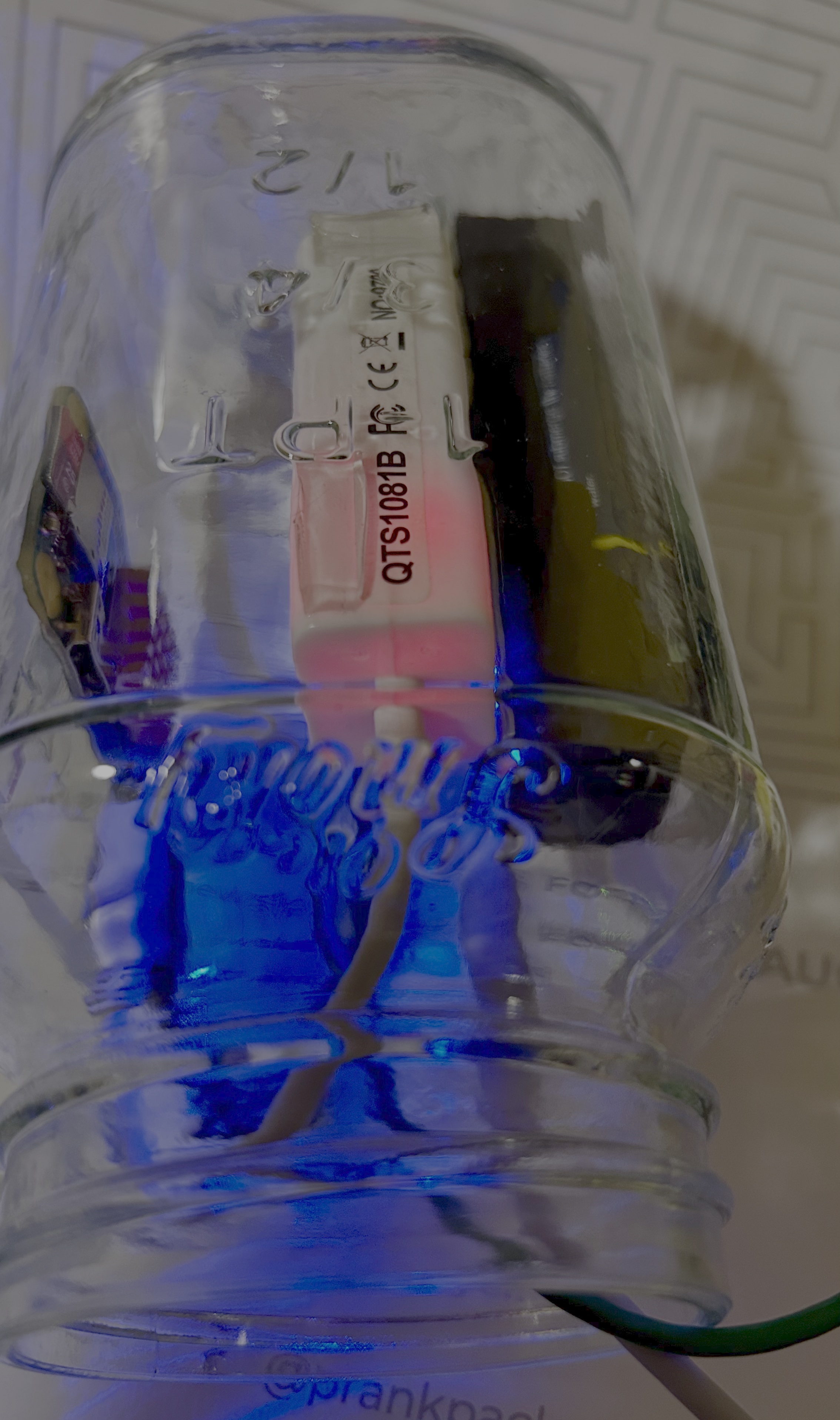
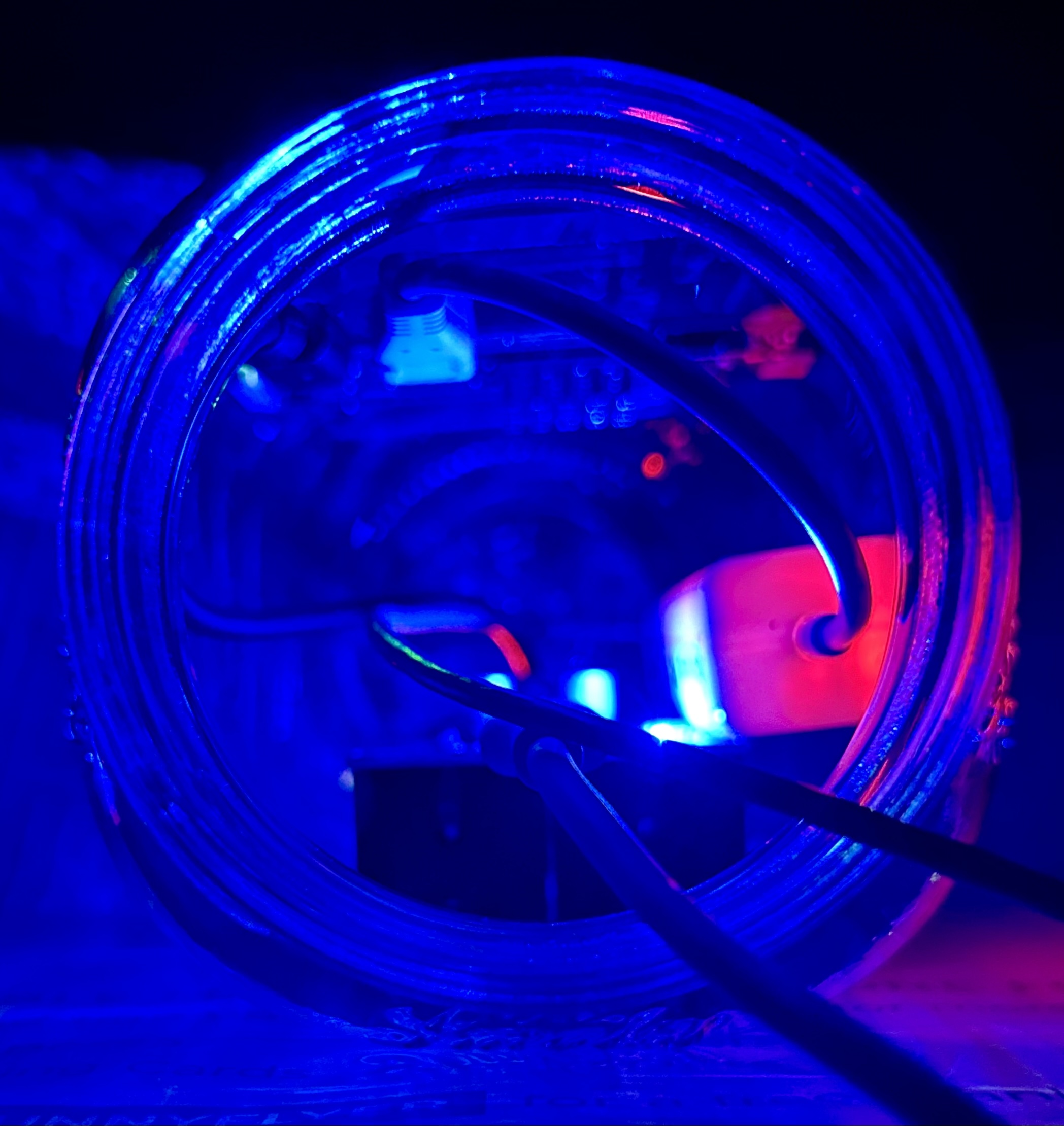
This is a picture of a Mason jar in which I've installed a dual 18650 UPS board, a Raspberry Pi Zero W, and a USB-ethernet adapter. The blue LED from the UPS board can be seen lighting the jar, and the red activity LED inside of the USB-ethernet adapter can be seen making the adapter glow.
  • Copy link
  • Flag this post
  • Block
Bitslingers-R-Us
Bitslingers-R-Us
@AnachronistJohn@zia.io replied  ·  activity timestamp 2 weeks ago

I'm using this Raspberry Pi Zero W to compile #NetBSD #pkgsrc binaries for NetBSD-10 earmv4. It has to be the early Zero with the ARM1176JZFS (earmv6hf), because newer Arm CPUs can't run earmv4 and earmv5 binaries properly (some instructions aren't implemented on newer CPUs and would need trap handlers).

The machine itself runs NetBSD 11 earmv6hf and runs NetBSD 10 earmv4 in a chroot.

pkgsrc-2025Q3 had 15501 packages, and 2025Q4 started with 12647. This can now be added to the list of build machines 😊

This is a picture looking in to the mouth of the jar with the Raspberry Pi, UPS board and USB-ethernet adapter installed. The blue LED is quite bright and makes the whole jar appear to be glowing blue. The red LED, by comparison, is less prominent and mostly limited to the area of the USB-ethernet adapter.

AkkomaZia Computing Labs

AkkomaZia Computing Labs

  • Copy link
  • Flag this comment
  • Block

bonfire.cafe

A space for Bonfire maintainers and contributors to communicate

bonfire.cafe: About · Code of conduct · Privacy · Users · Instances
Bonfire social · 1.0.1-beta.35 no JS en
Automatic federation enabled
Log in
  • Explore
  • About
  • Members
  • Code of Conduct