Discussion
Loading...

Discussion

  • About
  • Code of conduct
  • Privacy
  • Users
  • Instances
  • About Bonfire
Jess馃懢
@JessTheUnstill@infosec.exchange  路  activity timestamp 2 weeks ago

A lesser known Mastodon pro tip:

Want to mute a conversation, but the mute conversation button isn't appearing on the post?

The only way you can mute a conversation is on a post you have made in the conversation.

But the secret part - Say you want to mute it without actually participating in the conversation:

Reply to a post, set the visibility to "Private Mention", remove everyone's username from the post. Post it.

Then you can click "mute conversation" on THAT post, and it silently mutes you from the conversation.

  • Copy link
  • Flag this post
  • Block
Fedi.Tips 馃巹
@FediTips@social.growyourown.services replied  路  activity timestamp 2 weeks ago

@JessTheUnstill

There are "Mute Conversation" buttons on other people's posts, but you have to view those posts within your "Notitications" section.

(Apologies if I'm being stupid and missing something? 馃檪 )

  • Copy link
  • Flag this comment
  • Block
sodiboo :pride_heart:
@sodiboo@gaysex.cloud replied  路  activity timestamp 2 weeks ago

@FediTips@social.growyourown.services @JessTheUnstill@infosec.exchange I think she means muting as in "hiding a discussion that two people you are following are having for a long time and you don't care too read any of it". This wouldn't show up in your notifications, because you were never mentioned. You're not part of the conversation. It would only show up on the main timeline; which is where you want to hide it from by muting it.

  • Copy link
  • Flag this comment
  • Block
Strypey
@strypey@mastodon.nzoss.nz replied  路  activity timestamp 2 weeks ago

@JessTheUnstill
> Reply to a post, set the visibility to "Private Mention", remove everyone's username from the post. Post it. Then you can click "mute conversation" on THAT post, and it silently mutes you from the conversation

That's a really smart hack. It never would have occurred to me. I'd never even noticed that you can only Mute Conversation in your own posts!

(To be fair, that might not be the case in the third-party apps I use; Moshidon, FediLab and Enafore.social)

#FediTips

  • Copy link
  • Flag this comment
  • Block
Strypey
@strypey@mastodon.nzoss.nz replied  路  activity timestamp 2 weeks ago

@JessTheUnstill
FYI just checked, Enafore has the limitation you described, Moshidon and FediLab both allow Mute Conversation on any post, including other people's.

  • Copy link
  • Flag this comment
  • Block
Jess馃懢
@JessTheUnstill@infosec.exchange replied  路  activity timestamp 2 weeks ago
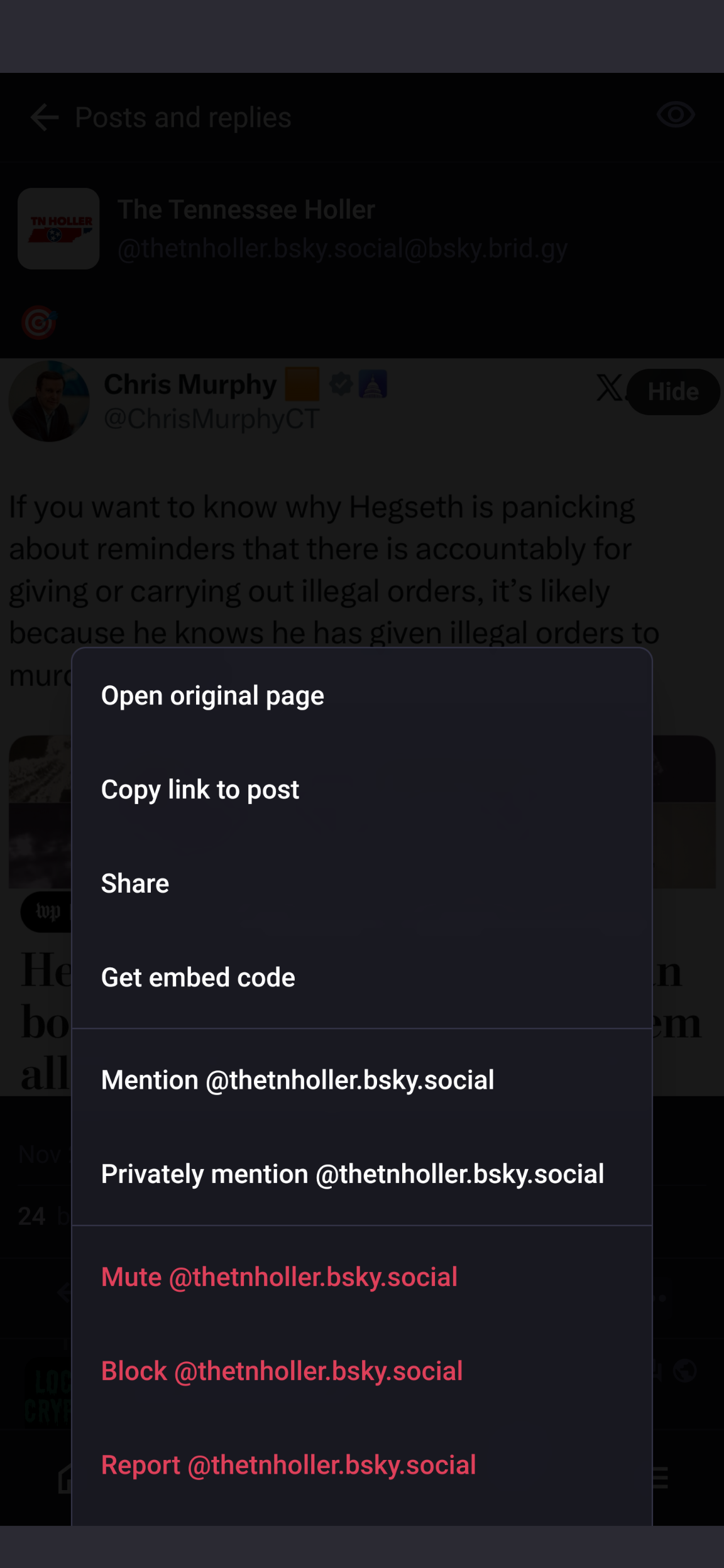
  1. There's no mute conversation button on someone else's post

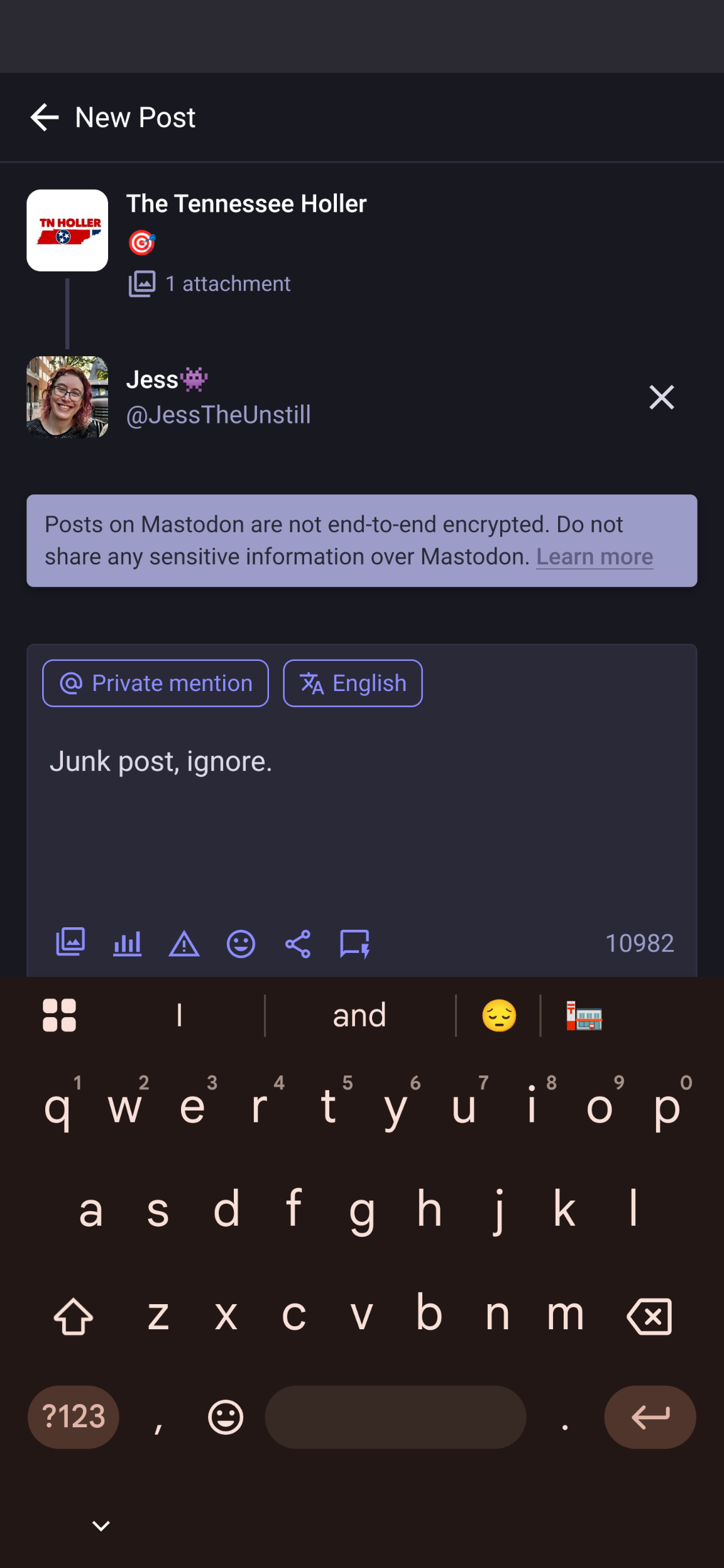
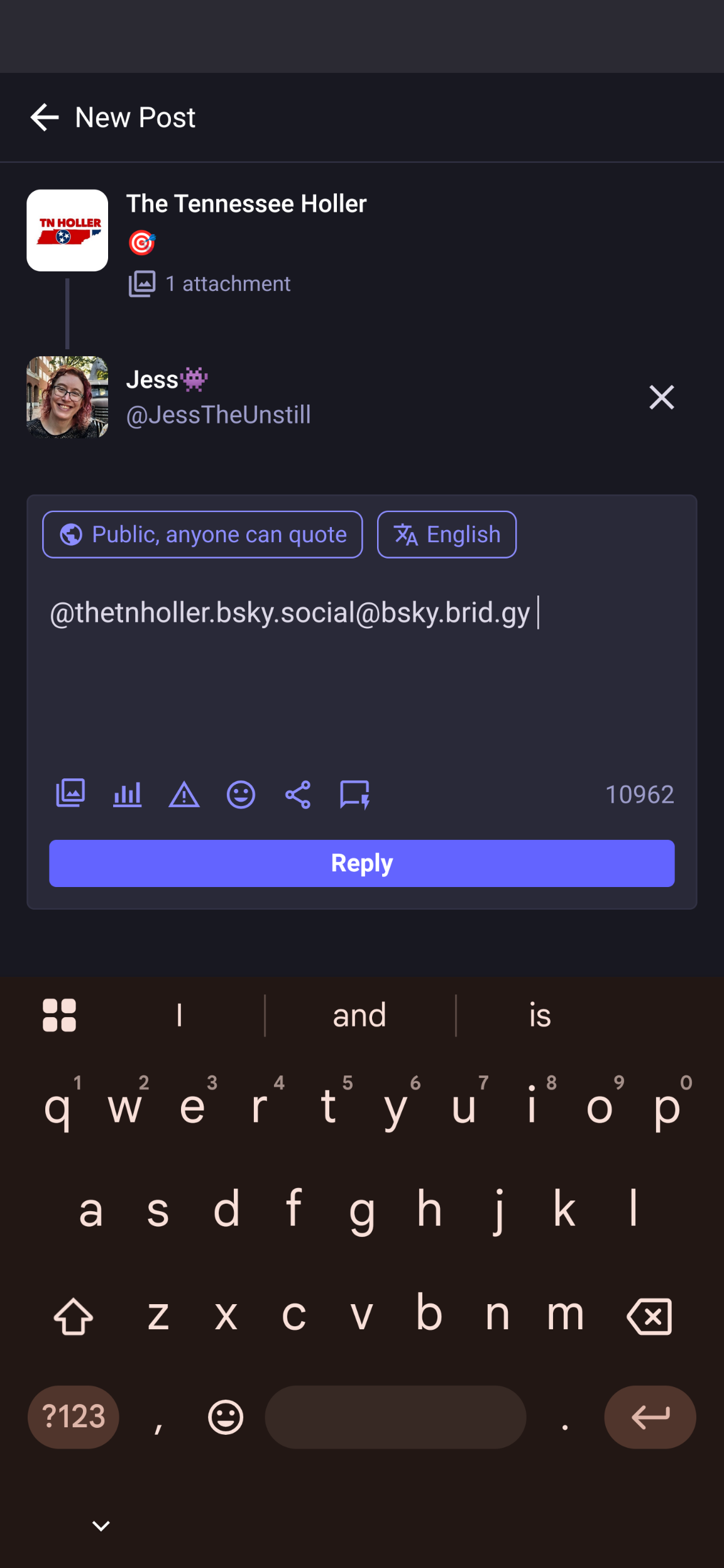
  2. Hit reply on the post - note by default it says public and includes the person's username

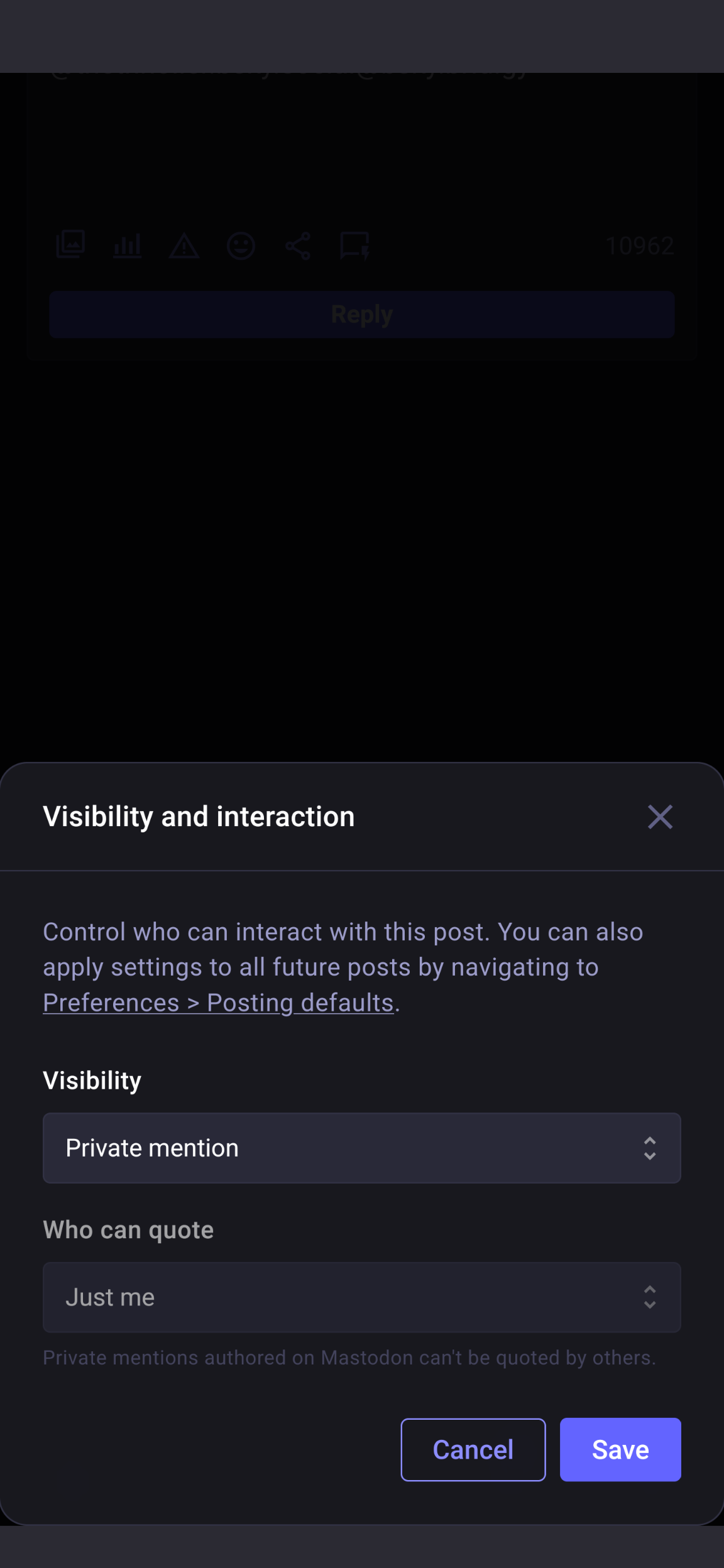
  3. Change the post visibility to private

  4. Make a junk post

(Continued)

Make a junk post
Make a junk post
Make a junk post
Change the post visibility to private
Hit reply on the post - note by default it says public and includes the person's username
There's no mute conversation button on someone else's post
  • Copy link
  • Flag this comment
  • Block
Log in

bonfire.cafe

A space for Bonfire maintainers and contributors to communicate

bonfire.cafe: About 路 Code of conduct 路 Privacy 路 Users 路 Instances
Bonfire social 路 1.0.1-alpha.8 no JS en
Automatic federation enabled
  • Explore
  • About
  • Members
  • Code of Conduct
Home
Login